
Can an artificial intelligence (AI) screening call work for candidates who need accessibility accommodations, like more time, no camera, written questions, or a person on the line?
For a lot of candidates, it’s easier than a phone screen. There’s no slot to book, so they take the call when and where it suits them, with no emails back and forth to find a time. That saves your recruiters the scheduling too.
It’s also a bigger group than most teams plan for. About 13% of the United States population age 16 and over had a disability in 2025, according to the Bureau of Labor Statistics. Not all of them are job hunting, but a high-volume screen will reach some of them, whether or not they say so.
A spoken call won’t suit everyone, though, so the setups that work pair it with a clear way to ask for something different.
This guide walks through how AI screening adapts for accessibility, where it still needs a human route, and what it does better than a scheduled phone screen.
By the end of it, you’ll know what to offer, what to test, and how to set up screening so every candidate gets a fair shot.
How does AI screening adapt for accessibility?
A well-built AI screening call removes some of the barriers a scheduled phone screen puts up. These are the things to look for when you compare tools:
- No slot to book: candidates take the call at any hour, which helps anyone who works shifts or manages fatigue or fluctuating symptoms. No one has to explain why 10pm works better for them than 10am.
- Any device, no account: the call runs on desktop or mobile, with no login to create first.
- Questions both ways: the agent follows up when an answer is thin, and candidates can ask it questions too, so a nervous candidate gets a second chance to show what they know.
- The camera can be optional: with no avatar on the other side, candidates who’d rather not be on video don’t have to be, unless the team requires it.
- More than one format: questions can be voice, video, scenarios, or open text, so a screen doesn’t have to be spoken from start to finish.
- No surprises: candidates see how the call works before it starts.
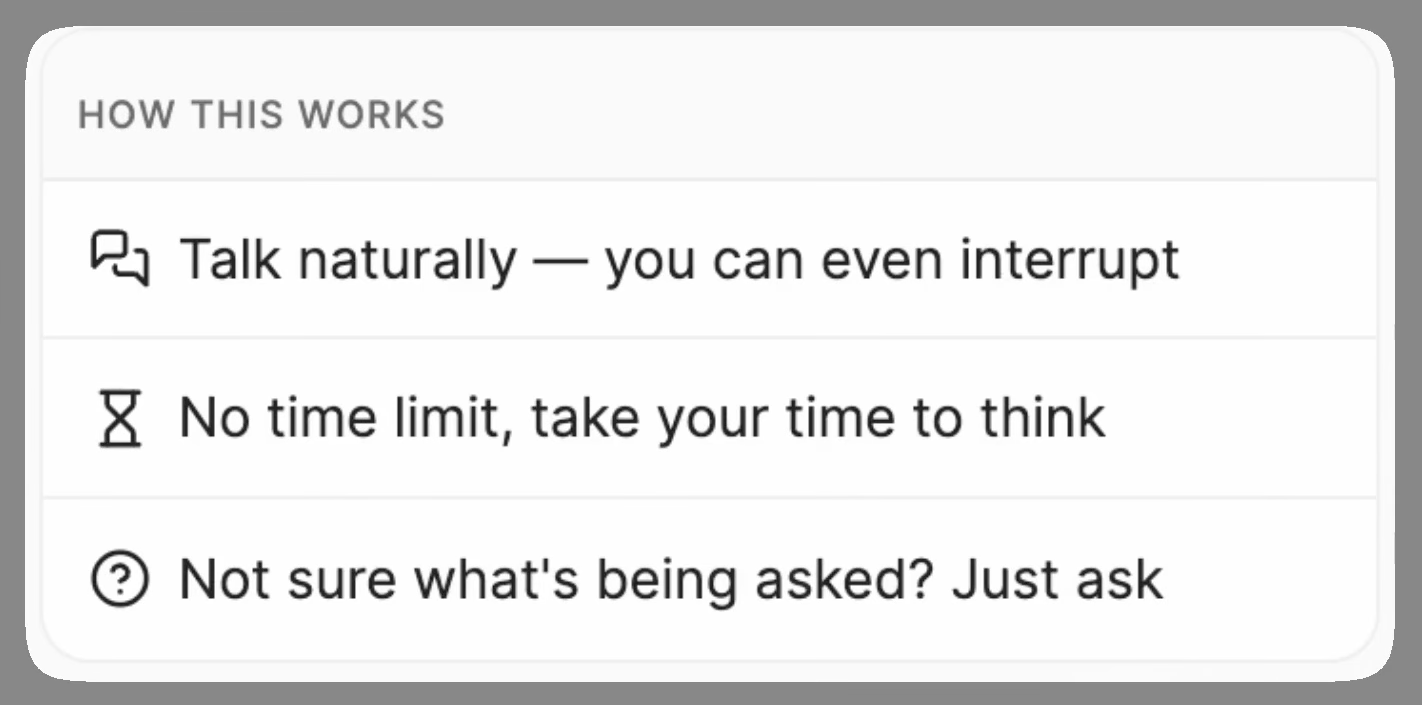
Candidates who take the call tend to like it. Metaview’s Screening page puts average candidate satisfaction at 4.7 out of 5.
For a recruiter, that’s a good sign the call itself isn’t putting people off. It can’t tell you about the candidates who never started, though, and that’s where the next section comes in.
Where AI screening still needs a human route.
However well it’s built, a spoken call won’t work for everyone. Plan another route for candidates like these:
- Candidates with a hearing disability or hearing loss, who may need captions, an interpreter, or the questions in writing.
- Candidates who stutter, or whose speech is affected by a condition such as cerebral palsy or Parkinson’s. A 2024 peer-reviewed study, “Lost in Transcription,” found every leading speech recognition system it tested less accurate for speakers who stutter.
- Candidates who use a speech-generating device, or who type and let software speak for them.
- Candidates with autism or anxiety, who may find a recorded conversation with a machine harder than one with a person.
- Candidates with a temporary condition, such as laryngitis or voice rest after surgery.
Under the Americans with Disabilities Act (ADA), a test given to someone with a speech disability has to reflect the skill it measures rather than how they speak, unless speaking is that skill. So for each role, write down whether spoken communication is part of the job before you decide a voice call is the right screen.
Accessibility accommodations to offer alongside AI screening.
Keep a short list ready, so whoever handles requests can say yes quickly:
- More time.
- The questions in writing, before the call or instead of it.
- Written answers, with a recruiter following up on anything that needs more.
- A recruiter call instead, with an interpreter, captions, a relay service (an operator who passes the call between speech and text or sign language), or a support person such as a job coach.
- Camera off. If a screen requires video, offer the recruiter call.
- A second attempt when something went wrong.
Ask about the change a candidate needs, never for a diagnosis. The Job Accommodation Network’s guide for employers says a candidate doesn’t need special terms to make a request, so treat “can I answer these in writing?” as one. The same care applies to neurodivergent interview accommodations.
Make it easy to ask.
The Department of Labor asks employers to explain ahead of time what the process involves, so an applicant can ask for an accommodation. The invitation email is the place for it. Make sure it says:
- That the call is with an AI agent, and that a person reviews the answers.
- Roughly how long it takes, and when it has to be finished.
- Whether the camera is required or optional.
- Who to contact for something different, and how.
Put the request line above the link, with a named person, an email address, and a phone number that takes texts.
Name a coordinator or a human resources partner to answer requests, never the recruiter who scores, and give that person a backup.
Keep the other route fair.
The other route should collect comparable evidence: the same criteria, the same rubric, and the same timeline, so the candidate doesn’t fall a week behind everyone else. A structured recruiter phone screen with the same core questions is the simplest template.
Shahriar Tajbakhsh, Metaview’s co-founder, made the same point about interviews in general in a 2022 piece on interview scorecards:
One interview can’t get all of the signal needed to make a hiring decision, but the collection of all interviews for any given candidate must provide the necessary information.”

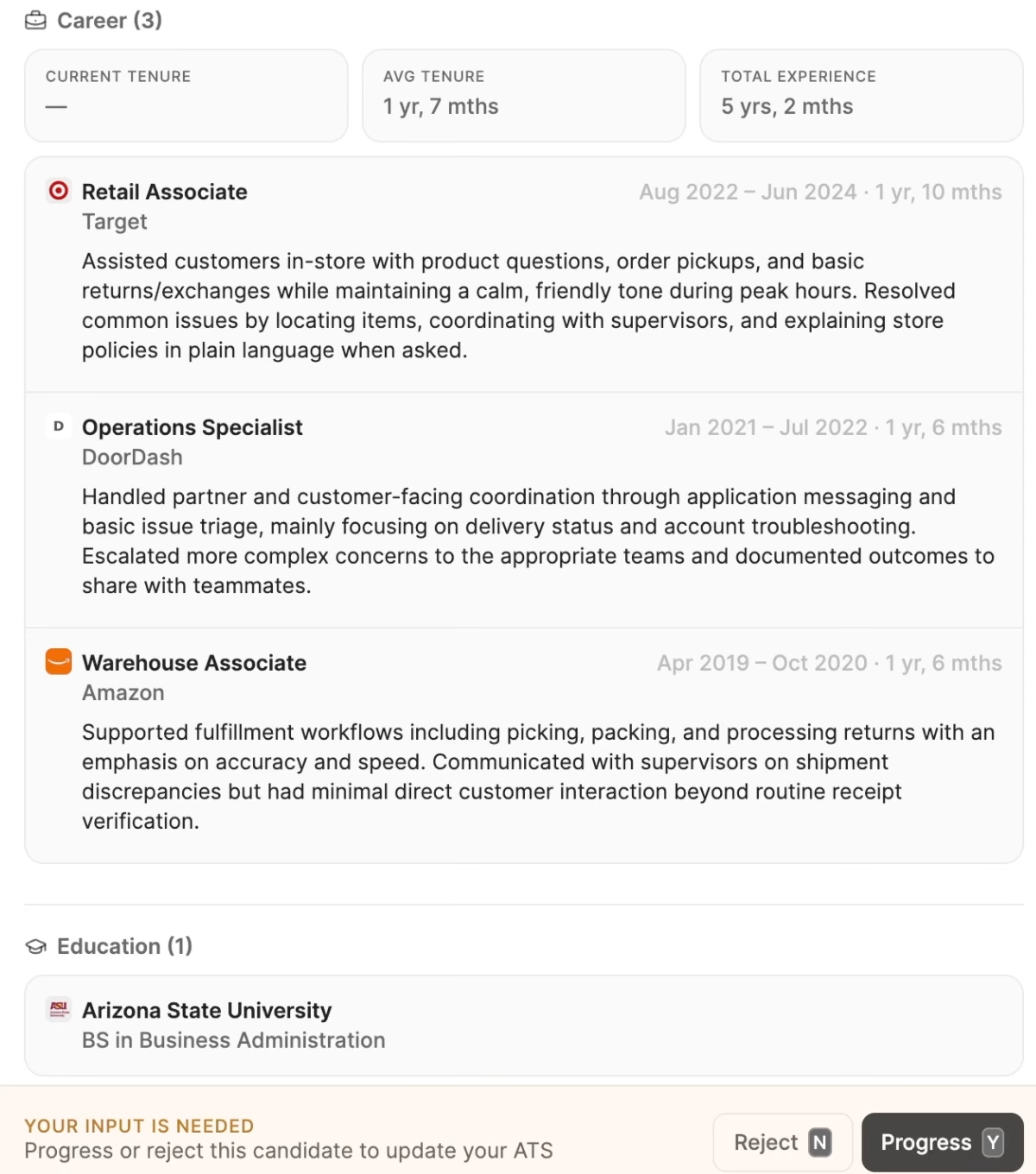
For every completed call, a recruiter decides who moves forward, and Metaview does not make that decision. The candidates to watch are the ones without a completed call, so agree before the first invitation that no one is rejected for missing the deadline until a person has checked whether they were waiting on another route.
Keep medical and accommodation details out of scorecards and feedback notes, and share them only with the people arranging the other route.
What AI screening does better than a phone screen.
Accessibility is one reason to use AI screening. Compared with a scheduled phone screen, it also gives you:
- Time back: recruiters stop spending the first conversation with every applicant on a call, and review what comes back instead.
- One rubric for everyone: every answer is rated against the same rubric, whoever the candidate is and whenever they call.
- A reason with every rating: each candidate comes back with an assessed fit and the reason behind it, so a recruiter can check the call before deciding.
- A record of every call: the recording and transcript are there if a decision is ever questioned.
None of that replaces the recruiter. It changes where their time goes, from booking and taking first calls to reading them and deciding.
Where Metaview Screening fits.
If you’re comparing tools, Metaview Screening is built for high-volume roles. An AI agent runs a two-way voice call with each candidate your team invites, on desktop or mobile with no login. There’s no avatar, video is optional unless the team requires it, and the agent follows up on thin answers and takes candidates’ questions. Each completed call comes back with an assessed fit and the reason behind it, and your recruiters decide from there.
For candidates on the other route, Metaview’s Notetaker, which captures every spoken word, can take notes on the recruiter call, so the recruiter listens instead of typing. It joins as a visible participant, and recording only happens if consent is given.
That helps most where the other route costs the most time. Elara Caring, an in-home health and hospice provider with 25,000+ employees, runs its recruiter phone screens with Notetaker. In the Elara Caring case study, Katie Hill from Elara’s talent acquisition team says, “Most recruiters said that it saves them about 50% of the time on their phone screens.”
For your planning, that means a recruiter call on the other route can take about half the time it would with notes typed by hand. Elara’s customer story runs under two minutes.
Test both routes before the first candidate does.
The Job Accommodation Network says to test hiring systems with assistive technology before use. A few checks cover most of it:
- Take the call: have a colleague take the real call as a test candidate, once with dictation or a speech app and once with long pauses and restarts. Read each transcript against the recording.
- Ask for help: send a request by text and by email, using only what the invitation says. Time the reply, and check who answers when the owner is away.
- Open everything: check the invitation and the welcome screen with a screen reader, zoomed in, and with only a keyboard.
- Walk the other route: request it, get scheduled, take the recruiter call, and get scored on the same rubric.
Where you can, bring in paid testers with disabilities through a disability employment organization. A colleague standing in for someone who stutters will miss things that person would catch.
Once candidates are taking the call, count who asks for the other route, how long they wait, and how they fare against the rubric, and read those numbers beside your screening completion rate. If there are no requests at all, check that candidates can find the request line before you decide no one needs it.
None of this is legal advice, and the rules differ by place, so ask legal about each screen.
Plan the other route alongside Metaview Screening.
A walkthrough of the candidate experience from invitation to scorecard.
Frequently asked.
Is AI screening accessible to candidates with disabilities?
It can be easier for many candidates, since there’s no slot to book and the call runs on desktop or mobile. A spoken call won’t suit everyone, so pair it with a clear way to ask for another route, such as a recruiter call, written questions, or more time.
Can an employer ask if a candidate needs an accommodation before an AI screening call?
In the United States, employers can describe what the screening call involves and ask whether anyone needs an accommodation for it. Before an offer, they can’t ask whether a candidate has a disability.
Do employers have to offer an alternative to AI screening?
Disability law may require one for a particular candidate, since a reasonable accommodation or adjustment can include a different format for a screening step. Whether it does depends on the employer, the candidate, and where you hire, and some cities add notice rules on top. Ask legal about each screen.
Do AI screening tools analyze a candidate’s voice or face?
Some hiring technologies can, and the Justice Department’s 2022 guidance warns that voice and facial analysis may screen out qualified people with autism or speech disabilities. Metaview Screening returns an assessed fit with a reason grounded in the call. If a team requires video, it also watches for signs of reading from a second screen or a script, and any flag is evidence for a recruiter, never a decision.
What if a candidate asks for an accommodation after the screening deadline?
Treat it as an open request: a person reviews the candidate, checks what they have already been sent, and offers the other route.
