
A Workday tenant that’s been running for five years holds years of applicants. Everyone who ever applied is still in there, including the people who reached the final round and lost to someone else. Going back through them by hand is nobody's job, so mostly it doesn’t happen.
Gem's co-founder and CEO Steve Bartel has put a number on how much hiring already comes out of a database a company owns:
For an average mid-market customer, 30 to 50% of the people they hire were already in their CRM or their ATS. For enterprise customers, that's 50 to 70%. That data is just locked up and impossible to search across.”

Read the range with one thing in mind: Bartel is describing a CRM and an ATS together, and Gem sells the CRM half. The narrower version still holds for a Workday shop. At enterprise scale, half or more of the people a company hires were already somewhere in its own records before anyone went looking outside.
Metaview's Workday integration is built for that. Connect the tenant and the sourcing agent can search the candidates already in it, your interview notes can be attached to the Workday candidate profile, and anyone you source in Metaview goes back into Workday against the right job and recruiting stage.
Metaview is a separate app that sits alongside Workday, and Workday stays the system of record for the requisition, the offer, and the hire. A few things still have to happen in Workday rather than in Metaview, and those are set out below.
What the integration reaches.
The sourcing agent is the piece that touches your tenant. Describe the role you’re hiring for in plain language, and the agent searches the open web, your team's own past Metaview interviews, and, once you enable ATS search, the candidates backfilled from your connected tenant. Anyone it finds in Workday is marked with an ATS icon and linked to their existing profile, and every candidate arrives with the reasoning for the pick, so you can throw out a bad match before you write a single message.
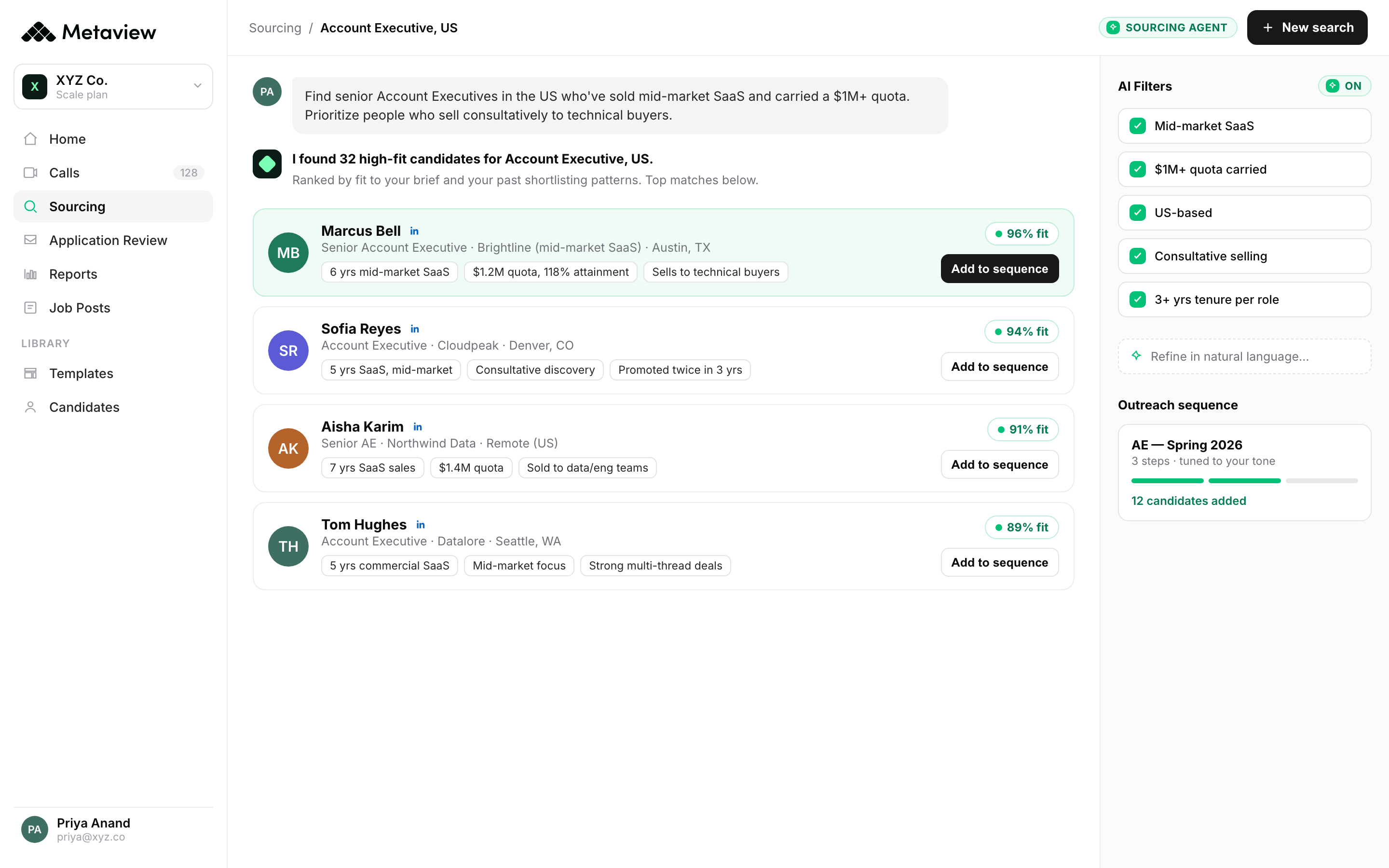
That matters more for a Workday shop than almost anywhere else, because the tenant is where the volume is. Every candidate the agent turns up in there is one you don’t have to source from scratch, screen again, or pay an agency to find twice.
It runs the other way too. Shortlist someone in Metaview and you can push them straight into Workday, aligned to the right job and recruiting stage, with the follow-up workflows triggered. One record across both systems, and nothing re-typed.
Interviews land in Workday with the details filled in. The Notetaker joins with consent, records the conversation, and turns it into structured notes. Metaview drafts the scorecard from that conversation, and your team reviews, edits, and submits it. On a matched Workday record, Metaview also fills in the details people usually type by hand: candidate name, job requisition title, recruiting step, and location.
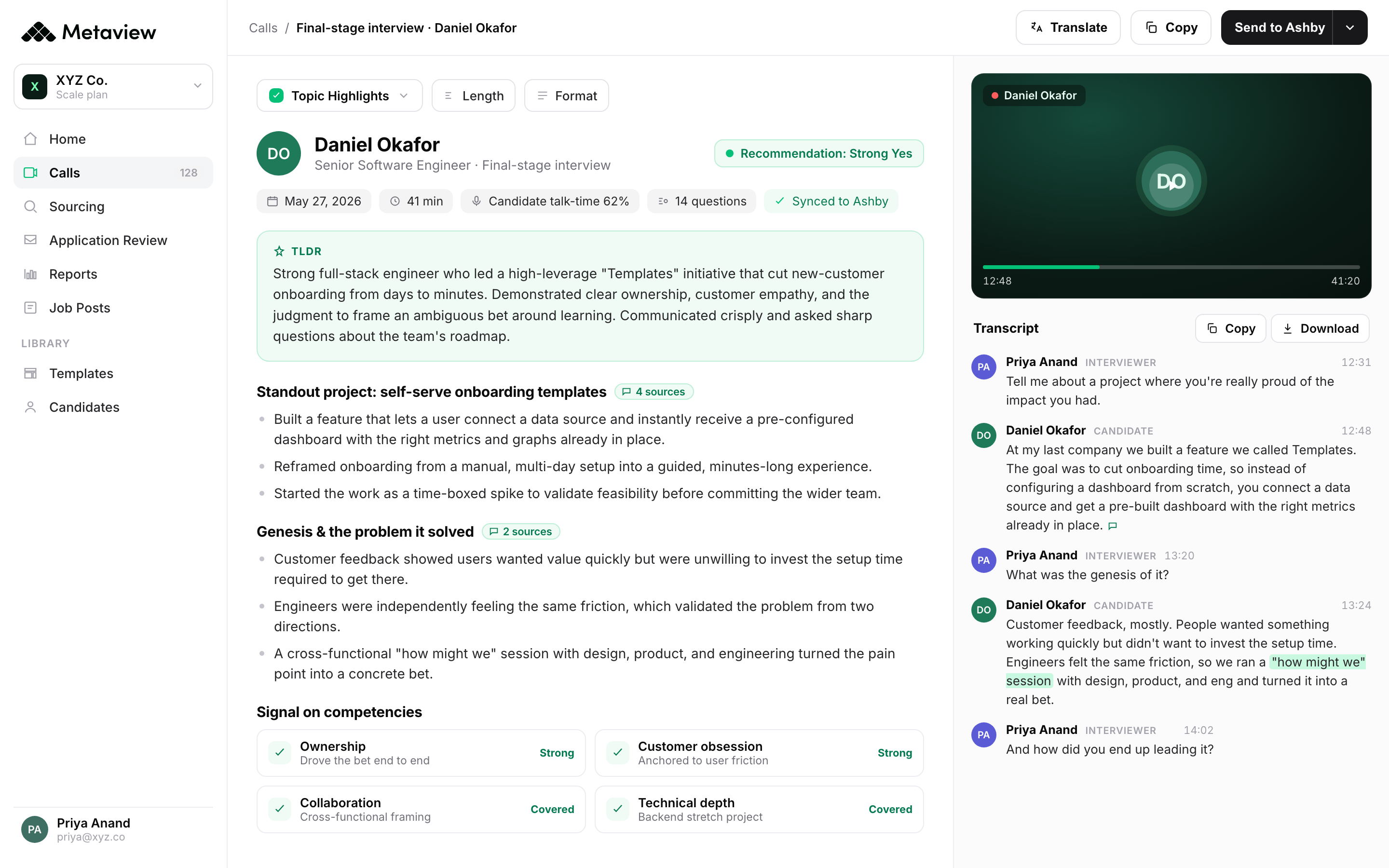
Your notes attach to the Workday candidate profile as a PDF, in one click, so the whole hiring team reads them where they already work. A matched interview shows a Workday logo inside Metaview, and clicking it takes you straight to that candidate's application in Workday Recruiting. Worker and recruiting team member data stays in sync in the background.
Interviews captured this way also land in Metaview Reports, which reports on your own interview data. There’s no post-hire dimension to it, so it’ll tell you how your interviews ran and nothing at all about what happened after the offer was signed.
The sourcing side has its own walk-through if you want more depth, and there’s a longer piece on what the sourcing agent does and what you decide.
Where Metaview stops.
Some of the hiring workflow stays in Workday. None of it is hidden, but it’s easier to read in one place than to piece together from a support article.
Metaview is a separate app. Candidates sync from Workday into Metaview, and the product doesn’t run inside the Workday interface. Your tenant stays the system of record.
Decisions are completed in Workday. Application Review can import and review applications on Workday against the role's criteria, and it assesses each one for identity deception and application automation. Progress and rejection decisions have to be completed in Workday itself rather than pushed back from Metaview.
No scheduling from Workday. Metaview doesn’t schedule interviews out of Workday Recruiting. It does match the interviews you book elsewhere to the right application and job requisition, as long as the meeting type is set to Job interview or Debrief.
Matching needs clean records. Duplicate applications, a missing participant, or a mismatched candidate name can break the match. Calls added through an invite to an ongoing call, or uploaded recordings, often carry too little detail to match at all.
Setup needs a Workday administrator. Workday runs through its own admin tooling, so an administrator has to set the connection up once. After that it runs in the background.
You aren’t locked in. Disconnect Workday under Settings, then Integrations, and it cuts Metaview off from your ATS data immediately. Calls already on the schedule may still go ahead, so turn the Notetaker off for those too if you’re fully unwinding.
How to turn it on.
Setup is a one-time job, and most of it happens inside Workday.
- In Workday, create an Integration System User for Metaview, put it in a new Integration System Security Group, and grant that group the domain security policy permissions listed in the setup guide.
- Activate the pending security policy changes, then find your Workday host and tenant under View API Clients.
- In Metaview, enter the host, tenant, and ISU credentials on the Workday settings page, and click Connect.
Metaview validates the connection and starts syncing. The first sync can take up to 48 hours, and you’ll get an email once it’s done.
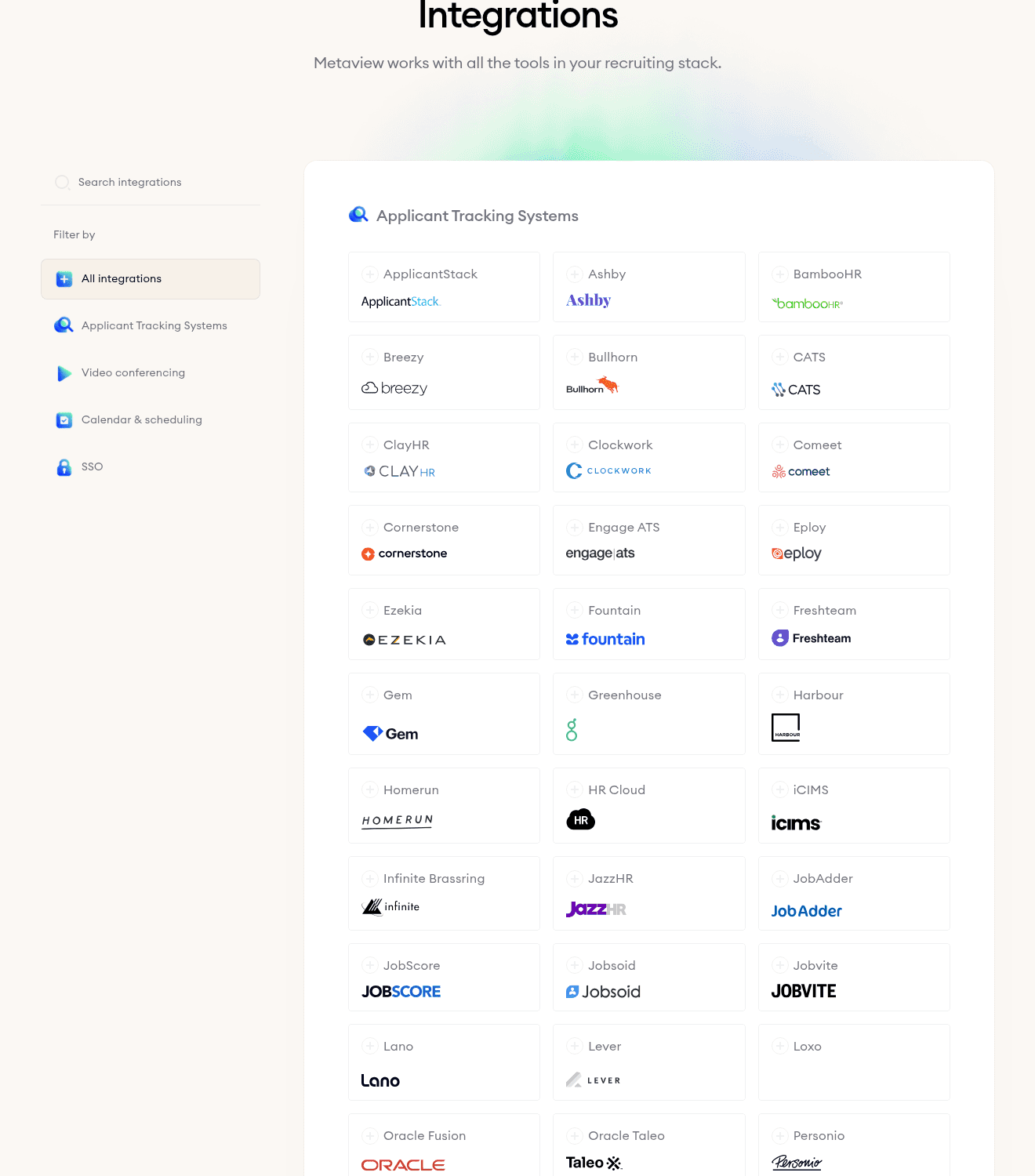
The full step-by-step, including the exact permission list, is in the setup guide. You’ll need Workday administrator access to complete it, and it sits alongside Metaview's other integrations if you run more than one ATS.
Start with the Workday candidates you already have.
Connect your Workday tenant and see what the sourcing agent finds in it.
Frequently asked.
Can Metaview search the candidates already in my Workday tenant?
Yes. Once Workday is connected and ATS search is enabled, the sourcing agent searches those candidates alongside the open web and your team's own past Metaview interviews. Anyone it finds in your tenant is marked with an ATS icon and linked to their existing profile.
Does anything go back into Workday from Metaview?
Yes. You can add your interview notes to the Workday candidate profile as a PDF attachment in one click, and candidates you source in Metaview can be added to Workday against the right job and recruiting stage. Interview details on a matched record are enriched automatically.
Can I progress or reject candidates from inside Metaview on Workday?
No. Application Review can import and review applications on Workday, but progress and rejection decisions have to be completed in Workday itself.
How long does the first sync take?
Up to 48 hours. Metaview emails you once the integration has finished syncing, and the sourcing agent can search your tenant from then on.
What happens if I disconnect Workday?
Disconnecting under Settings, then Integrations cuts Metaview off from your ATS data immediately. Calls already scheduled may still go ahead, so turn off the Notetaker for those as well if you’re fully unwinding.
