
Q1 is vanishing before our eyes. Groundhog Day’s gone, the Super Bowl’s arrived, and Valentine’s Day is just around the corner.
If you’re already deep in hiring mode trying to hit those 2026 targets, this one’s for you.
This month’s set of upgrades help you go from “we think this candidate is great” to “we know for sure.” And faster.
Here’s what’s new in Metaview this month.
Smarter prompts = sharper insights
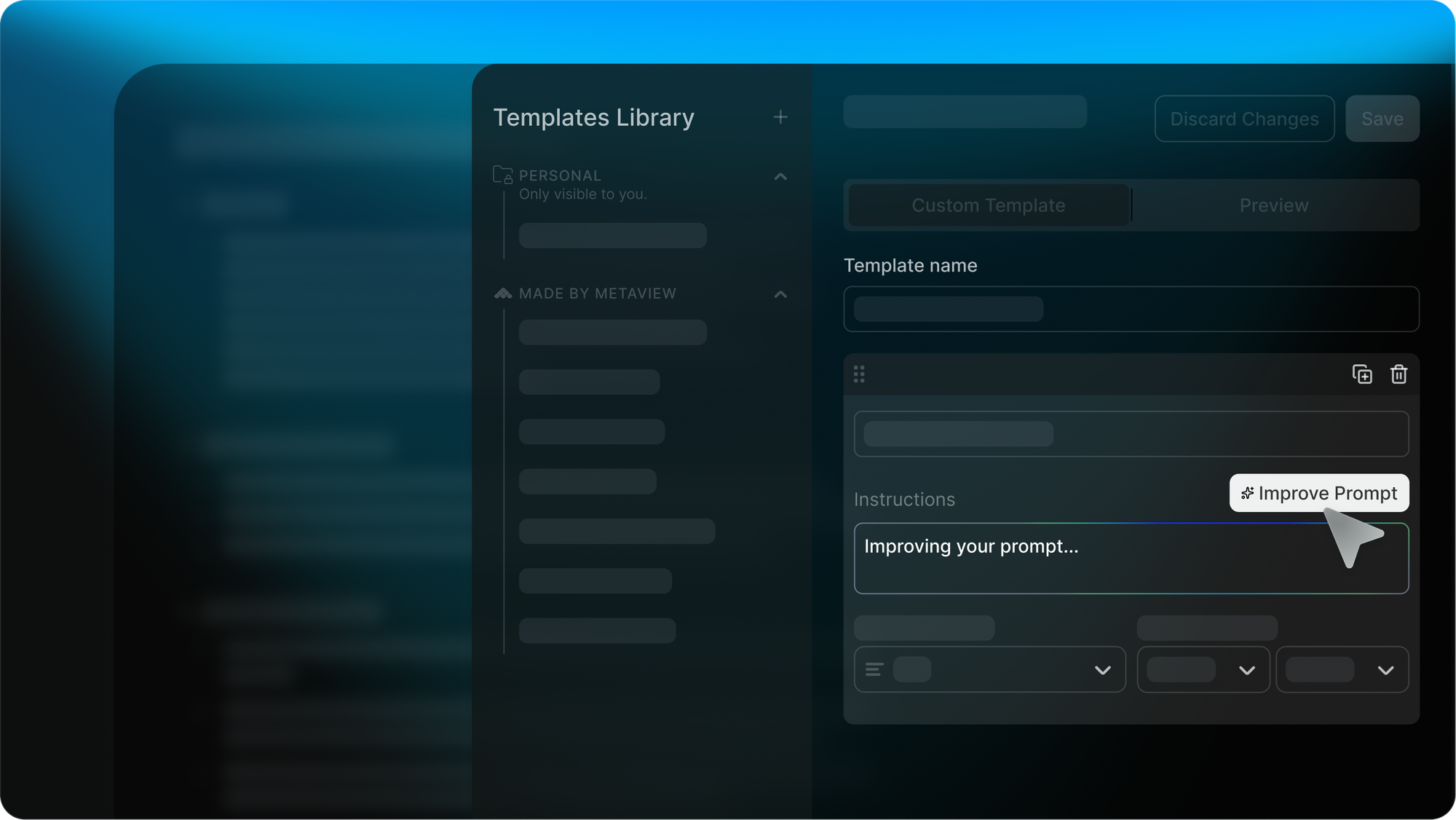
You can now update and enhance your prompts directly inside Custom Templates and AI Reports.
Instead of editing outputs by hand, just tell the AI what you want. Click Improve Prompt, and let it tailor your output accordingly.
This means:
- Clearer summaries of what “good” looks like
- Cleaner, more structured reports
- Less manual editing, more action
Group Reports by AI-generated insights
You can now group rows in Reports based on AI-generated columns. Things like:
- Location (or remote/hybrid) preference
- Experience level
- Hiring manager sentiment
Supported types include numbers, currency, yes/no, and short text. (Long text, lists, and dates are on their way.)
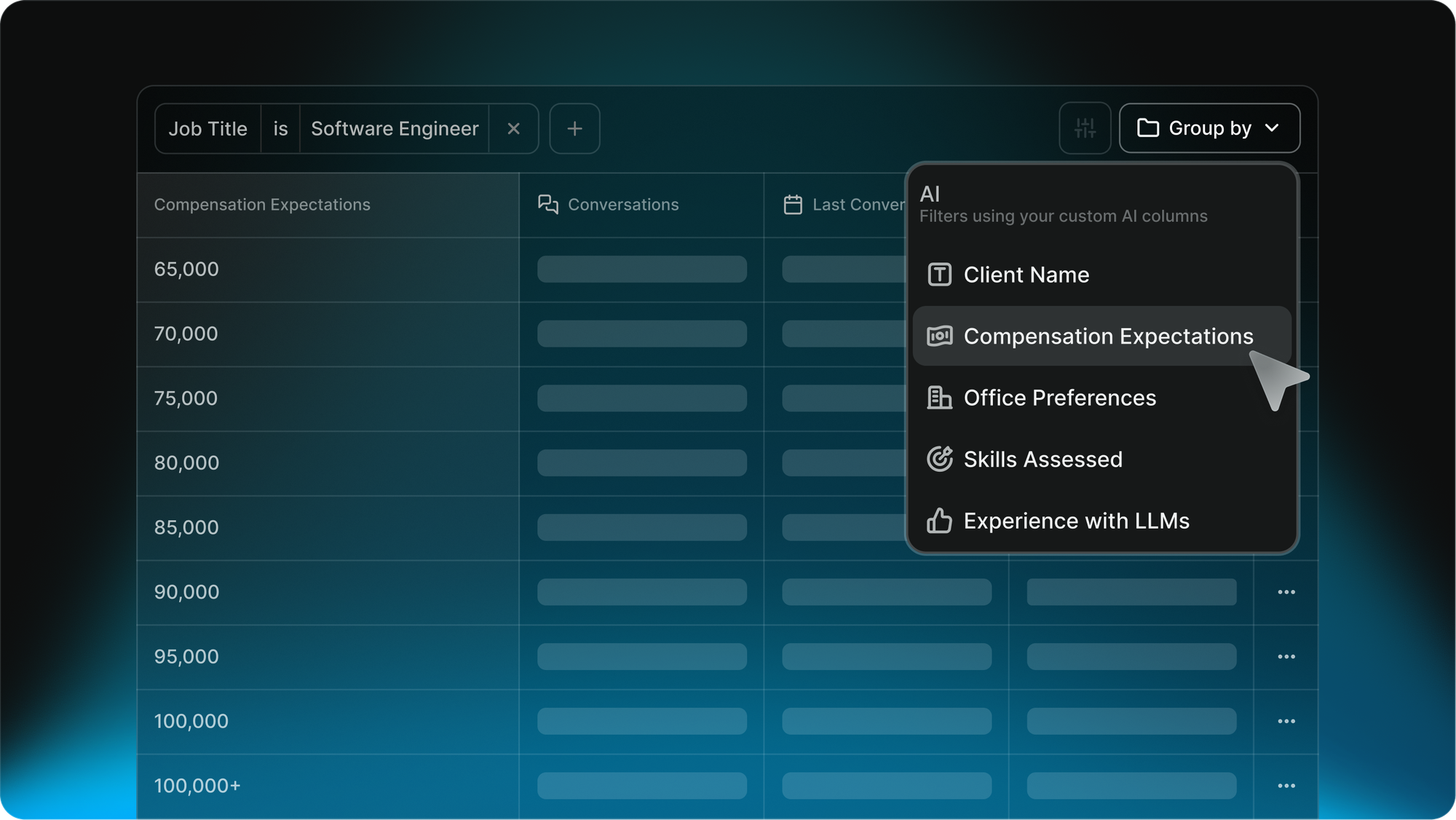
The upshot: spot patterns across interviews simply and quickly. No spreadsheets required.
Pull in ATS custom fields
You can now build reports with custom fields from your ATS. That could be the department you’re hiring for, employment type, seniority, or plenty of other options.
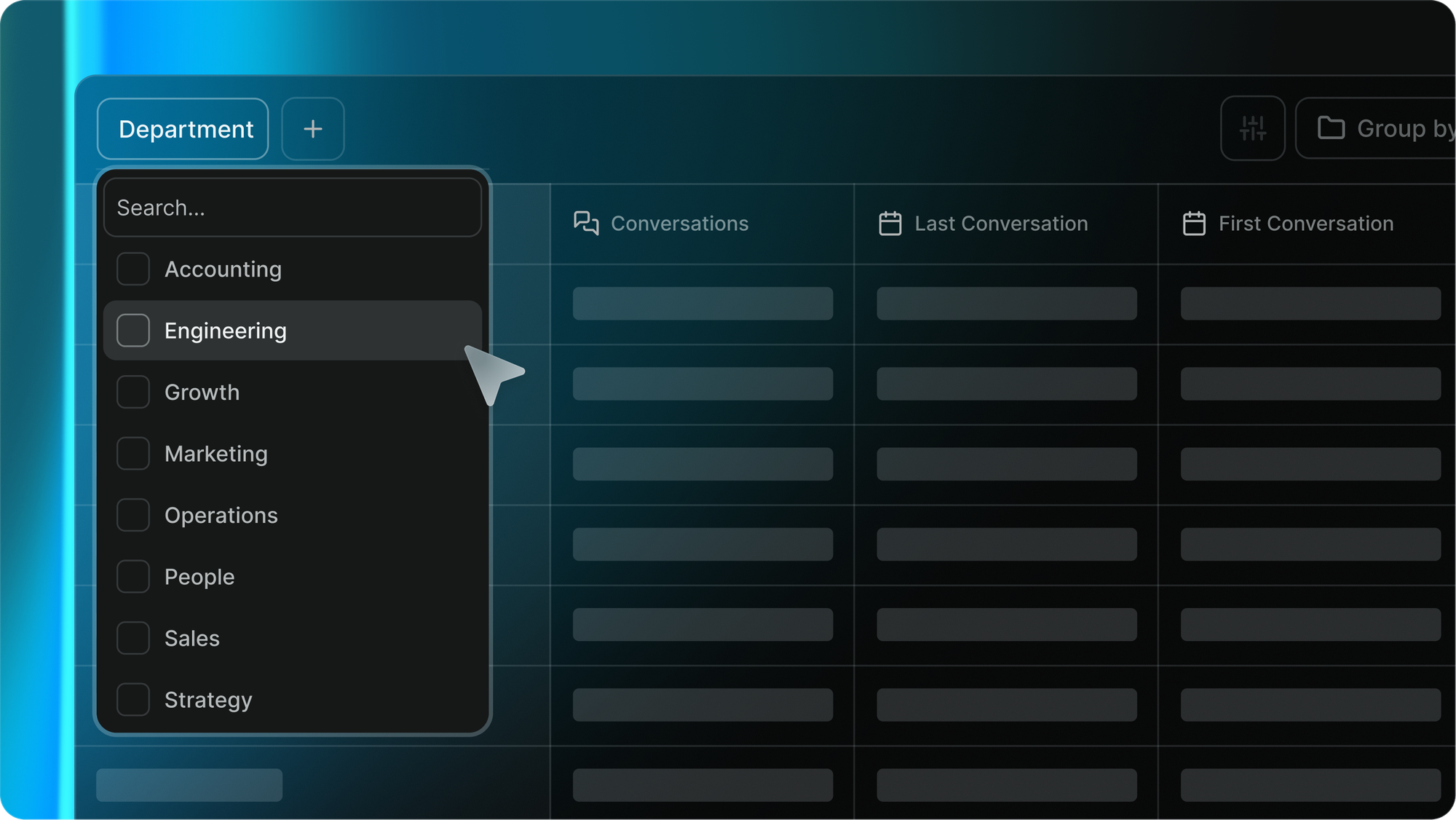
Ashby and Greenhouse are already live, with more ATS platforms coming.
Want it enabled? Email support@metaview.ai with the fields you’d like added.
Take technical interviews to the next level
Coding tasks are a critical part of tech hiring. Metaview now reads code shared during screenshares, and generates structured notes including:
- How the candidate implemented the solution
- Code quality and structure
- Key decisions and data structures used
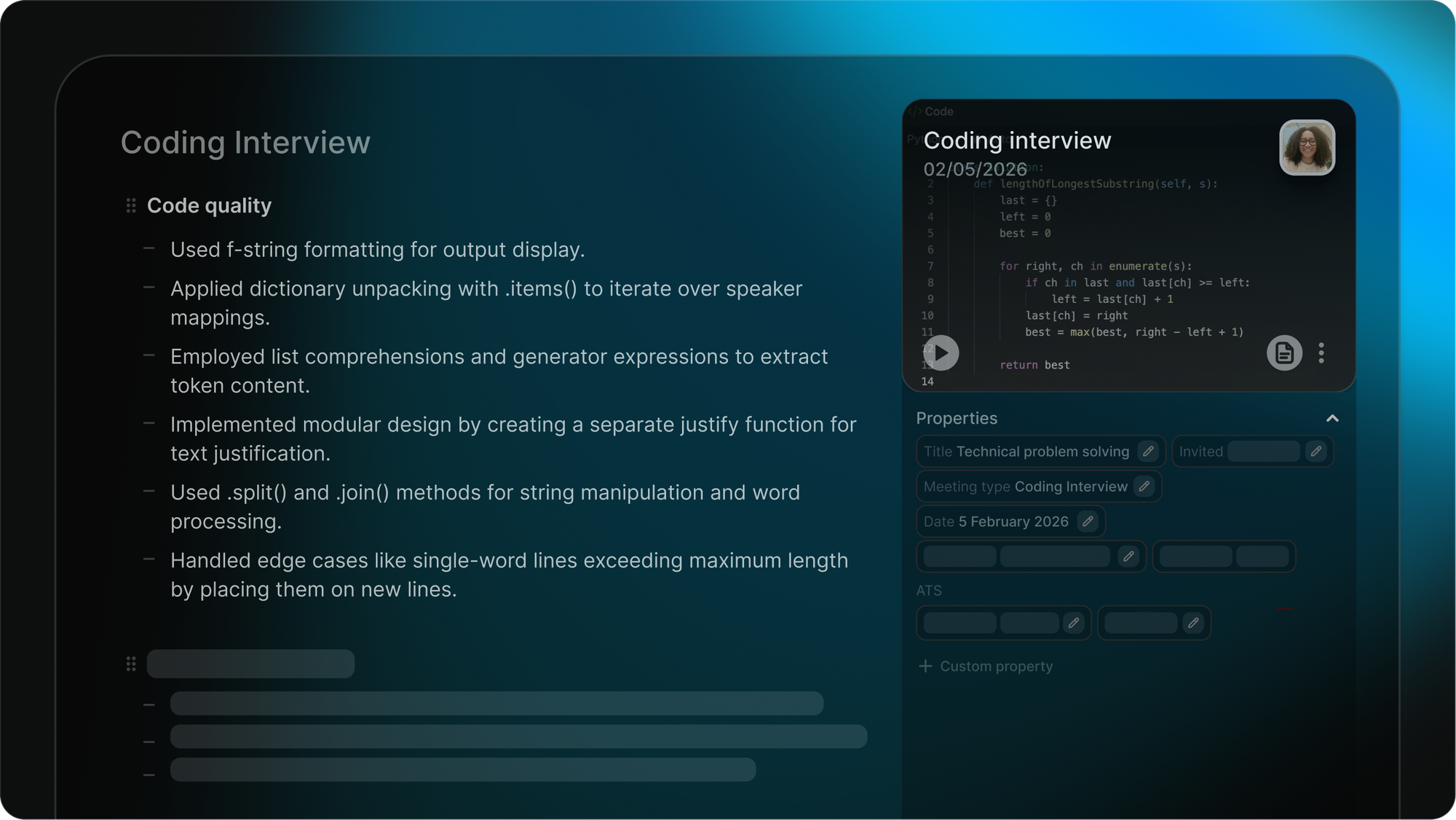
No more memory tests for hiring managers after each coding session. It's all captured, structured consistently, and easy to review.
Use real conversations as sourcing context
AI Sourcing is transforming the candidate search. And every month, it gets a little more futuristic.
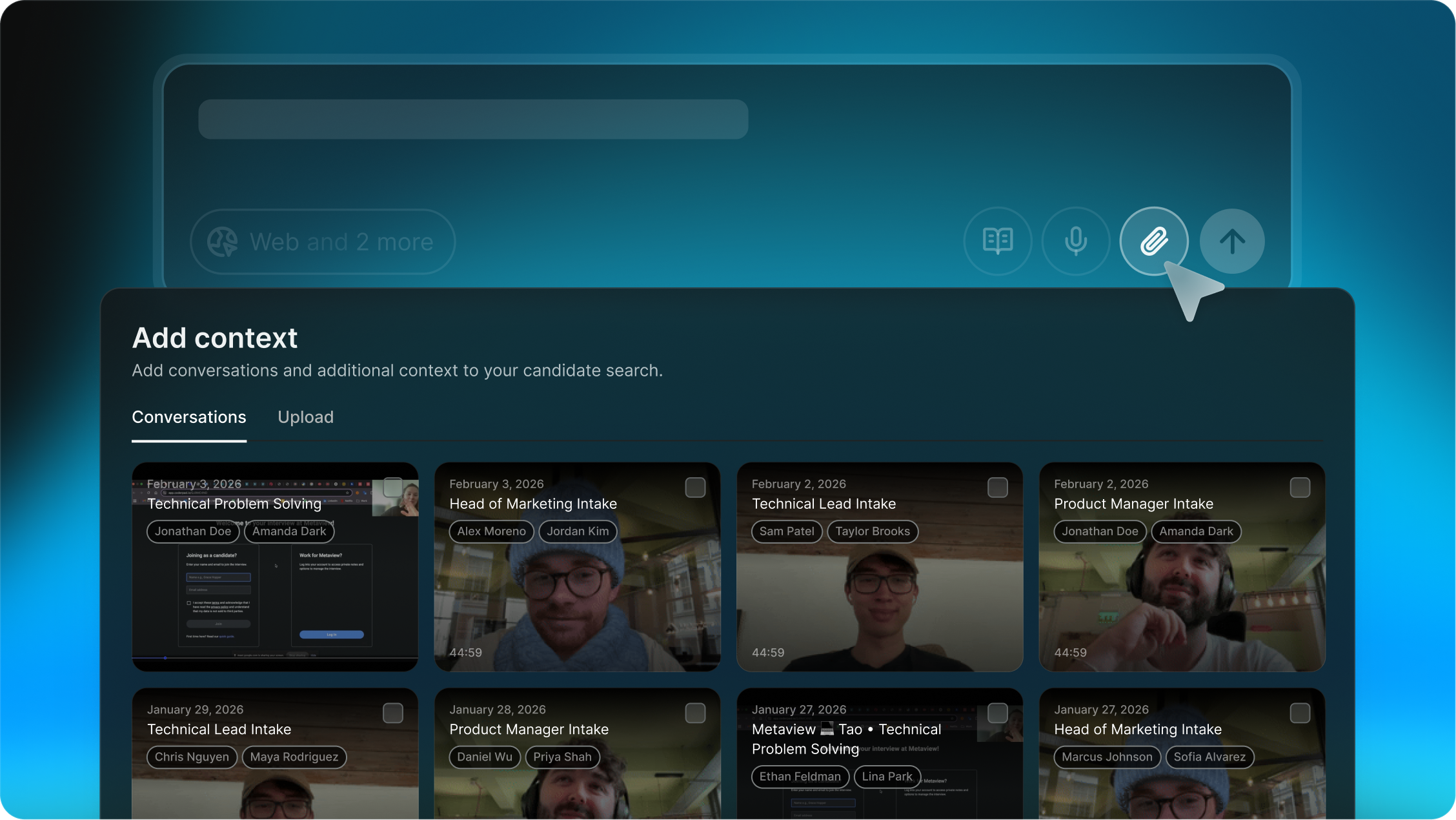
You can now upload existing Metaview conversations to give context for sourcing. The AI agent is even more enabled thanks to:
- Full context from role intake calls, leading to sharper ICP alignment and more nuanced search
- Past interviews with great candidates, which surface great lookalikes
Your searches get smarter, and remain grounded in what real conversations reveal.
Edit AI Sourcing mid-search
Have a new priority or an urgent red flag to add to your existing candidate search? No more starting over.
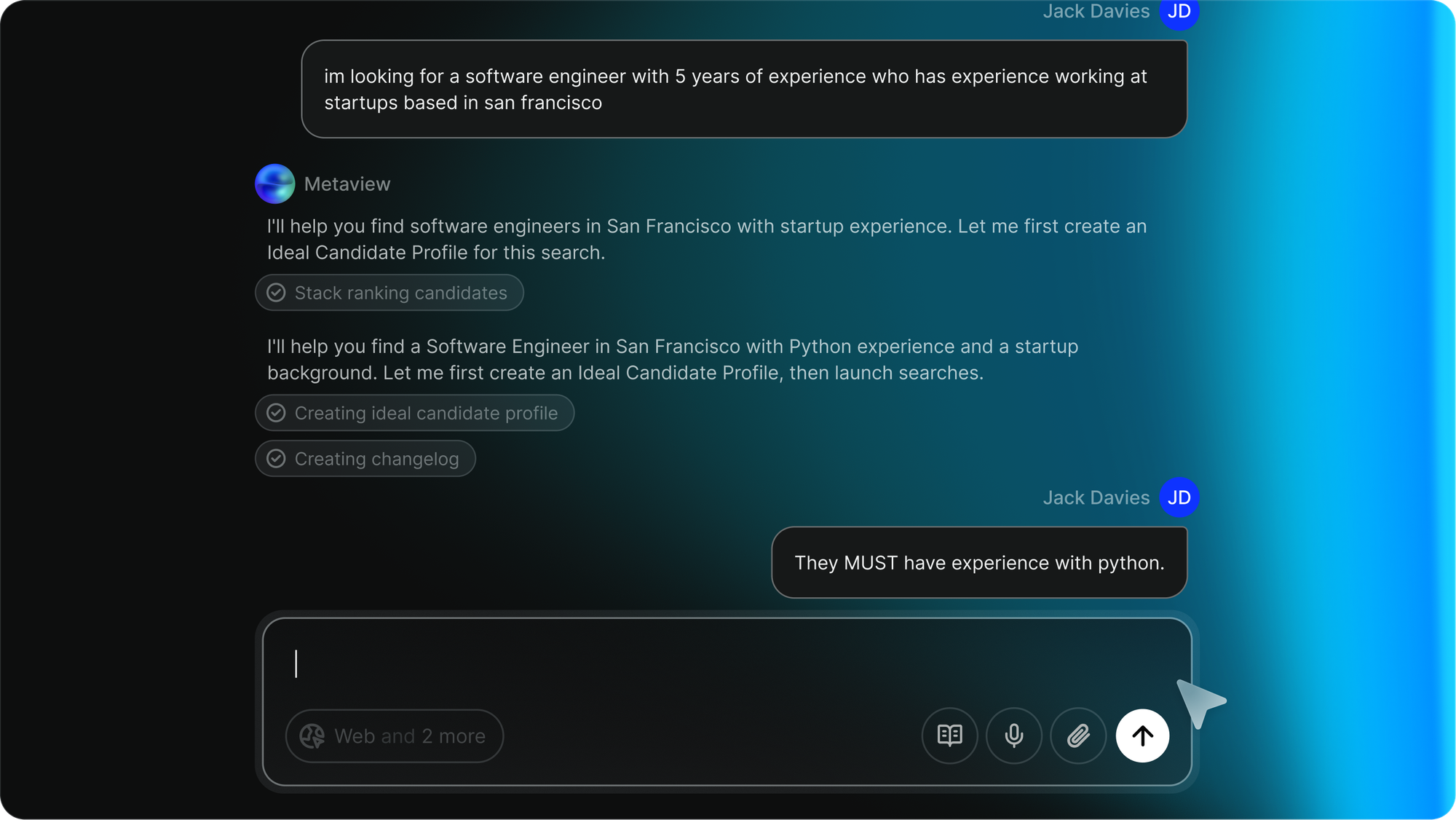
You can now adjust your sourcing criteria mid-search, and Metaview’s AI agents will update accordingly. You save time (and brain bandwidth), and help the AI zero in even faster.
Plenty more to come
January’s done; February’s already here. And we’re hard at work building what’s next.
If you're a customer, let us know what you think about these latest improvements.
New to Metaview? There’s never been a better time to bring AI efficiency and insights to your recruiting stack.