
Scheduling kills around two hours of recruiter time per req. Mostly on the email back-and-forth nobody actually values.
Interview scheduling shouldn't take hours of a recruiter's week. Yet coordinating calendars, chasing availability, and rescheduling last-minute cancellations can create a surprising amount of administrative work.
Interview scheduling software automates much of this process. Candidates can book their own interviews, recruiters can coordinate multiple interviewers, and hiring teams can avoid the endless back-and-forth that slows down recruiting.
But not every tool solves the same problem. Some interview scheduling platforms are designed for complex hiring processes with multiple interviewers and stages. Others offer simple calendar booking, while more advanced recruiting tools can automate the entire process from candidate outreach to booking the first call.
We've compared 14 of the best interview scheduling tools for 2026, covering dedicated recruiting platforms, general scheduling software, and AI-powered solutions. Here's what each does best, where it falls short, and which tools make sense for your hiring team.
What is interview scheduling software?
Interview scheduling software automates the process of arranging interviews between candidates, recruiters, and hiring managers. Instead of coordinating availability manually through emails and calendar invitations, recruiters can use these tools to find suitable times, send booking links, and manage interview schedules.
Most interview scheduling tools include:
- Candidate self-scheduling: Let candidates choose available interview times without emailing recruiters.
- Calendar synchronization: Connect Google Calendar, Outlook, and other calendars to avoid double-bookings.
- Automated reminders: Send interview confirmations, reminders, and updates to candidates and interviewers.
- Panel interview scheduling: Coordinate availability across multiple interviewers, departments, and time zones.
- Rescheduling and cancellations: Make it easier to adjust interviews when availability changes.
- ATS integrations: Keep interview details and candidate records synchronized with recruiting software.
More advanced recruiting platforms also connect scheduling with candidate sourcing, outreach, screening, and interview evaluation, helping teams automate larger parts of the hiring process.
Best interview scheduling software compared.
| Tool | Built for | Scheduling strengths | Free tier |
|---|---|---|---|
| fillmore | Automating outbound recruiting and call scheduling | Books candidate calls after personalized outreach | Contact Metaview |
| GoodTime | Complex enterprise interview coordination | Panel scheduling and interviewer load balancing | None |
| ModernLoop | Recruiting teams managing multi-stage interviews | Interview loops and automated coordination | None |
| Cronofy | Teams building custom scheduling workflows | Calendar APIs and embedded scheduling | Free developer tier |
| HireVue Scheduling | High-volume and frontline recruiting | Interview booking integrated with video assessments | None (enterprise) |
| Paradox | Conversational recruiting | Limited | None |
| Calendly | Small recruiting teams and individual recruiters | Candidate self-scheduling | 1 event type |
| YouCanBookMe | General scheduling | Branded booking pages and candidate self-scheduling | 1 calendar |
| OnceHub | General scheduling | Conditional booking workflows and team scheduling | Unmatched free plan |
| Setmore | SMB appointment booking | Free appointment booking and automated reminders | 4 users free |
| Doodle | Group meeting polls | Group availability polls and meeting coordination | Limited free |
| Cal.com | Teams seeking customizable scheduling | Booking links and team scheduling | Personal free tier |
| SavvyCal | Polish-focused scheduling | Calendar overlays and personalized booking links | 14-day trial |
| Arrange | Candidate and client coordination | Candidate-client coordination and panel scheduling | 1 user |
Where Metaview fits in your scheduling stack.
Scheduling software gets interviews onto the calendar. But recruiters still need to capture what happens during those conversations, evaluate candidates, and share useful information with hiring managers.
Metaview connects these stages of the recruiting process. Its AI Notetaker captures interviews, generates structured notes, and helps teams complete scorecards without manual documentation.
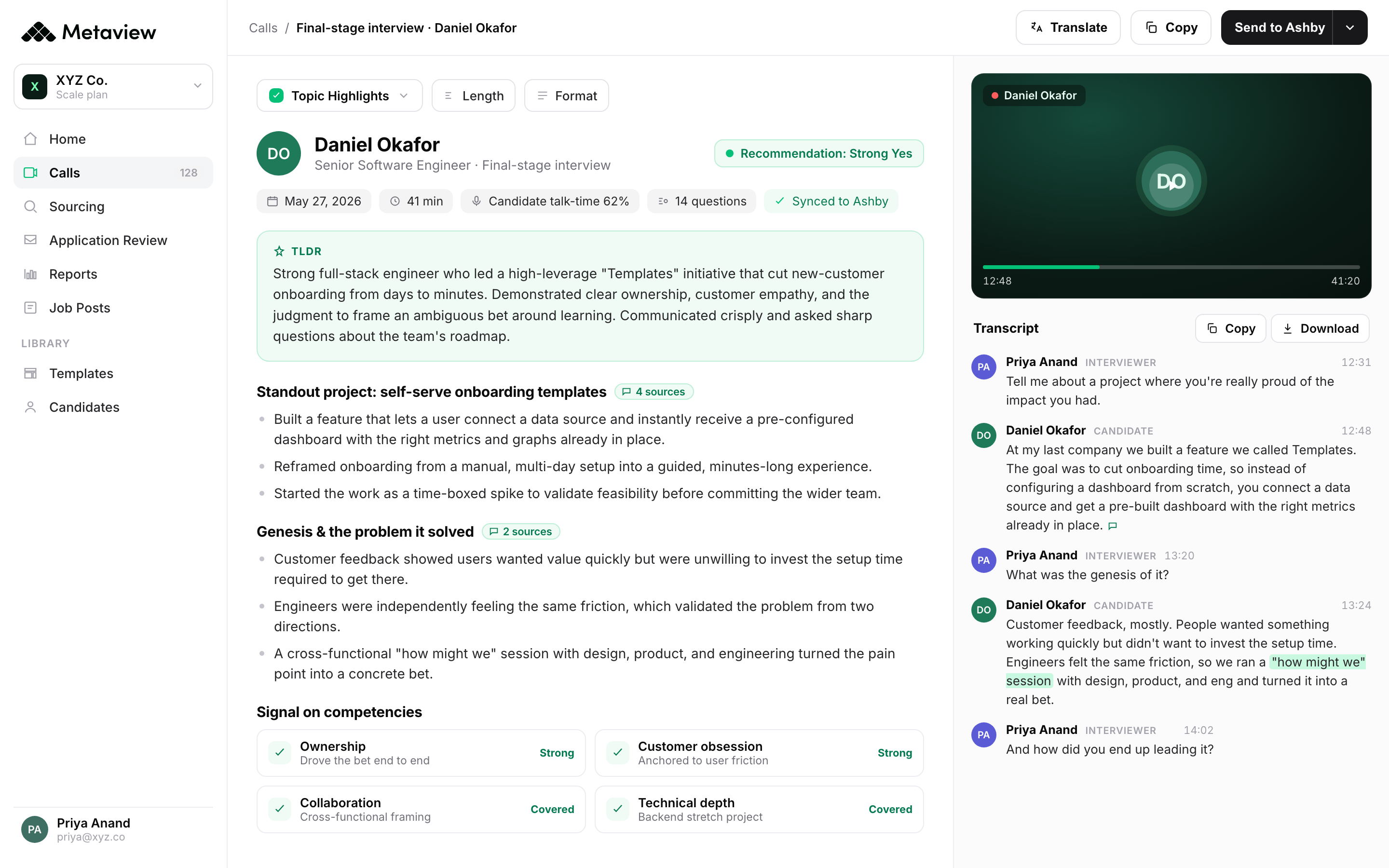
With interview intelligence and ATS integrations, recruiters can spend less time on administrative tasks and more time engaging candidates and making informed hiring decisions.
Pair Metaview with your preferred interview scheduling software to make the entire interview process more efficient, from booking the call to recording the evidence behind hiring decisions.
1. fillmore
Best for: Recruiting teams that want to automate candidate sourcing, outreach, and screening call scheduling.
fillmore is the best option for recruiting teams that want to automate the entire top-of-funnel. Unlike traditional interview scheduling tools that book meetings with candidates already in your pipeline, fillmore helps create that pipeline in the first place.
Recruiters brief fillmore on an open role, hiring criteria, and examples of strong candidates. It then sources and researches potential matches, sends personalized outreach, manages replies and follow-ups, and books conversations with interested candidates.
Instead of manually finding candidates, chasing responses, and coordinating calendars, recruiters can focus on the qualified people ready to interview.
Key features
- Autonomous sourcing: Find and evaluate candidates against your hiring criteria.
- Personalized outreach: Create tailored messages based on each candidate's experience and background.
- Automated follow-ups: Manage outreach sequences and candidate responses without constant recruiter involvement.
- Interview booking: Schedule screening calls directly with the appropriate team members.
- Slack-native control: Brief searches, approve candidates, and adjust recruiting workflows from Slack.
- Continuous calibration: Improve candidate selection based on recruiter and hiring manager feedback.
Where it falls short: fillmore is designed for outbound recruiting, not general-purpose interview scheduling. Teams needing complex panel coordination or candidate self-scheduling across multiple interview stages may still require a dedicated scheduling platform.
Our pick: recruiting teams that want qualified candidates to appear on their calendars without recruiters manually sourcing, reaching out, and scheduling each call. If your real problem getting the best possible candidates booked into calendars, fillmore is the strongest option on this list.
2. GoodTime.
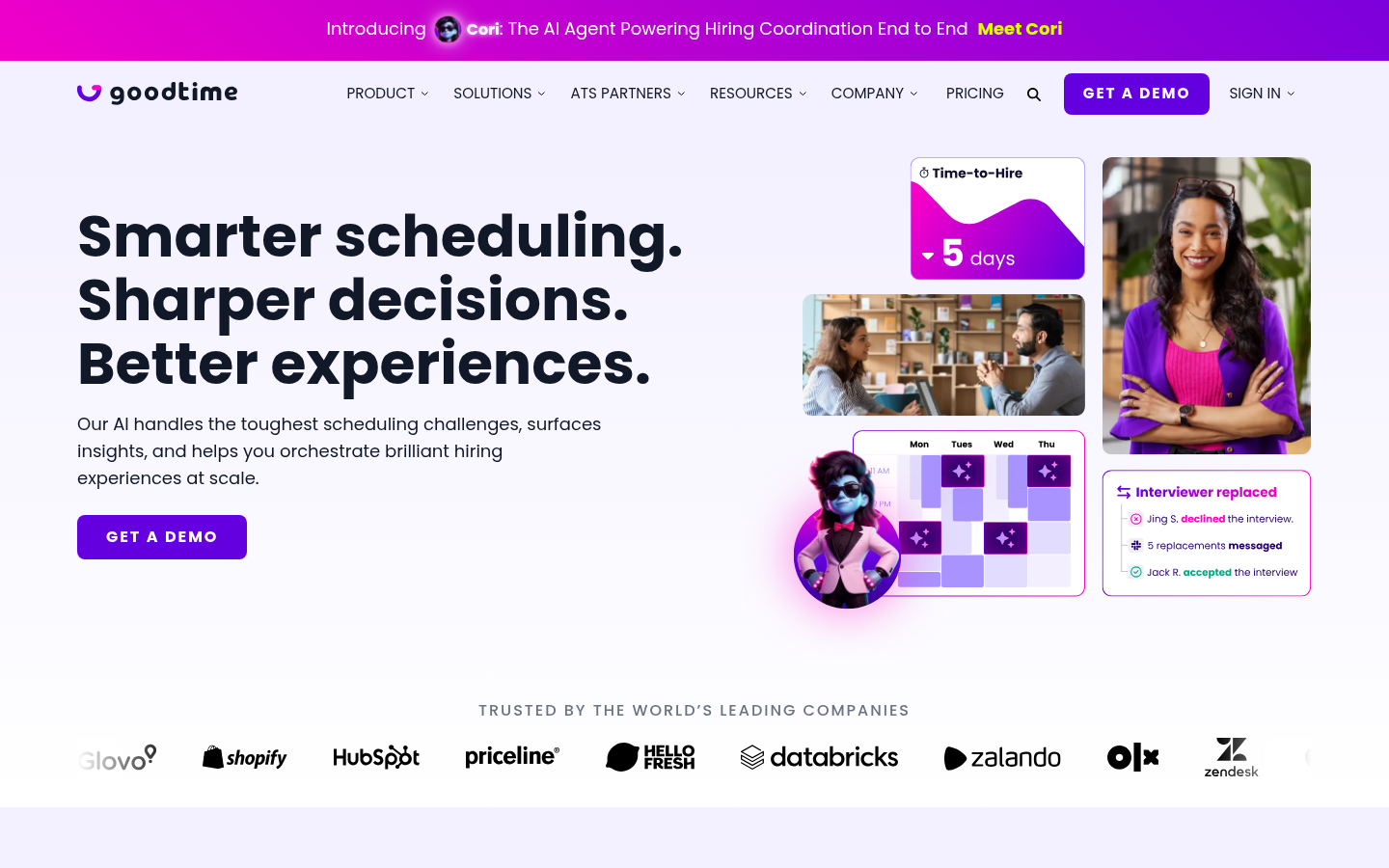
GoodTime is the leading purpose-built scheduler for panel and loop interviews. The interviewer-pool model, skill-tag matching, and load-balancing logic are what set it apart from any general scheduler.
What you get:
- Interviewer pool with skills, levels, and capacity tags.
- Native ATS integrations for Greenhouse, Lever, Workday, Ashby.
- Automated rescheduling with cascading logic (move interview 2, the rest shift cleanly).
- Reporting on time-to-schedule, interviewer load, and decline rates.
Where it falls short: Enterprise pricing, typically $5K-$15K per year minimum. Overkill for teams running under 200 hires a year. Implementation is a 2-4 week project, not a same-day setup.
Our pick: recruiting teams running 500+ hires per year on Greenhouse or Workday. The panel-scheduling math only justifies the spend at scale.
3. ModernLoop.
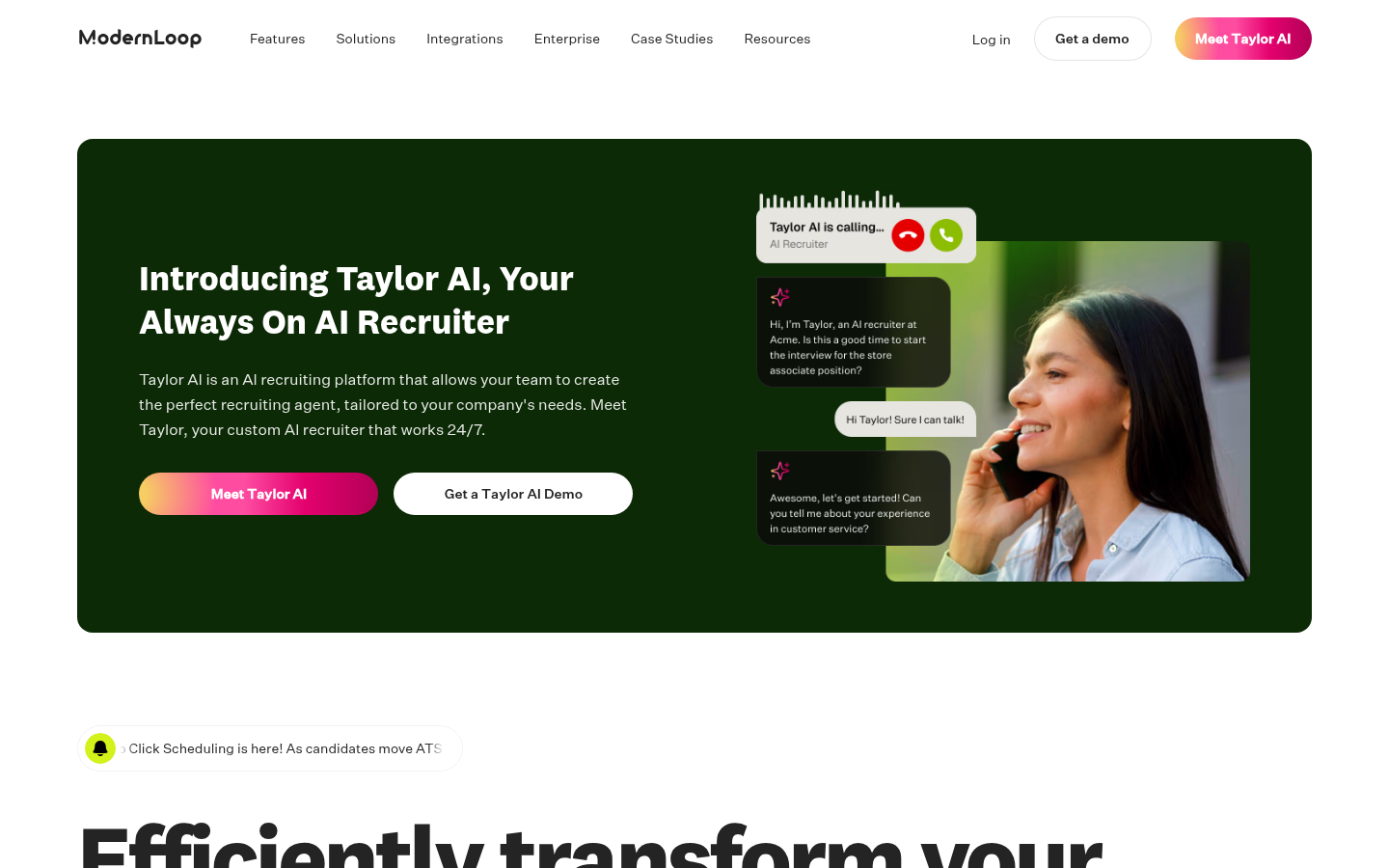
ModernLoop is the recruiting-coordination platform Gem acquired in 2023. Strong on integration breadth and recently leaning hard into the conversational-AI angle with their Taylor AI recruiter layer.
What you get:
- Panel and loop scheduling with multi-stage cascade logic.
- Native Greenhouse, Lever, Ashby, and SmartRecruiters connectors.
- Recruiter analytics dashboards for scheduling efficiency.
- Taylor AI bolt-on for screening conversations before scheduling.
Where it falls short: Pricing is enterprise-only and not transparent. Some integrations (custom ATSs) require Gem services to set up. The Taylor AI layer is newer and less battle-tested than the core scheduling product.
Our pick: teams already paying for Gem who want scheduling unified with their CRM. Strong fit for Ashby-first teams.
4. Cronofy.
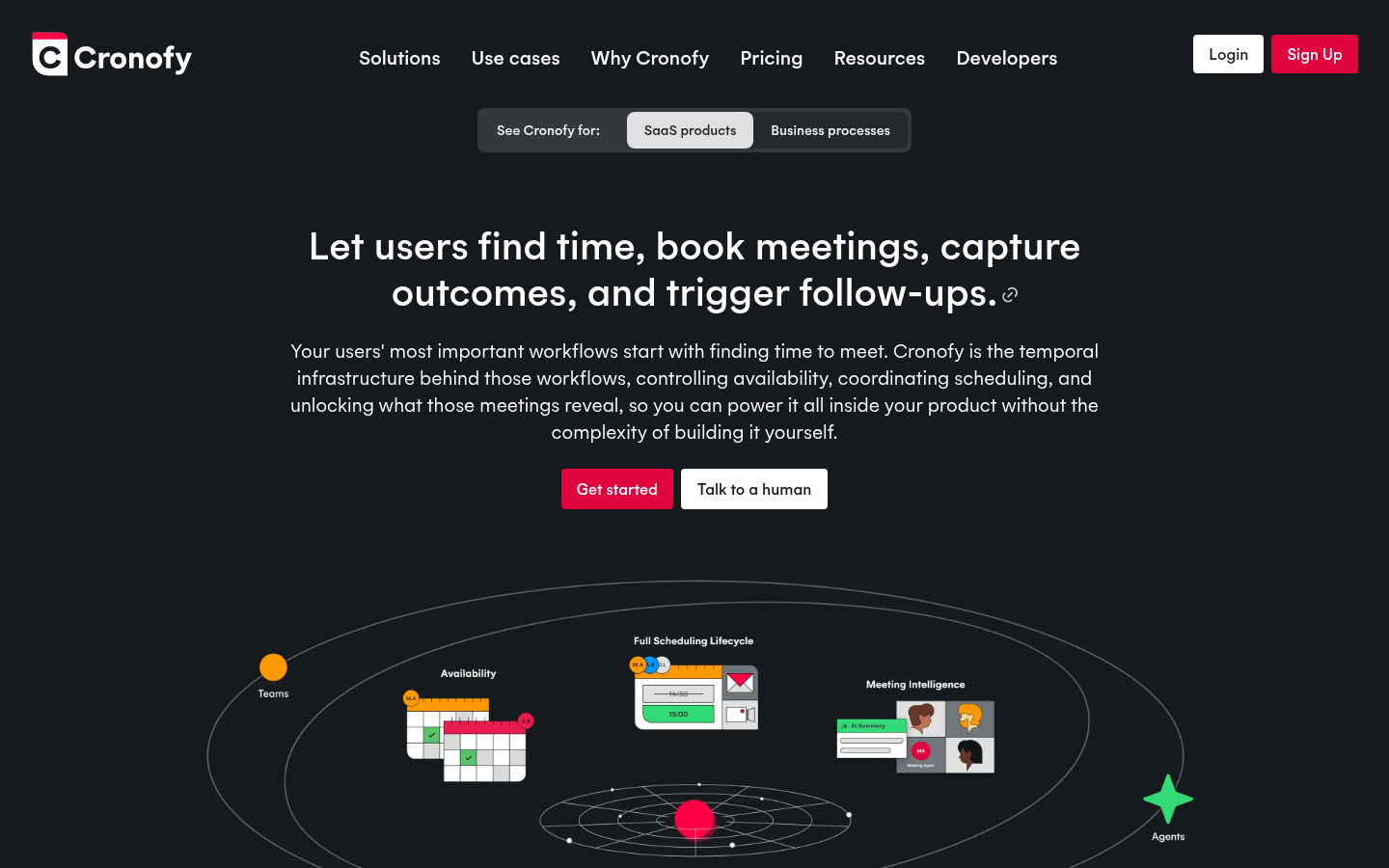
Cronofy isn't a scheduler in the consumer sense. It's the temporal-infrastructure API that powers scheduling inside other tools. If you're building your own ATS layer or need scheduling embedded inside a product, this is what you wire in.
What you get:
- Calendar sync APIs for Google, Microsoft 365, Exchange, iCloud.
- Availability and meeting-coordination endpoints.
- Real-time scheduling logic exposed as a service.
- SOC 2, ISO 27001, GDPR compliance for enterprise embedding.
Where it falls short: Not a turnkey product. You need an engineer to build the scheduling experience on top. Pricing scales by API calls, not seats.
Our pick: product teams embedding scheduling into their own recruiting platform. Skip if you want an off-the-shelf scheduler your recruiters can configure themselves.
5. HireVue Scheduling.
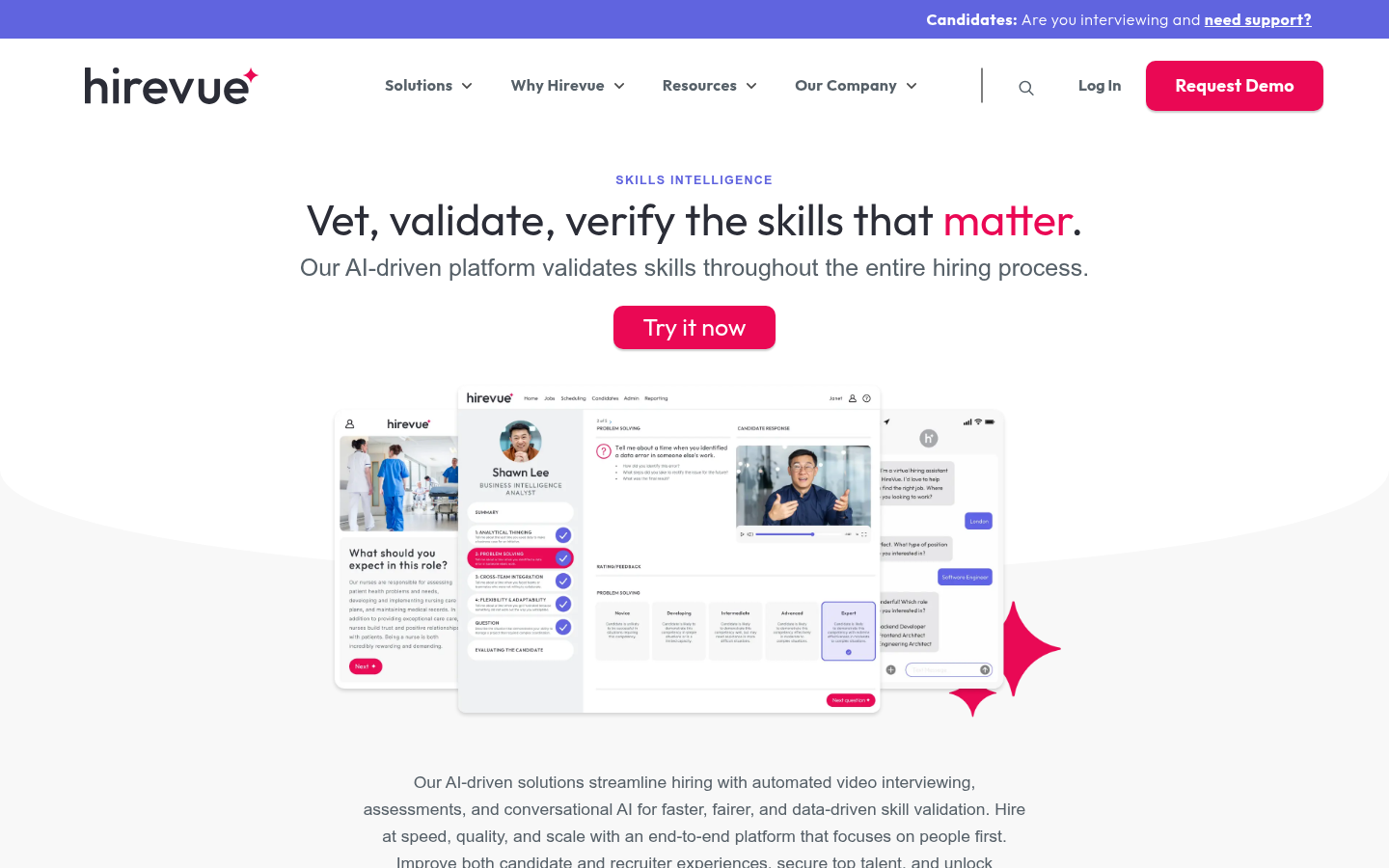
HireVue's scheduling layer is bundled with their async video interviewing and skills assessment platform. The scheduling isn't best-in-class on its own; it's the bundling that makes sense.
What you get:
- Self-scheduling tied to async-video assessment stages.
- Interview-day reminders and structured-question prompts.
- ATS integrations for Greenhouse, Workday, SmartRecruiters.
- Bundled with the wider HireVue platform.
Where it falls short: No standalone scheduling SKU. You buy HireVue for the async-video assessment first; scheduling rides along. The AI scoring layer is high-risk under the EU AI Act, with those obligations applying from 2 December 2027.
Our pick: high-volume entry-level hiring (retail, hospitality, contact-center) where async video is already in the loop. Not a serious pick for knowledge-worker scheduling on its own.
6. Paradox.
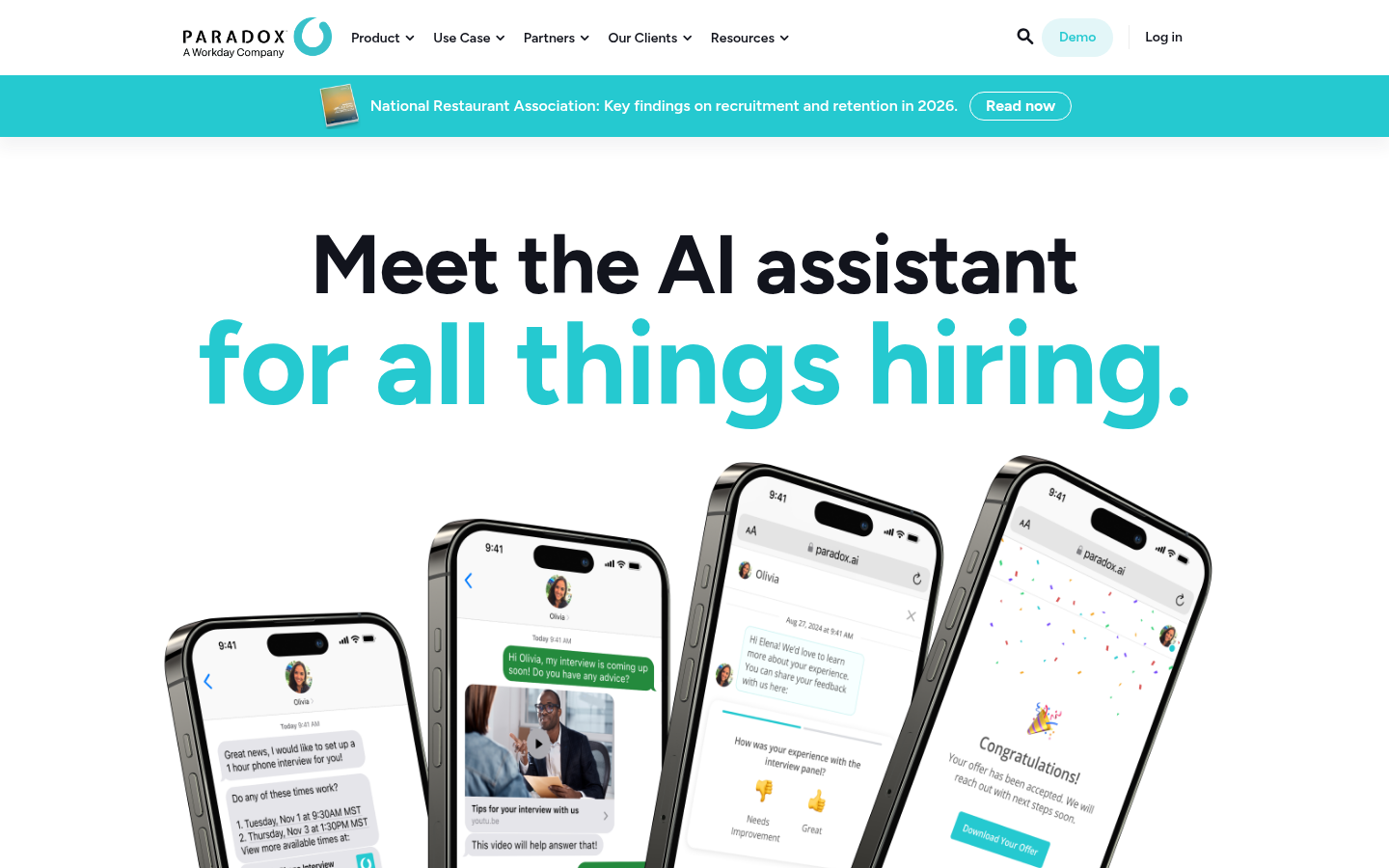
Paradox is a conversational recruiting platform that handles scheduling as one of many automated tasks. The pitch is end-to-end: from screening conversation through interview booking to onboarding.
What you get:
- Conversational screening and scheduling via chat.
- Interview reminders and rescheduling through the same assistant.
- ATS integrations for Workday, SAP SuccessFactors, Oracle, Greenhouse.
- Strong on high-volume hourly and frontline hiring.
Where it falls short: The conversational layer suits high-volume hourly hiring better than knowledge-worker loops. Multi-interviewer panel scheduling is limited compared to GoodTime or ModernLoop. Enterprise pricing only.
Our pick: high-volume hourly and frontline hiring at 1,000+ hires per year. Skip if your loops are 4-stage panel interviews for engineers.
7. Calendly.
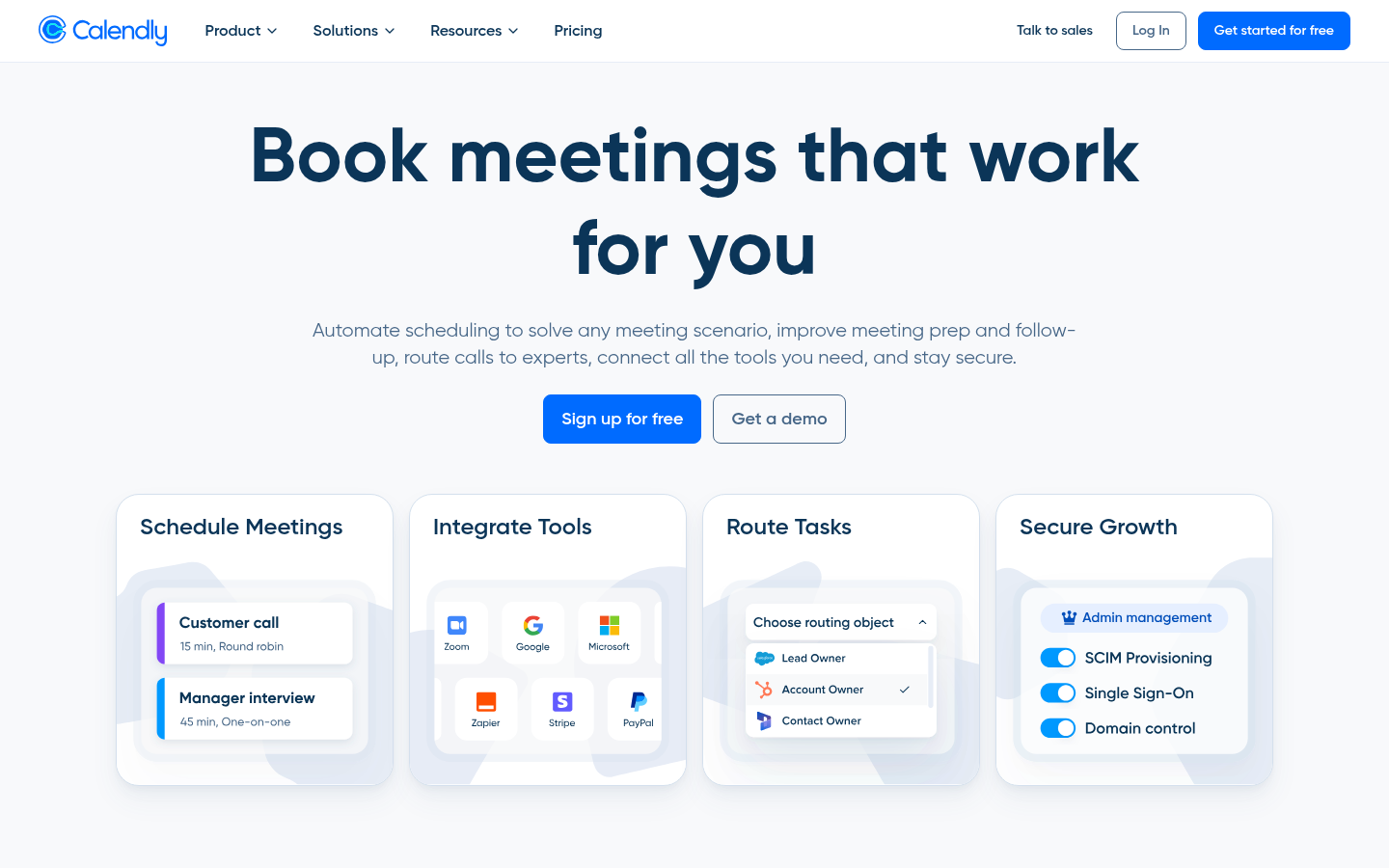
Calendly is the default general-purpose scheduler. 20M+ users, every major ATS knows how to receive a Calendly booking, every recruiter has used one at some point.
What you get:
- Free tier: 1 event type, unlimited bookings, calendar sync.
- Teams tier: round-robin assignment, multi-step booking, panel scheduling.
- Native integration into Greenhouse, Ashby, Lever via their app marketplaces.
- Routing-form logic on paid plans (Standard $10/seat/month and up).
Where it falls short: Panel and loop interviews need the Teams tier minimum. Free tier's single-event-type limit forces creative workarounds for multi-stage funnels. No interviewer-pool model; you're scheduling against named individuals, not capacity-tagged roles.
Our pick: solo recruiters and TA teams under 50 hires per year. The free tier covers more than most recruiters realize.
8. YouCanBookMe.
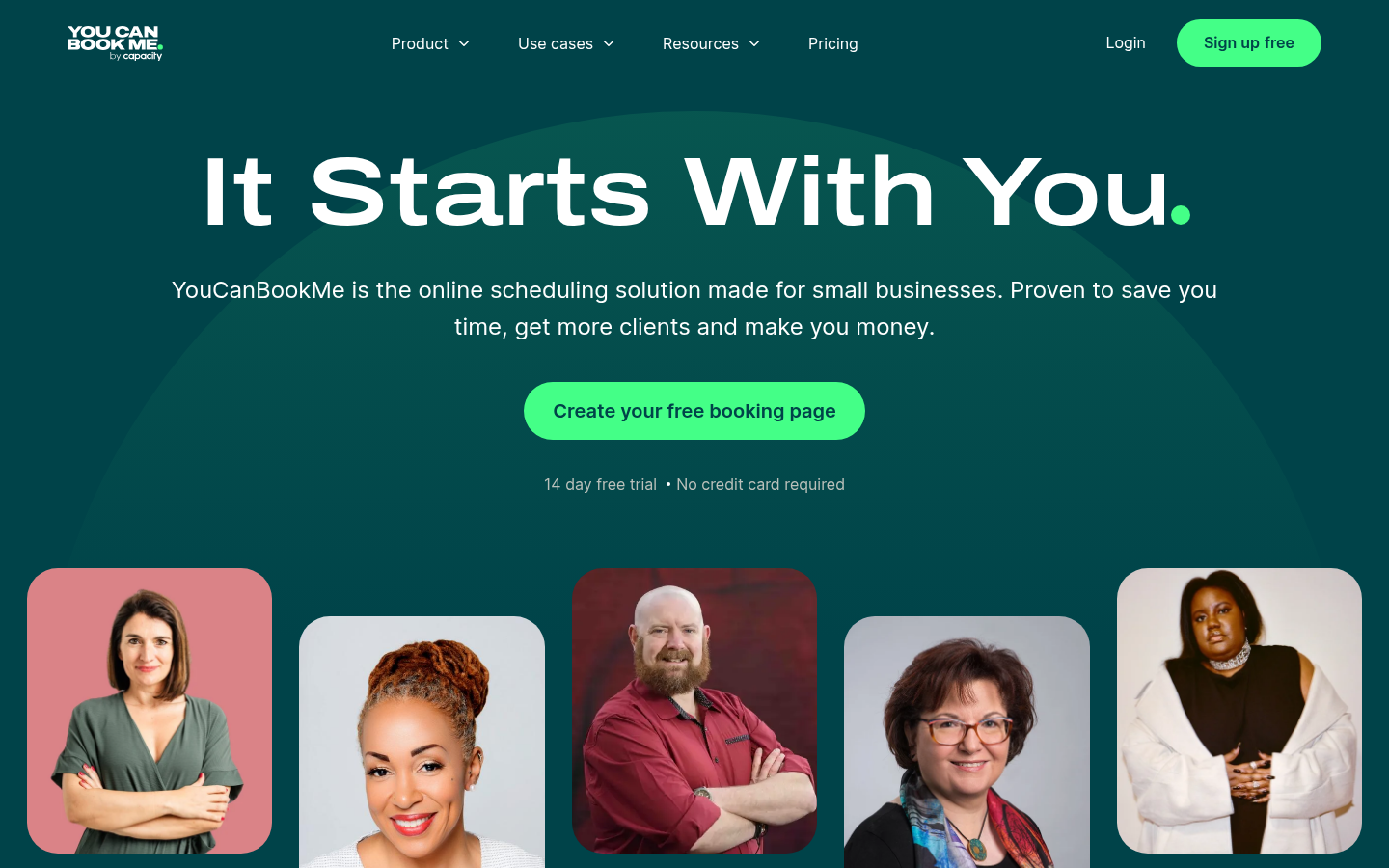
YouCanBookMe is the customization-heavy alternative to Calendly. Booking pages are highly themable, which matters if recruiters want a branded experience for candidates.
What you get:
- Custom-branded booking pages with your colors, logo, and copy.
- Unlimited bookings on paid plans starting at $13/month.
- Google, Microsoft 365, and iCloud calendar sync.
- Form fields for capturing candidate info pre-booking.
Where it falls short: No native ATS integrations. Zapier middleware required to get bookings into Greenhouse or Lever. No multi-interviewer panel scheduling at any tier.
Our pick: solo recruiters who care about branded candidate experience and don't need ATS write-back.
9. OnceHub.
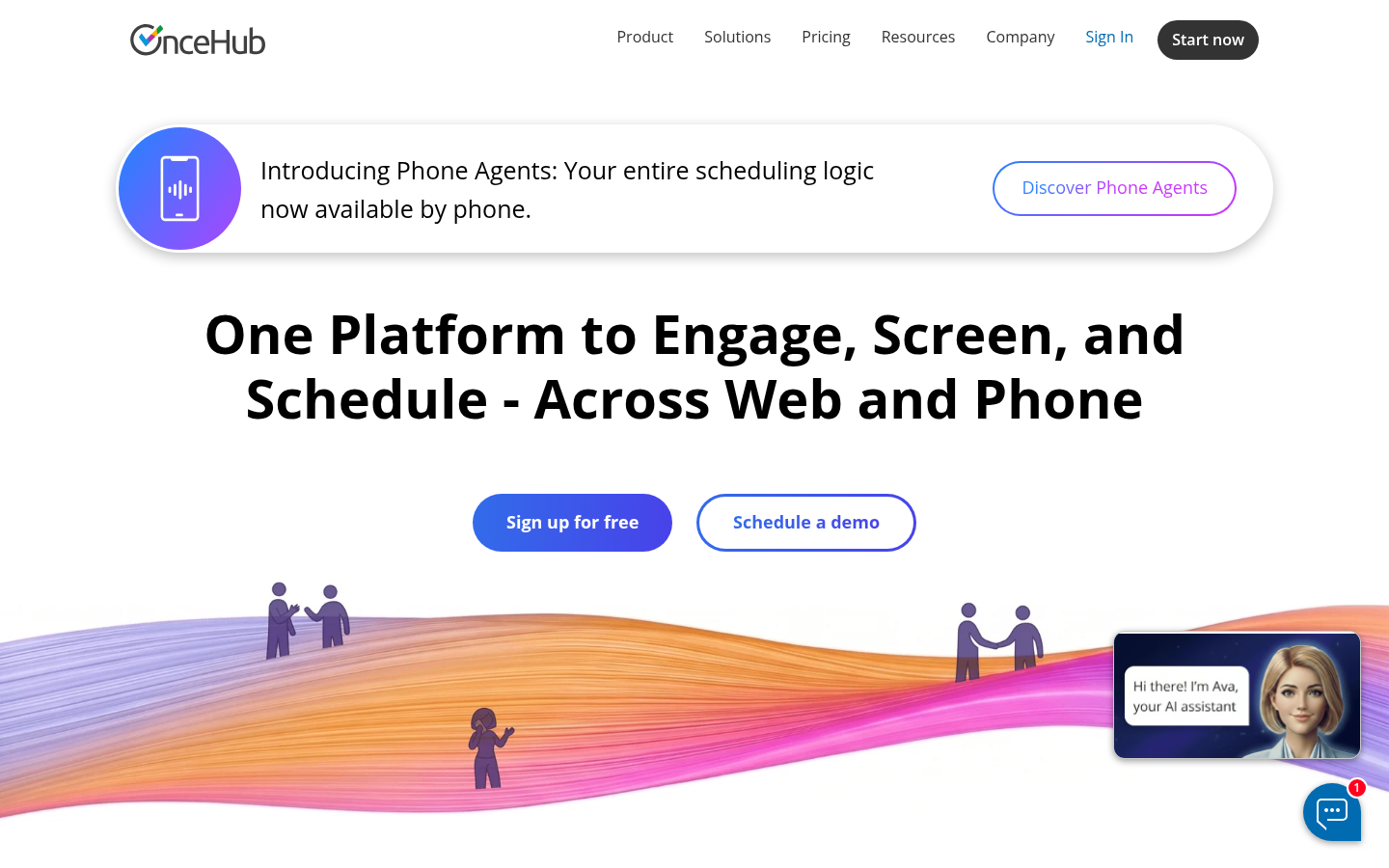
OnceHub blends scheduling with a form-and-chatbot front-end for the candidate experience. Strong on the workflow-automation side, with conditional logic between forms and booking pages.
What you get:
- Free tier with unlimited basic bookings (more generous than Calendly's free).
- Form-and-chatbot integration for candidate pre-screening.
- Round-robin and team scheduling on paid plans.
- HubSpot, Salesforce, Zapier integrations.
Where it falls short: No native ATS connectors. The interface has more depth than most recruiters need for simple bookings. Better suited to sales-style scheduling than recruiting.
Our pick: recruiters who also need form-based candidate pre-screening before booking. Strong fit if HubSpot is part of your stack.
10. Setmore.
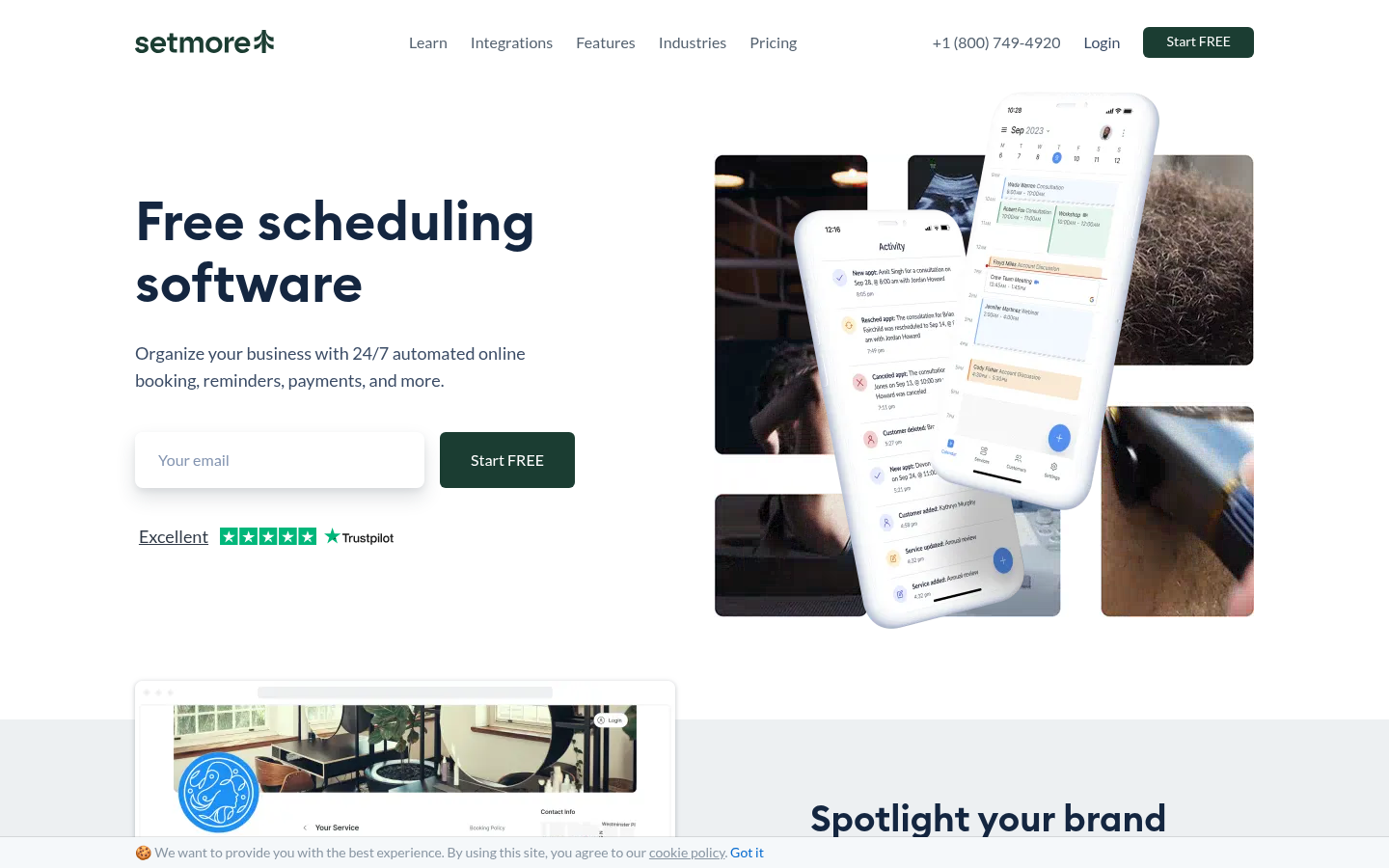
Setmore is positioned for SMB service businesses, not recruiting. It shows up on recruiting lists because the free tier is generous (4 users, unlimited bookings, payment processing).
What you get:
- Free tier: 4 users, unlimited appointments, basic reminders.
- Payment processing built in (Stripe, Square).
- Email and SMS reminders.
- Booking page customization on paid plans.
Where it falls short: No ATS integrations of any kind. Built for hair-salon and clinic bookings, not recruiting loops. The reporting layer is service-business-shaped, not pipeline-shaped.
Our pick: consultancies or solo recruiters running independent practices who want a free tool. Not a recommendation for team-wide recruiting deployment.
11. Doodle.
Doodle is the OG group-poll scheduler. The recruiting use case is narrow: when you need a candidate to vote across multiple time slots for a panel without locking interviewer calendars upfront.
What you get:
- Group polling: candidates vote on times that work for them.
- One-on-one booking pages on paid plans.
- Google, Microsoft 365 calendar sync.
- Free tier with limited polls and basic features.
Where it falls short: Polling-first design doesn't map cleanly to high-velocity recruiting. No ATS integration, no interviewer-pool model, no automation beyond the basic poll.
Our pick: external candidate scheduling where you need to find consensus across multiple interviewers and the candidate without pinning anyone's calendar. Niche but useful. Agency recruiters booking a candidate with a client's hiring manager have a purpose-built option in Arrange, whose Matchmaker flow collects availability from both sides at once and confirms the first match automatically.
12. Cal.com.
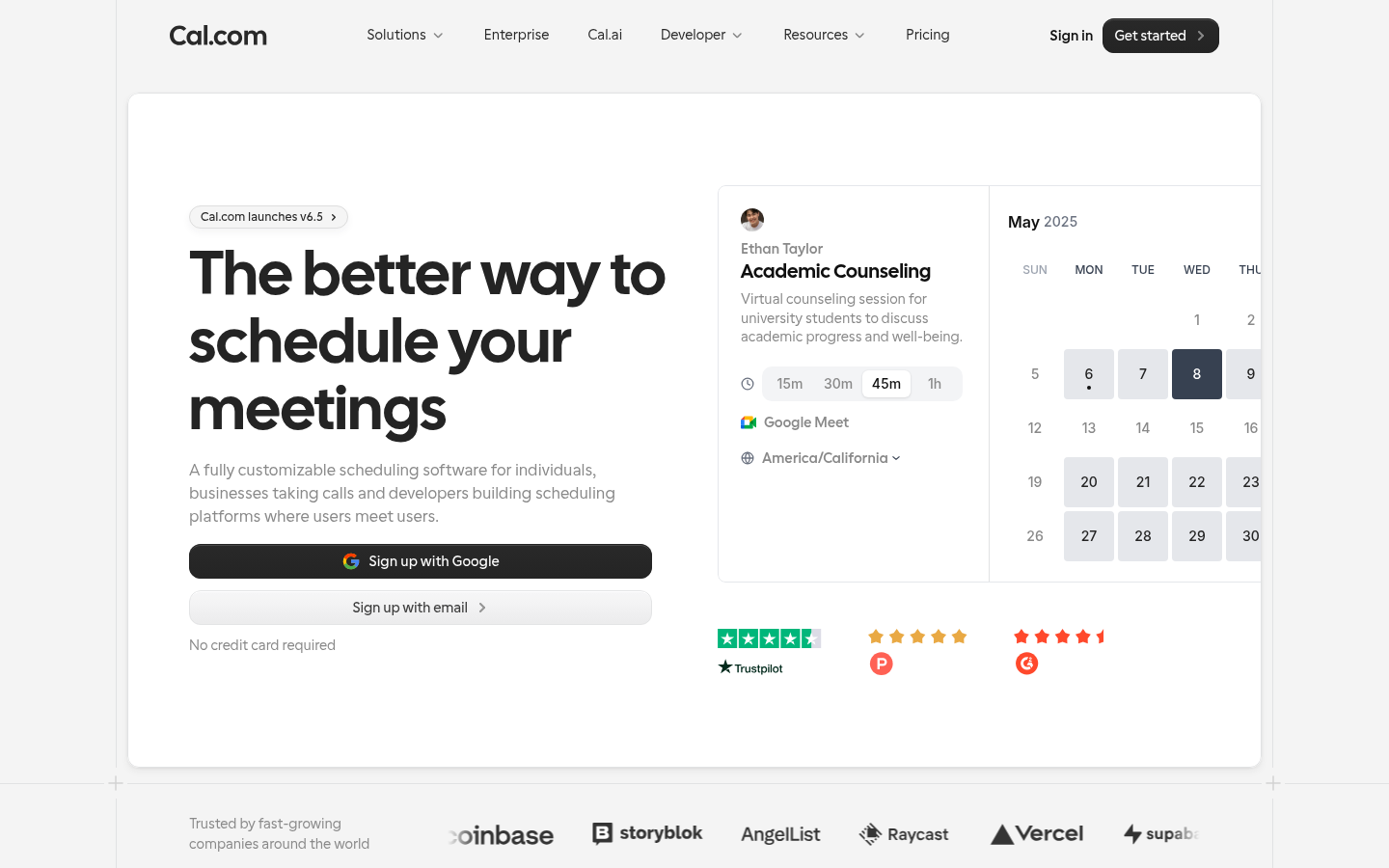
Cal.com is the open-source Calendly. Same UX, but self-hostable, with team plans that match Calendly Teams feature-for-feature at lower cost.
What you get:
- Free Personal tier with unlimited bookings.
- Team plans with round-robin and collective scheduling.
- Self-hosting option for security-conscious teams.
- Native integrations into Salesforce, HubSpot, Stripe, plus 50+ apps.
Where it falls short: Native ATS integrations are thinner than Calendly's enterprise marketplace. Self-hosting is a real option but requires engineering ownership. Some panel-scheduling logic is less mature than purpose-built recruiting tools.
Our pick: security-conscious teams or open-source-first teams who want Calendly's UX without the SaaS lock-in.
13. SavvyCal.
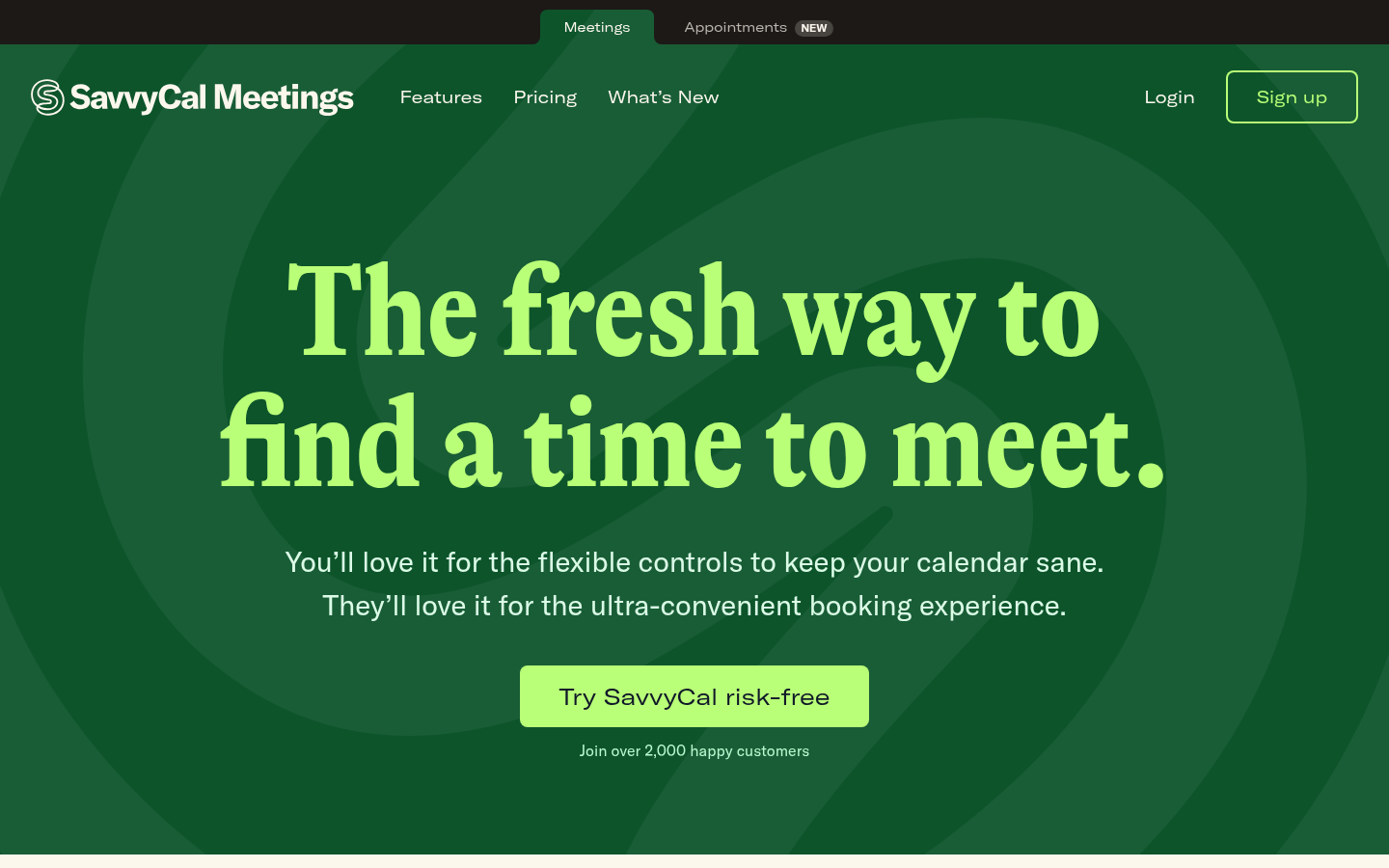
SavvyCal is the design-led Calendly alternative. Polish on the candidate-side experience is the explicit pitch: overlay your calendar over the recruiter's to find times that work for both.
What you get:
- Calendar overlay so the candidate can pick around their own commitments.
- Booking links plus single-use scheduling URLs.
- Standard Google/Microsoft 365/iCloud sync.
- 14-day trial; paid plans start at $12/month per user.
Where it falls short: No free tier, only a trial. No native ATS integrations. The polish premium doesn't translate into recruiting-specific features.
Our pick: hiring managers and exec recruiters who care about the candidate-side experience and have personal-brand reasons to use it. Not a TA-team-wide pick.
14. Arrange.
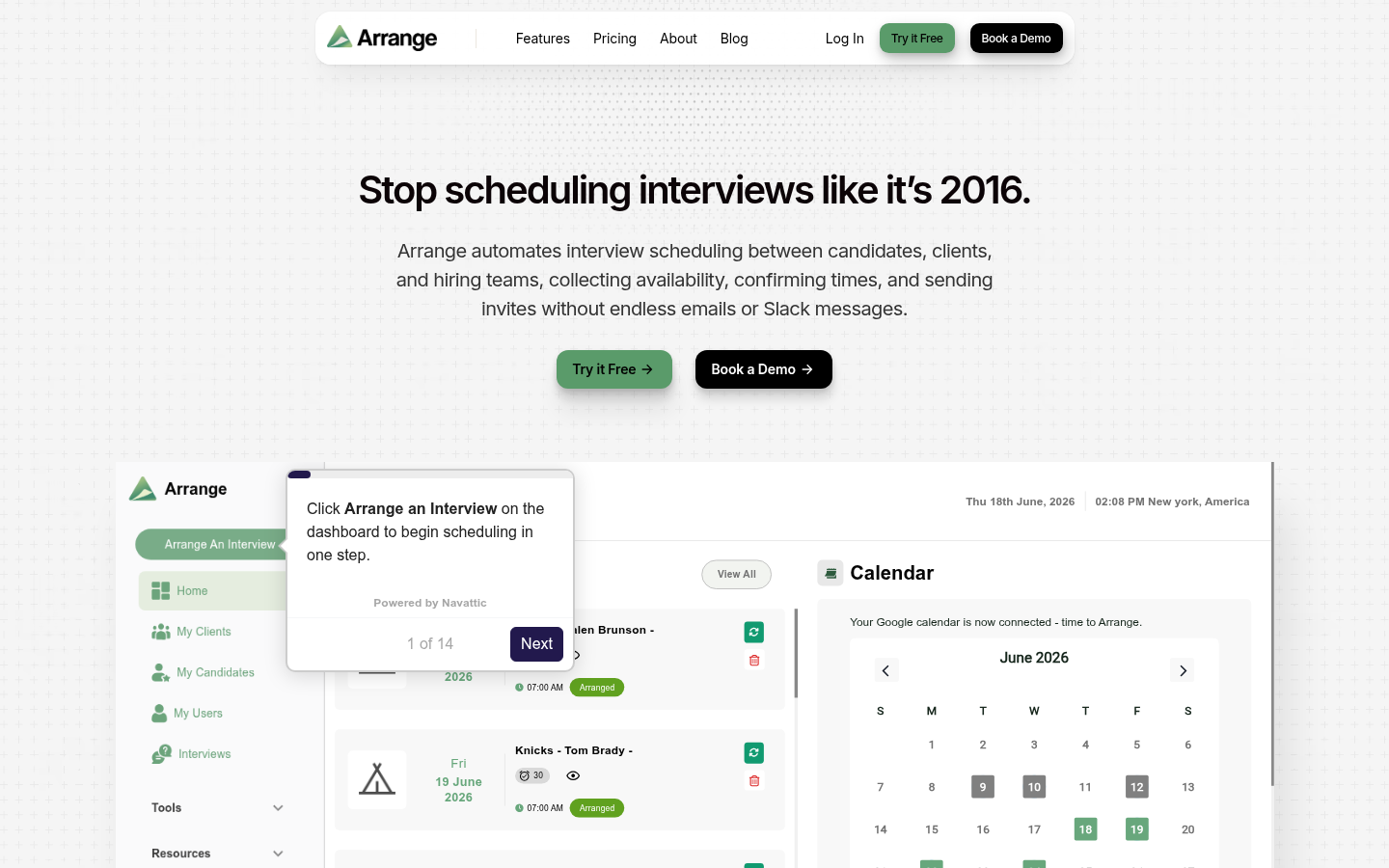
Arrange is interview scheduling built for the person in the middle: recruiters and coordinators who book interviews between candidates, clients, and hiring teams. Candidates and clients give their availability through branded emails and forms, and neither side needs an account or login.
What you get:
- Client First, Candidate First, and Matchmaker flows. Matchmaker collects both sides' availability in parallel and books the first open time.
- Arrange Connect, which combines several hiring managers' calendars into one shared view for panel interviews.
- A live stage tracker with reminders, edits, and rescheduling from one dashboard.
- Google and Outlook calendar sync, automatic Zoom, Meet, or Teams links, and ATS integrations.
- White-labeled booking links and a custom domain on the Enterprise plan.
- Free Starter plan for one user; Pro at $35/user/month with a 14-day free trial.
Where it falls short: Arrange does scheduling only, so it sits alongside your ATS and assessment tools rather than replacing them. The free plan covers a personal booking link and 1:1 bookings for one user; the recruiter flows, hiring manager calendar connections, and ATS integrations come with Pro.
Our pick: recruiters and coordinators booking interviews across several parties, from a single client call to a full panel, especially when some stakeholders won't log into another tool.
How to choose the best interview scheduling software.
The right interview scheduling software depends on your hiring volume, interview complexity, and existing recruiting systems.
Consider these five factors before choosing a tool:
- Interview complexity: Simple screening calls may only require booking links, while multi-stage interviews need panel scheduling, interviewer availability management, and automated rescheduling.
- ATS and calendar integrations: Look for software that works with your existing ATS, Google Calendar, Microsoft Outlook, and video conferencing tools.
- Candidate experience: Candidates should be able to book and reschedule interviews easily, receive automatic reminders, and avoid unnecessary email exchanges.
- Automation capabilities: Some tools simply coordinate calendars. Others automate candidate communications, interview assignments, and even the outreach that leads to scheduled calls.
- Pricing and scalability: Free scheduling tools may be sufficient for individual recruiters, while larger teams may benefit from dedicated recruiting platforms with advanced automation and reporting.
Which interview scheduling tools are right for your team?
- Solo recruiters and small teams: Calendly, Cal.com, and YouCanBookMe provide straightforward candidate self-scheduling without complex implementation.
- Growing recruiting teams: GoodTime and ModernLoop help coordinate multiple interviewers and increasingly complex hiring workflows.
- Enterprise hiring teams: GoodTime, HireVue, and Paradox offer specialized capabilities for high-volume recruiting and interview coordination.
- Teams automating outbound recruiting: fillmore goes beyond scheduling to find, engage, and book qualified candidates automatically.
Before investing in another tool, check whether your existing ATS already offers the scheduling capabilities you need. Dedicated interview scheduling software is most valuable when it solves coordination problems your current systems can't handle.
Bring Metaview into your hiring stack.
Live notes, structured scorecards, and ATS sync - set up in under 10 minutes.
Frequently asked.
What is the best interview scheduling software?
The best interview scheduling software depends on your recruiting needs. GoodTime and ModernLoop are strong options for coordinating complex panel interviews, while Calendly and Cal.com work well for simple candidate self-scheduling. Paradox specializes in high-volume recruiting, and fillmore by Metaview automates candidate sourcing, outreach, and screening call booking.
Can interview scheduling software integrate with an ATS?
Yes. Many interview scheduling platforms integrate with applicant tracking systems such as Greenhouse, Lever, Workday, and Ashby. These integrations help recruiters coordinate interviews, update candidate records, and reduce manual data entry. Integration capabilities vary by provider and subscription plan, so confirm compatibility with your existing ATS before choosing a tool.
What's the difference between a general scheduler and a recruiting-specific scheduler?
General schedulers (Calendly, Cal.com) coordinate one person's calendar with one candidate. Recruiting-specific schedulers (GoodTime, ModernLoop) coordinate panel interviews with multiple interviewers tagged by skills, levels, and load capacity. The math difference is single-calendar booking vs interviewer-pool optimization. General schedulers fall apart on 4-stage panels with rotating interviewers.
When should I move from Calendly to GoodTime or ModernLoop?
When panel scheduling starts breaking. The trigger is usually around 200 hires a year, multi-interviewer loops where you need to load-balance across people, or when your recruiters are spending more than two hours per req on calendar coordination. Below that, Calendly's free or Teams tier is fine.
Do these scheduling tools integrate with Greenhouse, Ashby, and Lever?
GoodTime, ModernLoop, HireVue, and Paradox have first-class native integrations into Greenhouse, Ashby, Lever, and Workday. Calendly and Cal.com integrate via official app marketplaces (lighter touch). YouCanBookMe, Setmore, Doodle, and SavvyCal need Zapier middleware to land bookings in the ATS, which adds setup time and breaks more often.
Can I use scheduling software for free?
Yes, with caveats. Calendly free tier limits you to 1 event type. Cal.com Personal is unlimited but solo-only. OnceHub has a generous free plan. Doodle and Setmore have free tiers. None of the recruiting-specific schedulers (GoodTime, ModernLoop, HireVue, Paradox) have free tiers; they're enterprise-only.
What's the actual time saved by automating interview scheduling?
Industry data from candidate.fyi shows median time-to-interview dropping from 5.9 to 3.9 days when self-scheduling is enabled. Recruiters typically claw back 1-2 hours per req from the email back-and-forth. At 50 reqs per year that's a week of recruiter time recovered annually; at 500 reqs the savings are an order of magnitude bigger.
Does the EU AI Act apply to scheduling tools?
Pure scheduling tools (Calendly, Cal.com, GoodTime) don't make AI hiring decisions, so they fall outside the high-risk category. Schedulers bundled with AI scoring or assessment (HireVue, Paradox) are in scope from 2 December 2027 (for a system already on the EU market before then, only once its design changes significantly).
