
Run the same recruiter screen through Otter, Zoom AI Companion, and a recruiting-specific note taker. The transcripts look similar. The notes do not.
One captures small talk and a list of bullet points. The other captures the candidate’s salary expectation, notice period, and how they answered the rubric questions you actually need to score.
Generic AI note takers were built for general meetings. Hiring is not a general meeting. The signal you need lives in moments most tools treat as noise.
This guide compares the 8 AI note takers recruiters reach for most, where each one fits, and where each one falls short.
The 8 tools at a glance.
Quick read on what each tool is built for and what to expect inside a hiring workflow. Details and where each one falls short are in the per-tool sections below.
| Tool | Category | Best for |
|---|---|---|
| Metaview | AI note taker built for recruiting | Teams that want rubric-mapped notes and ATS sync out of the box |
| Otter.ai | General AI meeting transcription | Recruiters wanting a transcript safety net for any meeting |
| Fireflies.ai | Sales-leaning AI meeting assistant | Teams already using Fireflies for sourcing intros or business calls |
| Zoom AI Companion | AI assistant bundled with paid Zoom | Teams that run every interview through Zoom |
| Microsoft Copilot | AI assistant inside Microsoft 365 | Enterprise teams standardized on Microsoft and Teams |
| Read.ai | AI meeting assistant with enterprise search | Recruiters wanting a searchable archive of every conversation |
| tl;dv | Free-tier general meeting notetaker | Small teams or solo recruiters on a low budget |
| JotMe | General AI note taker with live translation | Recruiters interviewing candidates across languages |
Where generic AI note takers fall short for recruiting.
Generic tools like Microsoft Copilot, Zoom AI Companion, and Otter cover broad meeting use cases. They struggle when the meeting is an interview.
They do not distinguish between an intake call, a recruiter screen, a technical loop, or a debrief. The summary you get back reads the same regardless of stage, so the signals that matter at each stage are flattened.
They miss role-specific evidence. Salary expectations, right-to-work, notice period, and scorecard answers often show up inside small talk and side comments. Generic tools strip those out as noise.
They do not sync to your ATS. Notes live in the note taker, scorecards live in the ATS, and someone on your team has to copy between the two for every candidate.
And they do not learn your hiring rubric. Without a structured template per role and per stage, the output is a generic summary that still needs human cleanup before it is useful.
1. Metaview.
Category: AI note taker built specifically for recruiting
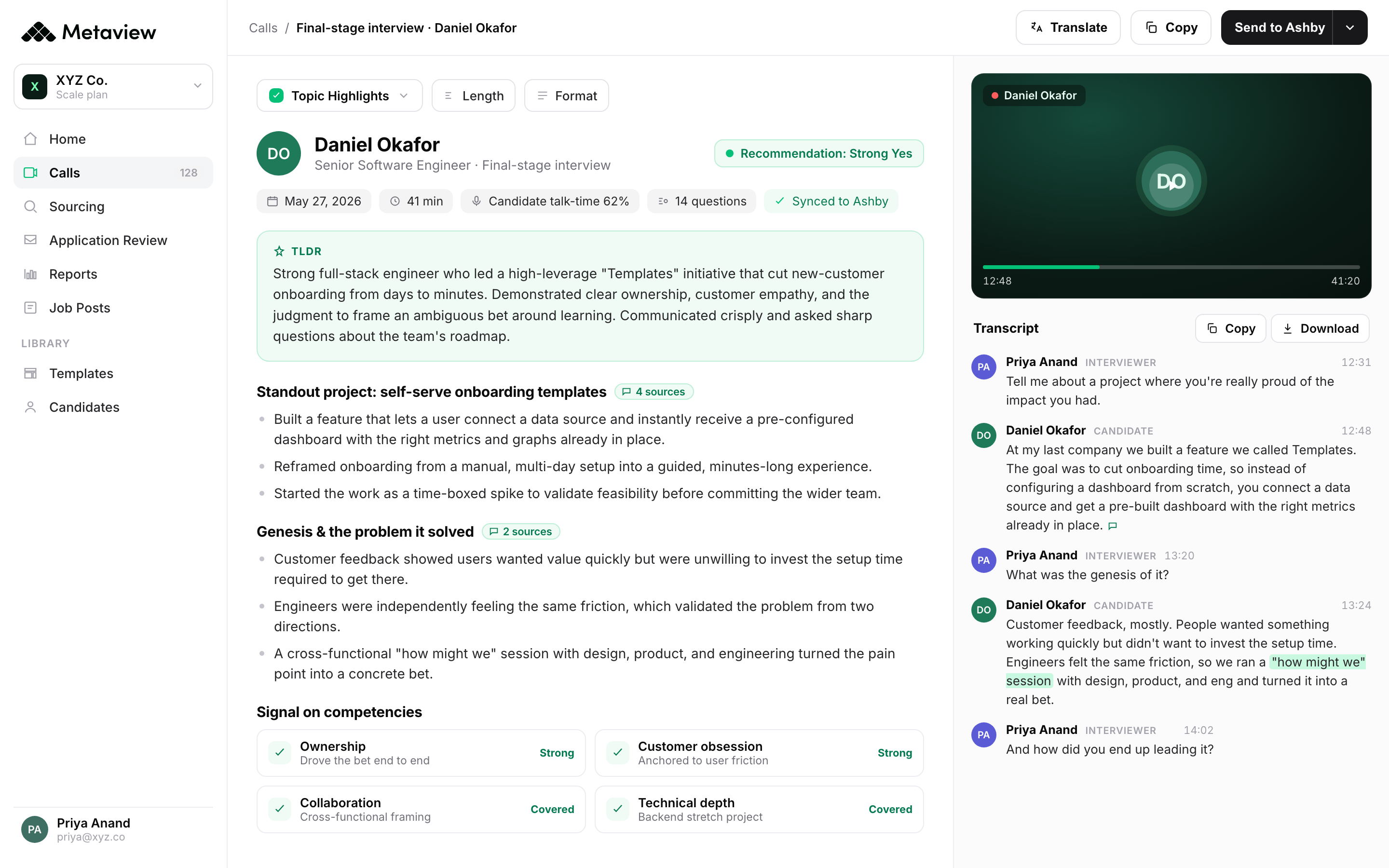
Metaview is the AI Notetaker built for hiring. It records, transcribes, and structures recruiting conversations into rubric-mapped notes that sync to your ATS.
Unlike general meeting tools, Metaview understands the structure of an interview. It tags salary expectations, motivation, role-specific evidence, and scorecard answers without anyone cleaning the transcript.
What it covers:
- Recruiting-aware notes for intake, screens, technical loops, and debriefs
- Native sync to Greenhouse, Ashby, Lever, Workable, Teamtailor
- Custom rubrics per role and stage
- Reports on pipeline health, time-to-hire, and interviewer consistency
- 50+ language support for global hiring
Where it falls short: overkill if you only need raw transcription for general meetings. You pay for recruiting-specific structure you would not use.
Best for: recruiting teams running structured interviews across multiple roles or geographies, where consistent evidence and ATS sync matter more than a low monthly bill.
Catawiki saves 2-6 hours per recruiter per week after wiring Metaview into their interview loop. James Lesner, Director of Talent Management at Catawiki, described the shift.
It’s unimaginable to go back to a time before Metaview where we’d have to take notes during interviews and rely on guesswork for improving our processes.”

2. Otter.ai.
Category: General AI meeting transcription
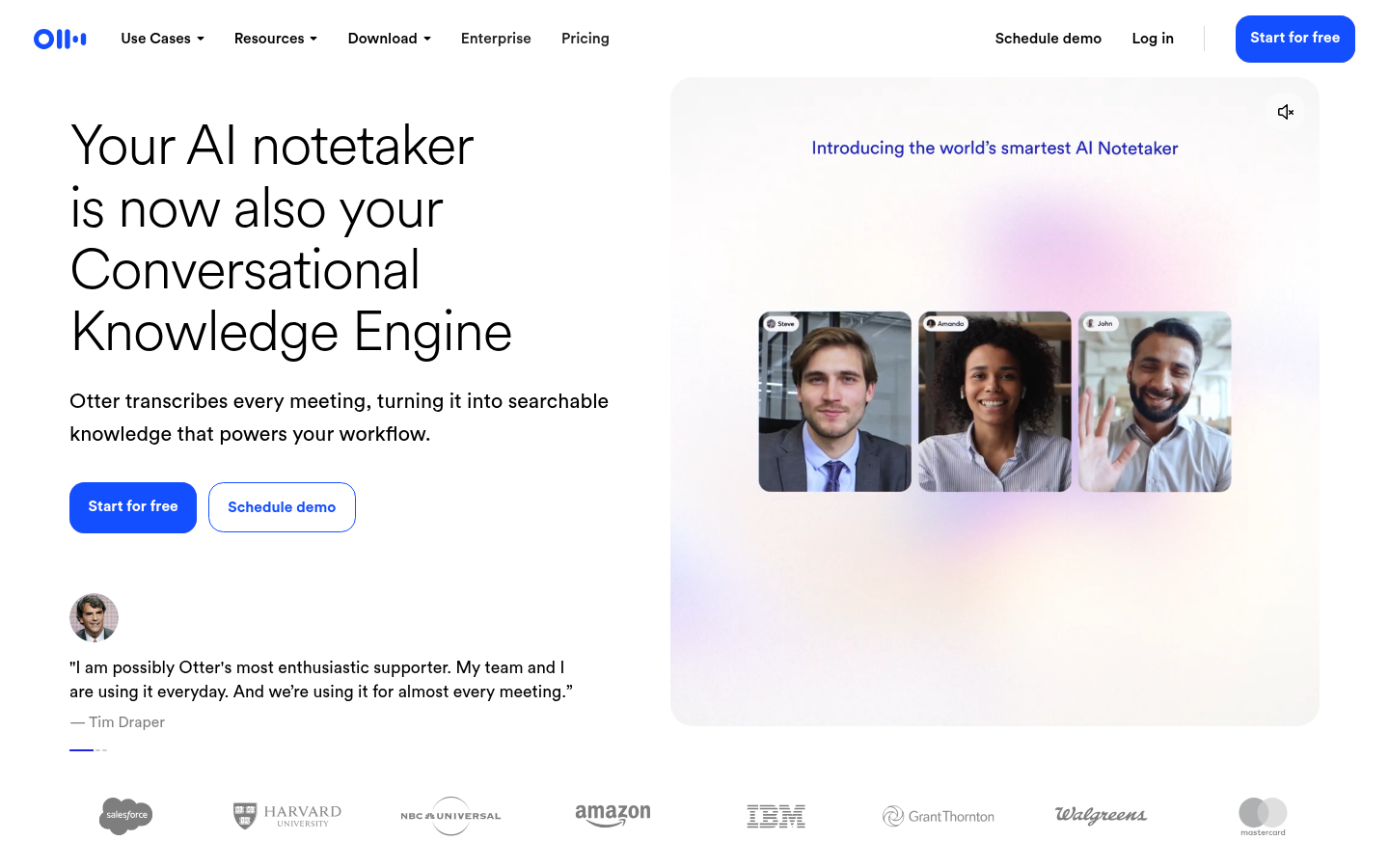
Otter is one of the most-used AI note takers across business meetings. It transcribes calls in real time and produces summaries with action items.
For interviews, you get a clean transcript and a high-level summary. You do not get rubric structure, salary tagging, or ATS sync without manual work.
What it covers:
- Real-time transcription across Zoom, Google Meet, Microsoft Teams
- Auto-summaries and action items
- Live chat with the meeting transcript
- 300 free transcription minutes per month
Where it falls short: no recruiting context. Notes do not separate small talk from candidate evidence, and there is no native ATS push.
Best for: recruiters who want a transcript safety net for general meetings and are fine cleaning interview notes by hand.
3. Fireflies.ai.
Category: Sales-leaning AI meeting assistant
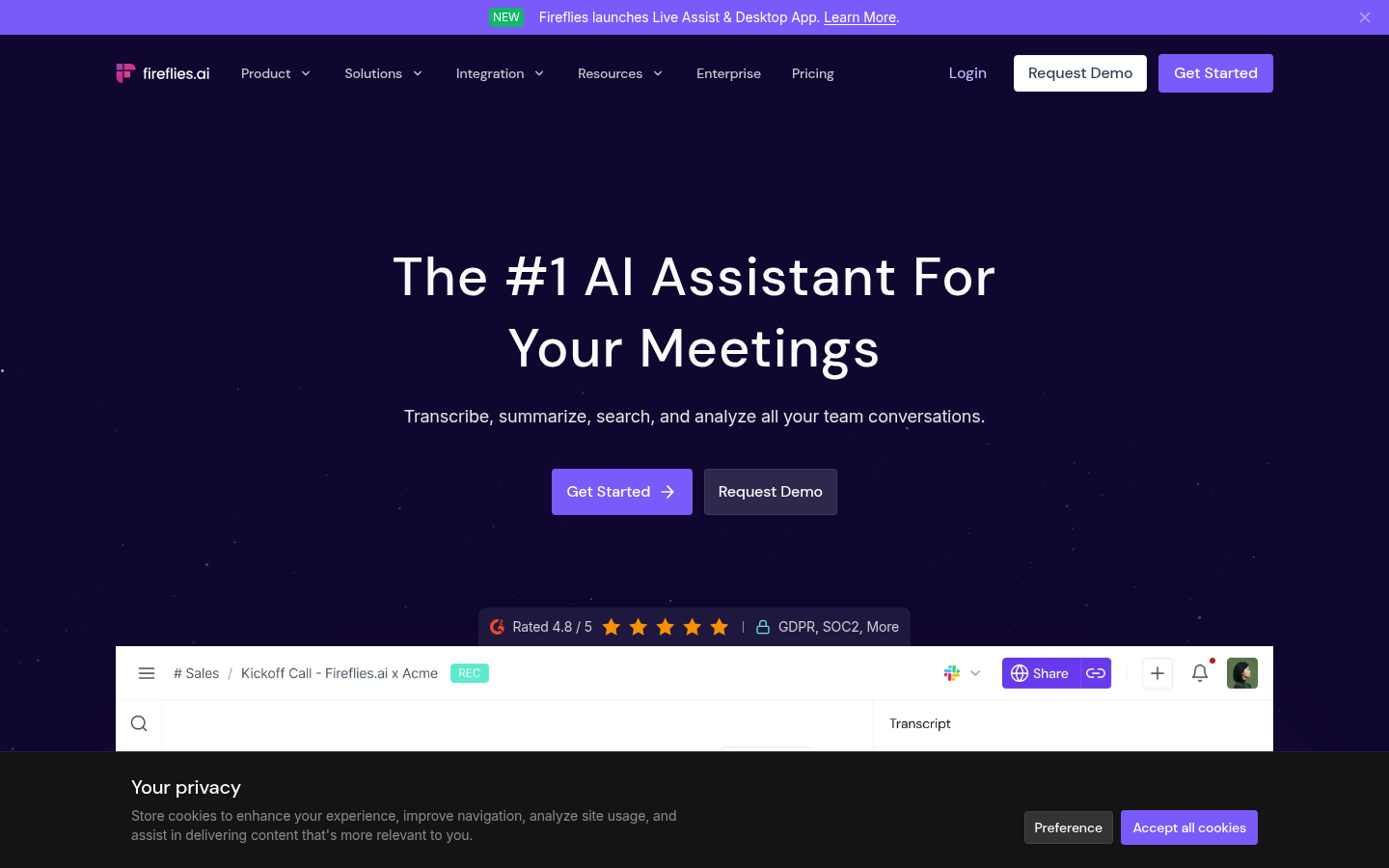
Fireflies sits across video calls and turns them into searchable transcripts. The product leans toward sales and revenue teams but is widely used as a generic meeting tool.
Recruiters use it for the searchable archive. Anything beyond that, including syncing notes to candidate records, is a manual lift through Zapier.
What it covers:
- Auto-join across Zoom, Meet, Teams, and others
- Transcripts, summaries, and topic search
- Sentiment and talk-time analytics
- Zapier integration for CRM and ATS push
Where it falls short: not built for hiring. No rubric, no structured candidate evidence, no native ATS sync.
Best for: recruiters who already use Fireflies for sourcing intros or business calls and want one tool across both.
4. Zoom AI Companion.
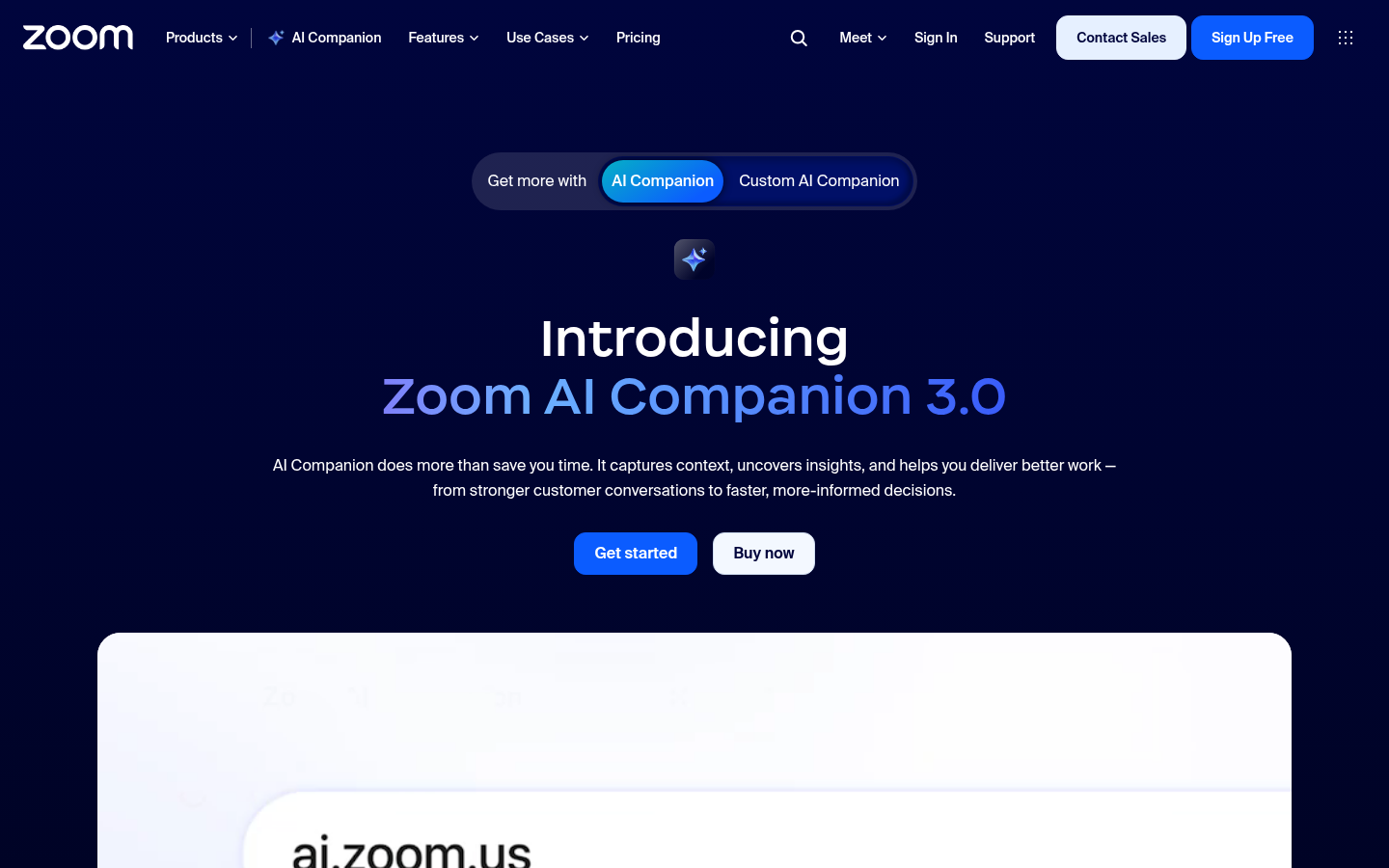
Category: AI assistant bundled with paid Zoom
Zoom AI Companion sits inside the Zoom client and summarizes meetings, drafts follow-up messages, and answers questions about the call.
For Zoom-only teams it is convenient. The trade-off is the same as Otter for interviews: you get a transcript and a generic summary, not a rubric-mapped recruiting note.
What it covers:
- Meeting summaries and next-step suggestions
- Chat thread summarization
- Email and message drafting
- Included with most paid Zoom plans
Where it falls short: Zoom-only by design. Misses interviews on Meet, Teams, or phone. No ATS sync, no recruiting structure.
Best for: teams that run every interview through Zoom and just want a cleaner summary without adding another tool.
5. Microsoft Copilot.
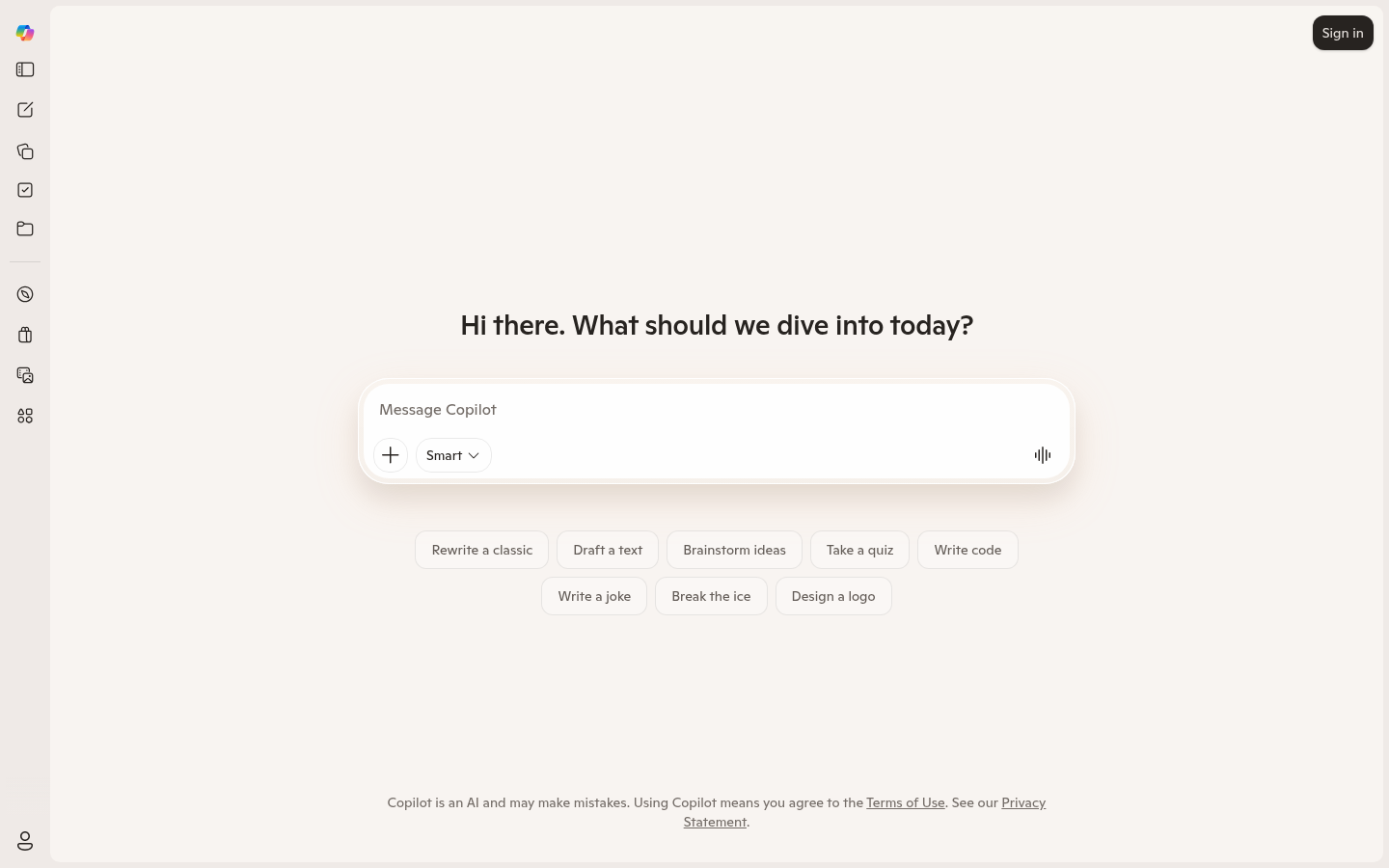
Category: AI assistant inside Microsoft 365
Microsoft Copilot is the AI layer across Word, Outlook, Teams, and the rest of the Microsoft 365 suite. Inside Teams it summarizes calls and produces follow-up notes.
For organizations standardized on Microsoft, Copilot is the path of least resistance. For interviews, it captures the conversation but not the structure recruiters need.
What it covers:
- Teams meeting recap and chat summarization
- Email drafting in Outlook
- Document drafting in Word
- Tight Microsoft 365 integration
Where it falls short: Teams-only for meetings. No recruiting rubric, no ATS sync, no candidate evidence tagging.
Best for: enterprise teams already paying for Microsoft 365 who want a single AI layer across all work and are fine treating interviews like any other meeting.
6. Read.ai.
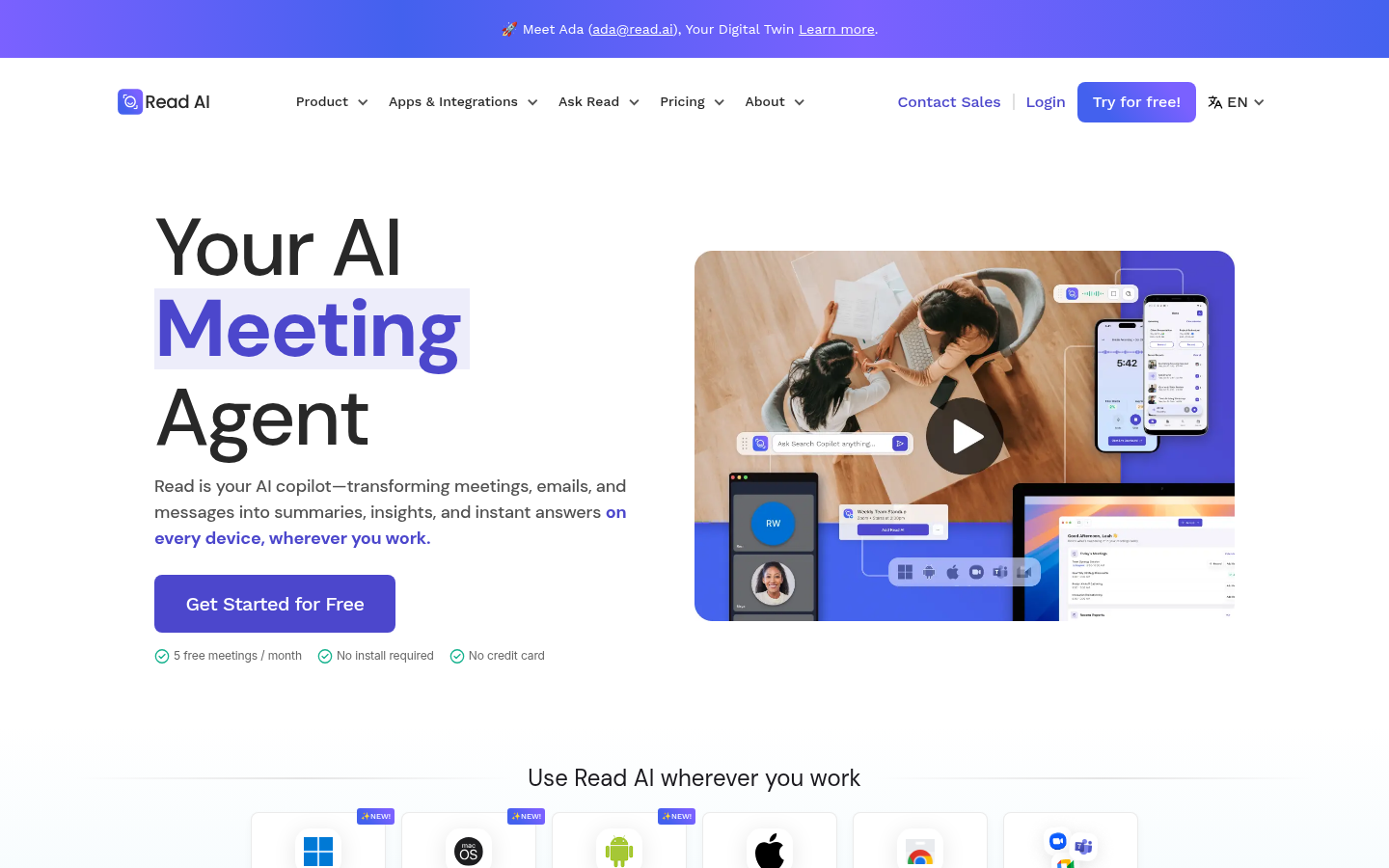
Category: AI meeting assistant with enterprise search
Read.ai delivers real-time transcription and summaries across calls, then layers AI search across meetings, messages, and documents.
The search layer is useful if you want one place to look up what a candidate said three weeks ago. The output itself is still a general-purpose summary.
What it covers:
- Real-time transcription and smart summaries
- AI search across meetings, emails, and CRM
- Sentiment and engagement scoring
- Free tier with limited transcription
Where it falls short: no recruiting context, no ATS push. Engagement scoring is built for sales calls, not interviews.
Best for: recruiters who want a searchable archive of every conversation and do not need ATS-ready interview notes.
7. tl;dv.
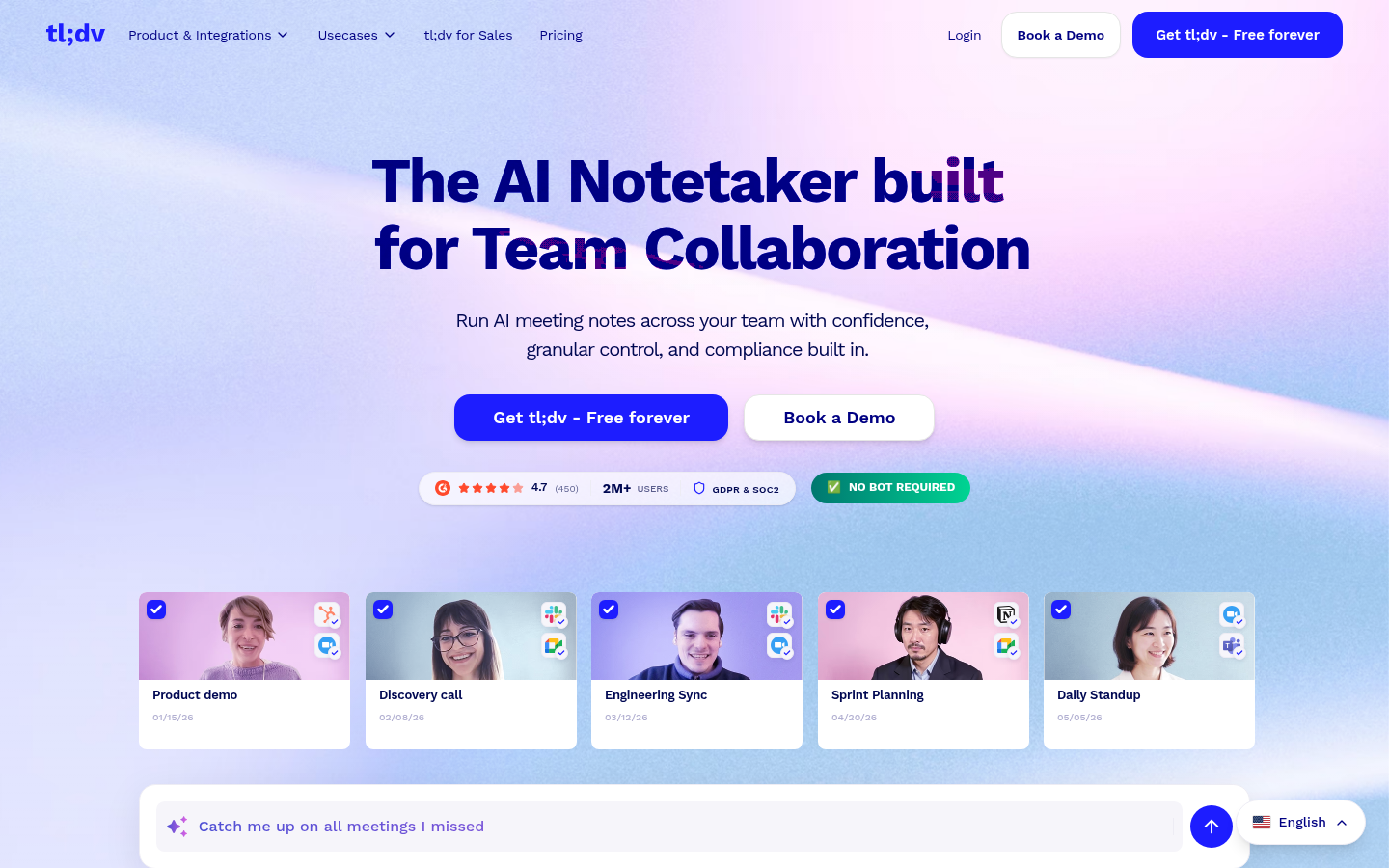
Category: Free-tier general meeting notetaker
tl;dv records and transcribes meetings across Zoom, Google Meet, and Microsoft Teams. The free tier is generous, which is why teams adopt it without IT involvement.
For interviews, you get a recording, a transcript, and an AI summary. You do not get structured candidate evidence or anywhere to push it.
What it covers:
- Unlimited recordings on the free plan
- Transcripts and AI summaries
- Timestamps and highlight reels
- Zapier integration for downstream tools
Where it falls short: no recruiting structure, no native ATS sync, no rubric. The free tier hides workflow gaps that show up at scale.
Best for: small teams or solo recruiters who want a low-cost transcript-first tool and will copy candidate evidence into the ATS manually.
8. JotMe.
Category: General AI note taker with live translation
JotMe provides real-time translation, speaker-labeled transcription, meeting notes, and a meeting chatbot. JotMe says it supports meetings and events across 200+ languages.
In a hiring workflow, candidates can follow a live translation and receive shared notes, transcripts, and recordings in their own language. Recruiters can also ask questions about the conversation during or after the interview.
What it covers:
- Live translation across 200+ languages, according to JotMe
- Real-time and uploaded-file transcription with speaker labels
- AI notes and summaries in each participant’s language
- Shareable translated notes, transcripts, and recordings
- Meeting questions during or after the conversation
Where it falls short: JotMe is built for multilingual meetings and events across the business rather than hiring, so treat it as the translation layer, with interview structure living elsewhere.
Best for: recruiters interviewing candidates across languages who need live translation and multilingual meeting records.
How to choose between Metaview and generic AI note takers.
The right tool depends on the stakes of the meeting and how structured your hiring already is.
Comparing tools at different layers of the recruiting stack? See our guides on CRM vs ATS for recruiting and the best applicant tracking software.
Looking outside recruiting? RankSmith publishes a broader roundup of AI meeting note-taking tools.
Bring Metaview into your hiring stack.
Live notes, structured scorecards, and ATS sync - set up in under 10 minutes.
Frequently asked.
Can I use a generic AI note taker like Otter or Zoom AI for interviews?
You can, and many teams start there. The trade-off is structure. Generic tools record the conversation but do not tag salary expectations, right-to-work, or scorecard evidence. You end up cleaning transcripts by hand or missing the signal entirely.
Is Metaview free?
Metaview offers a free starting point if you sign up with a work email. Paid plans add ATS sync, custom rubrics, reporting, and the rest of the recruiting workflow.
Does Metaview integrate with my ATS?
Yes. Native integrations cover Greenhouse, Ashby, Lever, Workable, Teamtailor, and more. Notes, scorecards, and structured fields push straight to the candidate record.
What is the difference between a transcript and a recruiting note?
A transcript is everything that was said. A recruiting note is the structured pull from that conversation: motivation, salary, notice period, role-specific evidence, and a rubric-mapped summary. Generic tools produce the first. Recruiting tools produce the second.
Can I run multiple AI note takers in the same interview?
Technically yes, but most teams pick one. Two bots on a call confuses candidates and creates duplicate recordings to manage. Pick the one that matches the stakes of the meeting.
