
Among multichannel outreach tools for recruiters, Gem fits sourcing teams writing to passive candidates. Agencies on Bullhorn should start with Bullhorn Automation, and other agencies should start with JobAdder. Teams texting applicants at volume should look at Paradox and Sense. With passive candidates, I’d make first contact by email or LinkedIn InMail, and save text and WhatsApp for candidates who’ve agreed to hear from you there.
A cold recruiting text can look like a job scam. In an April 2026 consumer alert, the US Federal Trade Commission (FTC) told job seekers to ignore generic and unexpected job texts and WhatsApp messages. WhatsApp’s business policy goes further and only allows messages to people who gave you their number and agreed to hear from you.
Compare the seven tools by channel, setup, and best fit.
Start with the “Best for” column to build your shortlist, then check each match’s channels and setup.
| Tool | Channels it sends on | Before the first message | Best for |
|---|---|---|---|
| Gem | Email, text to US and Canada numbers, WhatsApp, and InMail stages you send from LinkedIn | Texting enabled through Gem with carrier registration, and approved WhatsApp templates for first messages | Sourcing teams writing to passive candidates on several channels |
| Loxo | Email and text, with voice calls in sequences | Application-to-person (A2P) approval through Twilio or RingCentral for texts; your Microsoft 365 or Google Workspace inbox for email | Recruiters who call as well as write |
| Bullhorn Automation | Email and text | A Bullhorn account enabled for texting | Agencies already on Bullhorn |
| JobAdder | Email and text, with WhatsApp through Twilio | Texting built in on Recruiter Pro; on Recruiter Lite and Recruiter Essential, your own paid account with a texting partner | Agencies happy to bring their own texting or WhatsApp provider |
| Sense | Text and WhatsApp, plus emails drafted with AI | Your company and texting campaigns registered for 10DLC, and numbers requested from Sense Support | Teams that text many applicants at once |
| Paradox | Text and WhatsApp, with Messenger and chat | An admin’s 10DLC brand registration for US and Canada texts; WhatsApp onboarding through your Meta business account | High-volume frontline hiring |
| Teamtailor | Text and WhatsApp, both at extra cost | Text consent collected first, and a WhatsApp Business Account | Teams that run their hiring in Teamtailor |
The channel and setup columns come from each tool’s own help and product pages, read in November 2026. The “Best for” column is my own judgment.
Prices aren’t in the table because most of these vendors don’t publish clear prices, so ask each vendor what texting and WhatsApp add to the bill. For one, Teamtailor charges extra for both and bills WhatsApp in messaging credits.
1. Gem: best for sourcing teams writing to passive candidates on several channels.
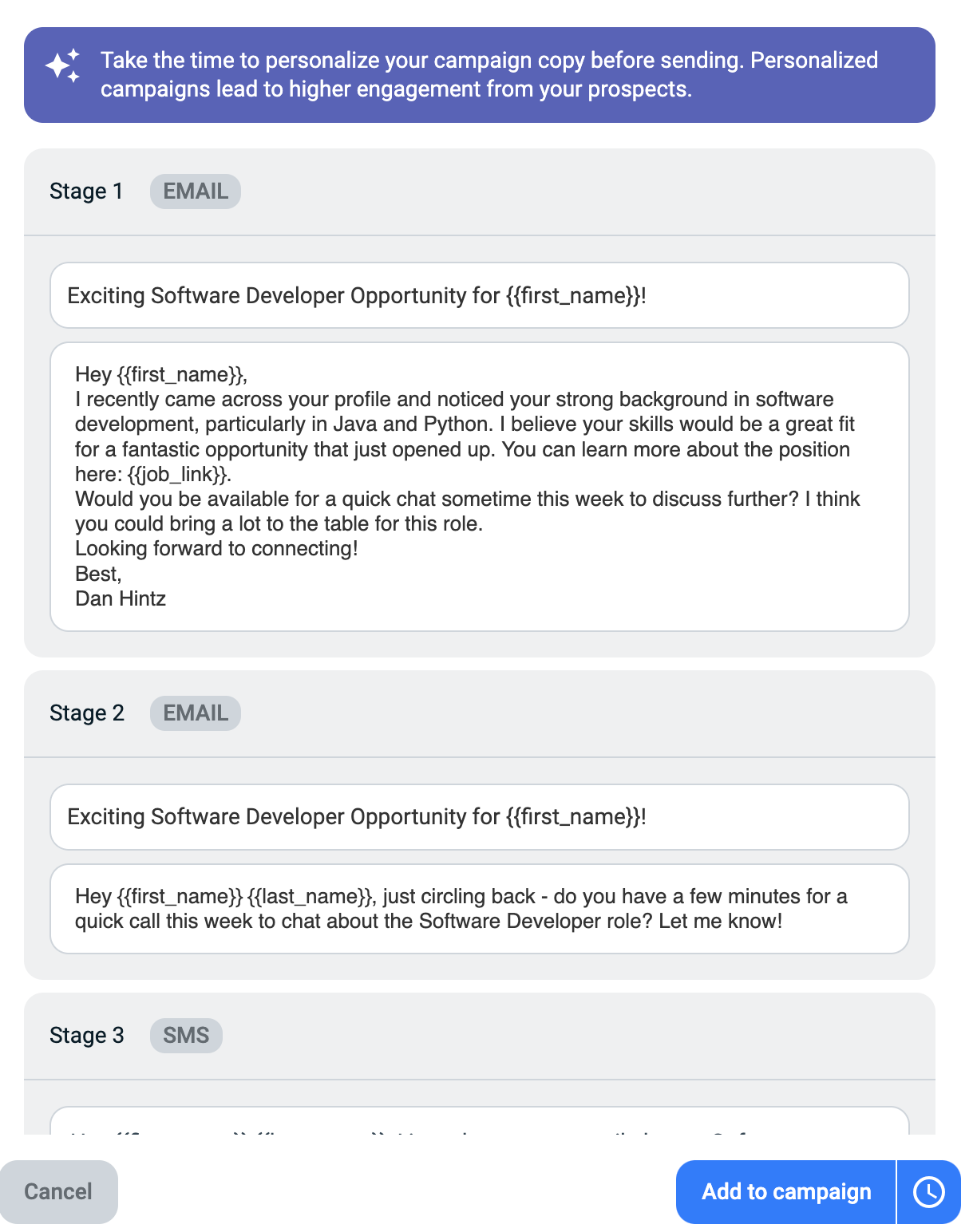
Gem connects to your applicant tracking system (ATS) and adds sourcing and outreach to it. One Gem sequence can mix email, text, and WhatsApp stages.
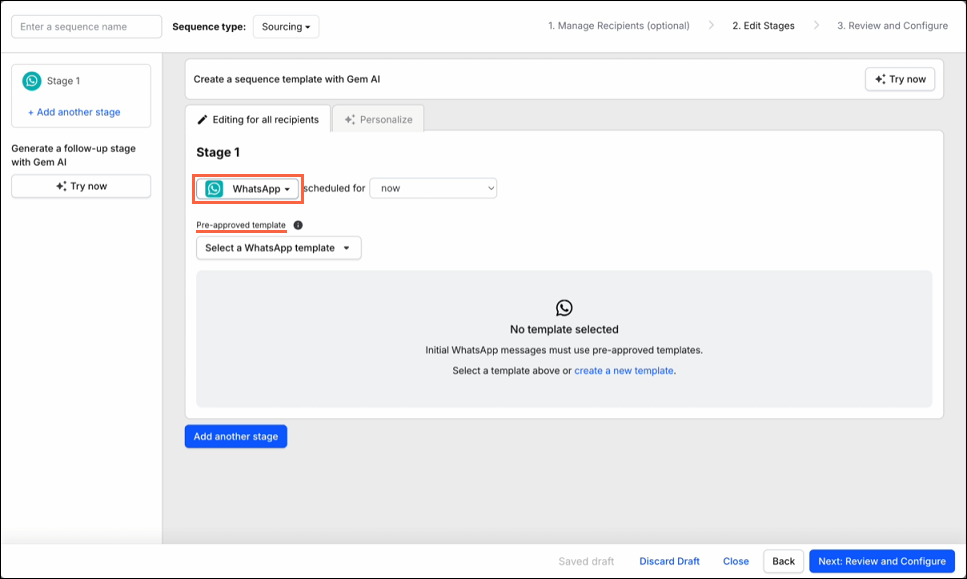
Texting needs a little setup first. Contact Gem support to turn it on and start the carrier registration that US carriers require. Gem then provisions a virtual number for you, and text stages send automatically to US and Canada numbers. A candidate opts out by replying STOP or UNSUBSCRIBE.
You can send WhatsApp messages in a sequence or one at a time. Until a candidate replies, Meta only lets you send WhatsApp message templates it has already approved. Gem can’t send WhatsApp messages to US numbers, under Meta’s WhatsApp messaging guidelines.
A sequence can also hold InMail stages, but you send those yourself. Gem gives you copy buttons for the message, you paste it into LinkedIn’s InMail composer and send it there, and then you mark it as sent in Gem.
2. Loxo: best for recruiters who call candidates as well as write to them.
Loxo’s Outreach sequences combine email, text, and call steps. Your texts go out through a phone provider, and in-app texting works only with the Twilio and RingCentral integrations.
Before your first text, your agency needs A2P approval through that provider, which Loxo says is done for the whole agency with its Tax ID or Employer Identification Number, and the major US carriers can take another 5 to 10 business days to update. An admin can turn on “Require SMS Consent” under “Settings > Compliance,” and from then on a campaign’s text step reaches only people marked “Opted-In.”
You set consent one person at a time, and picture and video messages aren’t supported. It suits US agencies that already use Twilio or RingCentral and want calls and texts in the same sequence as email.
3. Bullhorn Automation: best for agencies already on Bullhorn.
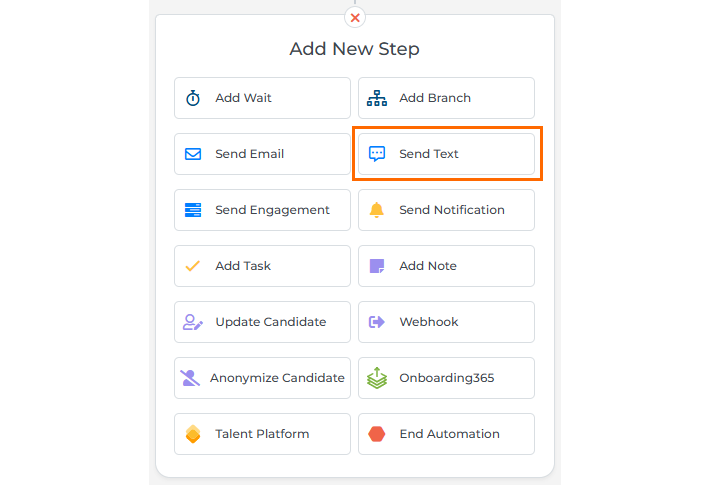
Bullhorn Automation sends automatic emails to the candidates in your Bullhorn database. If your account is enabled for texting, you can add a text step to the same automation.
Bullhorn’s texting runs on TextUs, which manages each candidate’s opt-out. A candidate who replies STOP, CANCEL, or UNSUBSCRIBE is opted out automatically.
4. JobAdder: best for agencies happy to bring their own texting or WhatsApp provider.
JobAdder is built for recruitment agencies. It gives you email and text templates and automated email sequences, and it connects to WhatsApp through Twilio.
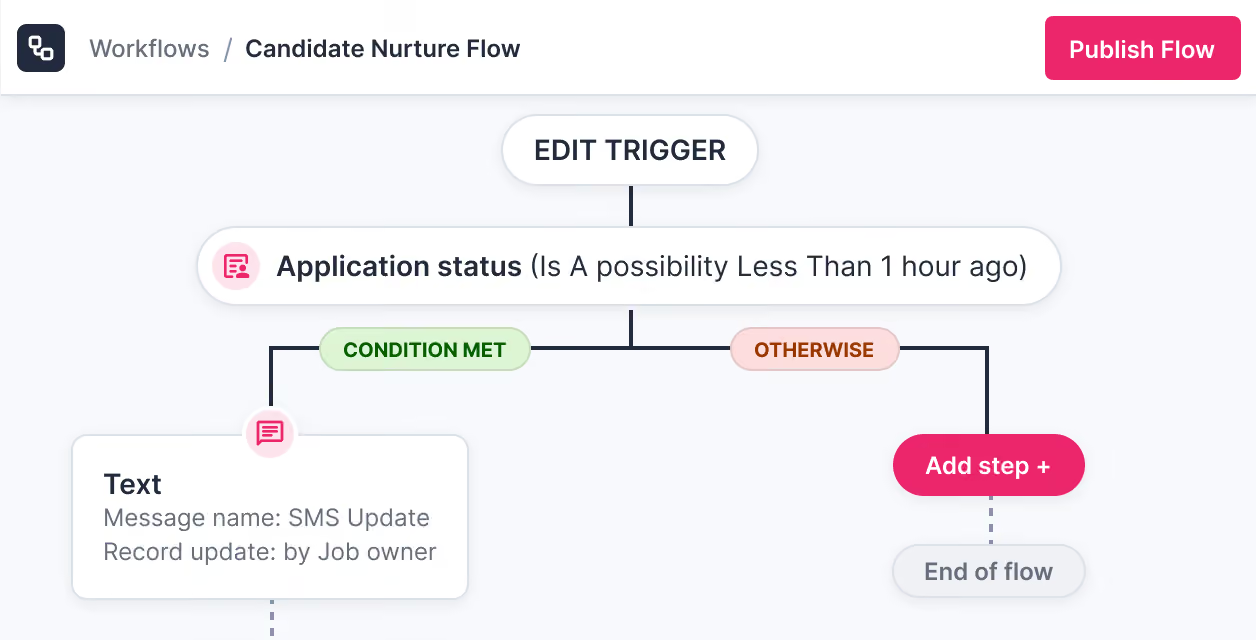
Email comes with every plan, and texting is built in on Recruiter Pro. On Recruiter Lite and Recruiter Essential, you add texting by connecting your own paid account with a supported partner such as Kudosity or Twilio.
5. Sense: best for teams that text many applicants at once.
Sense Messaging lets you text candidates one to one or send a Broadcast, which sends the same message to each person separately instead of as a group thread.
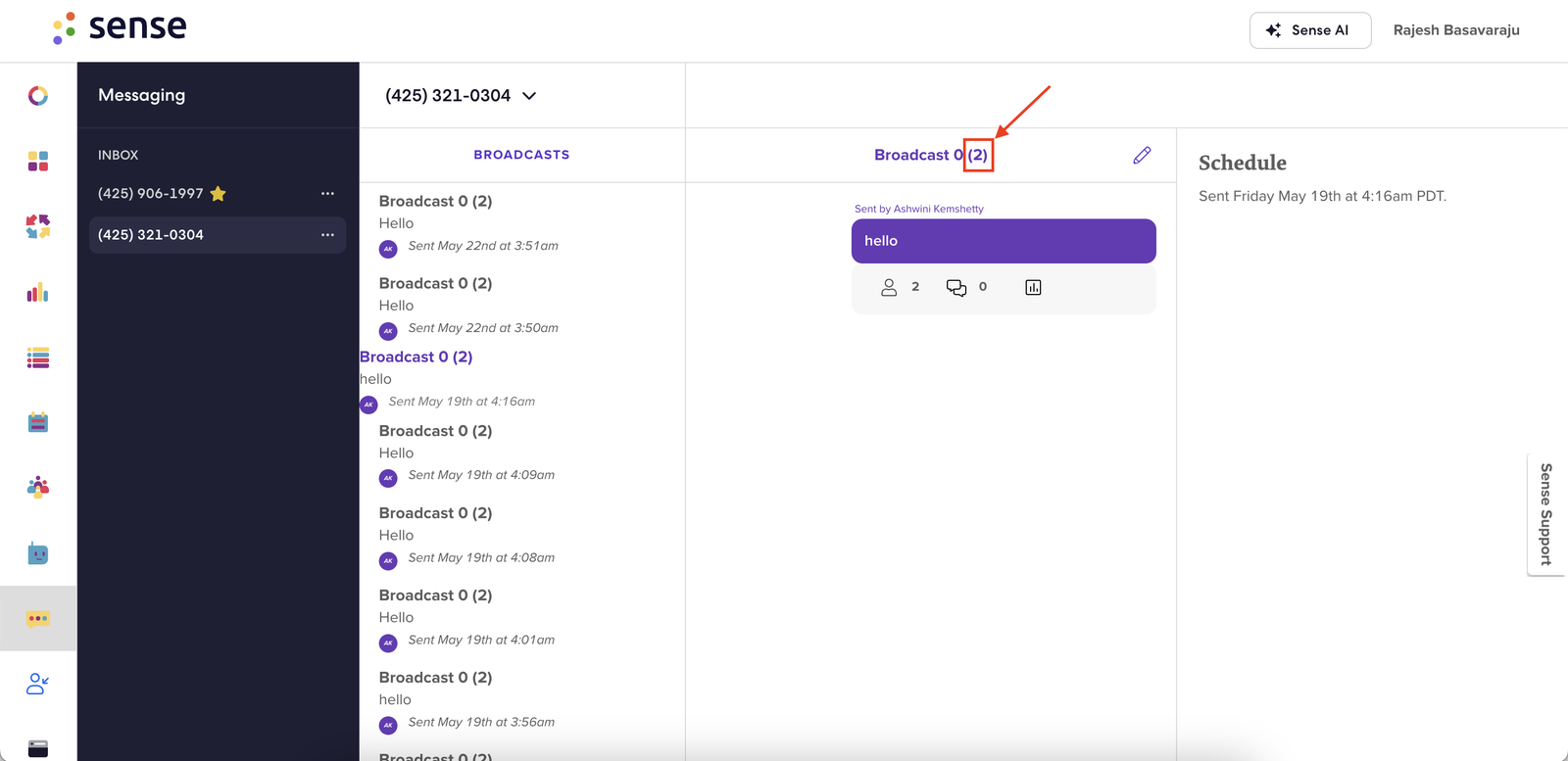
To get started, you request numbers from Sense Support, and your company and texting campaigns need 10DLC registration with US carriers. WhatsApp needs a separate Meta registration, which Sense’s team handles during onboarding and which can take several weeks.
Sense recommends getting written opt-in before you text, mainly because carriers are likely to filter numbers that text without it. Broadcasts skip anyone who has opted out, and an admin can set a monthly broadcast limit for each role, with recipients past the limit skipped rather than queued. It suits teams that text many applicants at once and want a cap on how much each role can send.
6. Paradox: best for frontline hiring, where candidates apply from their phones.
Paradox runs automated text, WhatsApp, Messenger, and chat conversations with candidates through an AI assistant, and it’s built for frontline and high-volume hiring.
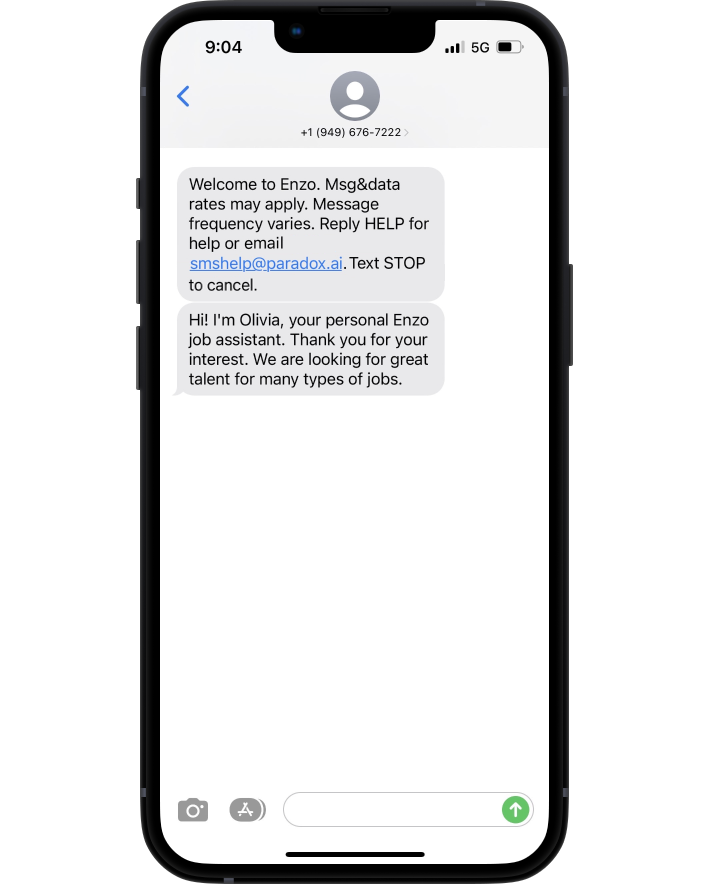
Before you text candidates in the US or Canada, an admin registers your brand for 10DLC under “Settings > Phone Number Registration.” WhatsApp needs its own onboarding, where someone with full control of your company’s Meta business account logs in with Facebook.
The first text from each number is a welcome message with HELP and STOP instructions that you can’t remove, and a candidate who replies STOP is unsubscribed from all texts and WhatsApp messages from that number.
You get one outreach number per country, and in China and the United Arab Emirates, email is the only channel Paradox supports. It suits frontline hiring teams that text at high volume and have an admin who can own both registrations.
7. Teamtailor: best for teams that already run their hiring in Teamtailor.
In Teamtailor, you can text candidates and message them on WhatsApp from your account. Both channels cost extra.
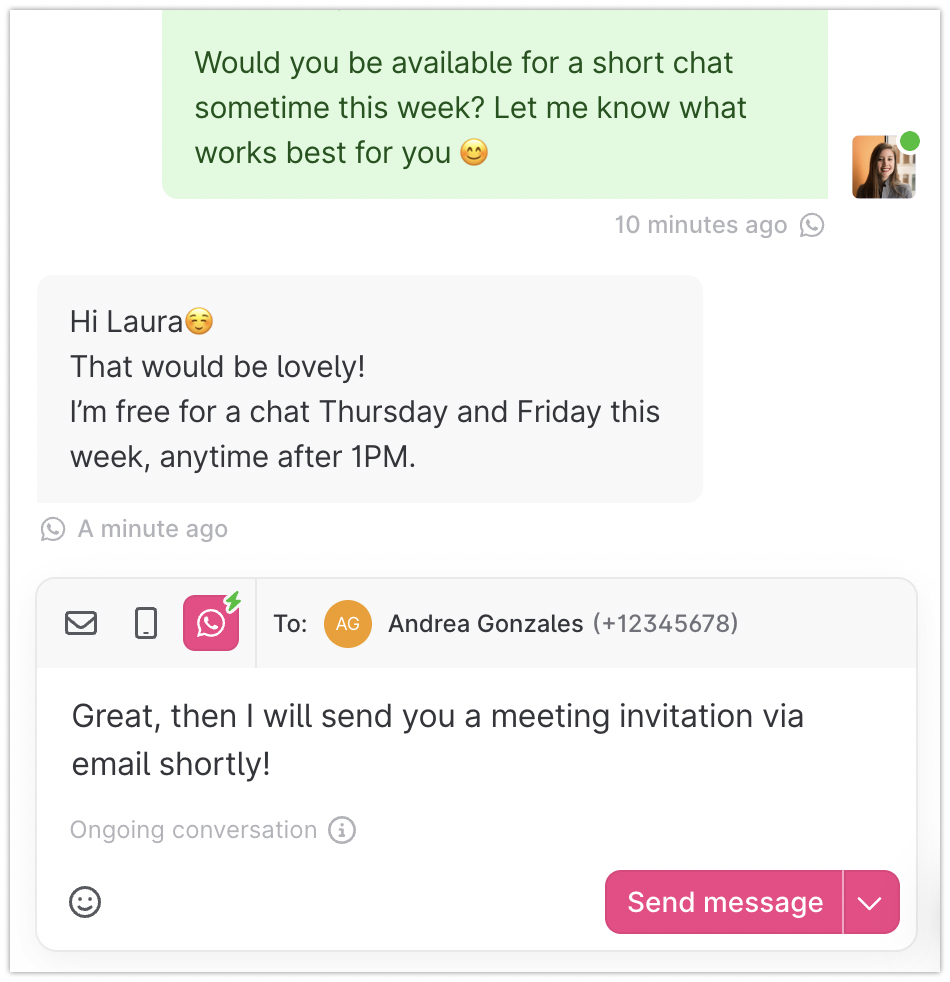
For texts, Teamtailor asks you to collect consent before contacting candidates, and it automatically adds an opt-out to the end of the first text each candidate gets. For WhatsApp, you connect a WhatsApp Business Account first. Sending uses messaging credits, and you can reply within 24 hours of the candidate’s last response.
Start with email or InMail, and add text and WhatsApp after opt-in.
Start from who you’re writing to and whether they’ve agreed to hear from you by text or WhatsApp. Then match your team to a tool:
- Sourcing passive candidates: Lead with email and InMail, and add text or WhatsApp only after a candidate replies and agrees. Gem puts email, InMail, text, and WhatsApp stages in one sequence.
- Recruiters who call candidates: Loxo adds voice calls to email and text.
- Agencies: Bullhorn Automation and JobAdder add texting to the system your records already live in.
- Frontline hiring at volume: Ask on the application for consent to text and to message on WhatsApp. Once you have it, those become the right channels. Paradox lets applicants start by text or WhatsApp, and Sense runs mass texting campaigns.
- Teams with many recruiters: When many recruiters message the same candidates, I’d keep consent in one record. Loxo, for example, marks each person “Opted-In,” “Opted-Out,” or “No Consent” for texts, and a campaign’s text step skips anyone who isn’t opted in.
- Teams already on Teamtailor: Turn on its text and WhatsApp messaging, which both cost extra, before you buy another tool.
Check the consent rules for email, InMail, text, and WhatsApp recruiting.
Each channel has its own rules, set by a regulator or by the platform itself, and they decide who you can contact. The European Union also has rules on how you use a candidate’s data. Check all of them before anyone on your team sends a first message.
Find out whether your recruiting emails count as commercial email.
In the US, the FTC’s rules for commercial email cover any message whose primary purpose is advertising or promoting a commercial product or service. An email that counts needs a clear way to opt out and a valid physical postal address, and you have 10 business days to honor an opt-out. Ask your legal team whether your recruiting emails count.
Check InMail settings and your contract terms.
Members can switch off InMail in their message settings. If you use LinkedIn Recruiter, check your contract for its own InMail terms.
Get consent before you text, and honor every opt-out.
The US Federal Communications Commission (FCC) requires consent before an autodialed or prerecorded text to a mobile number, and written consent for commercial texts. Ask your legal team whether texts sent from your outreach tool count as autodialed.
People can opt out at any time in any reasonable way. The wireless industry body CTIA asks senders to use standard “STOP” wording, and to act on plain replies such as stop or unsubscribe.
Message on WhatsApp only after a candidate opts in.
Meta’s WhatsApp Business policy lets you contact someone only if they gave you their number and you have their opt-in permission. It also makes you responsible for collecting that opt-in in a way that meets the law.
A message from the candidate starts a 24-hour customer service window, and inside it you can reply in your own words. Outside it, you can only send an approved template message.
Have a lawful basis for candidates in the European Union.
The General Data Protection Regulation (GDPR) requires you to have a lawful basis, such as consent or legitimate interests, before you use a candidate’s data.
If you got a candidate’s details from anyone other than the candidate, Article 14 requires a privacy notice that says where you got them. Send it within a month of getting the details, or by your first message if that comes sooner.
Where Metaview fits.
Metaview’s fillmore writes each message for one person across email, LinkedIn, and WhatsApp, picks the channel the candidate is most likely to answer on, and books screening calls once you approve each one. Metaview is the Agentic Recruiting Platform, and fillmore is its AI coworker that also finds candidates and researches each one before writing to them.
For email sequences you run yourself, Metaview’s Outreach sends sequences to candidates as automated email. You can also send a sequence on behalf of a teammate.
You add candidates to a sequence from a shortlist built by Metaview’s sourcing agent, or from a CSV upload. The sourcing agent finds candidates but doesn’t contact anyone, so you decide who gets a sequence.
The sourcing agent can start from an intake call with the hiring manager that’s recorded with Metaview. Recording only happens if consent is given, and the consent process belongs to your team. Where it is given, the Metaview Notetaker records the call and captures every spoken word, so the shortlist you email starts from what the hiring manager asked for.
Shahriar Tajbakhsh, Metaview’s co-founder, explains why an accurate transcript comes first:
At Metaview, transcription is the first mile of our AI product: if names, roles, companies, and context are wrong, everything downstream gets harder.”

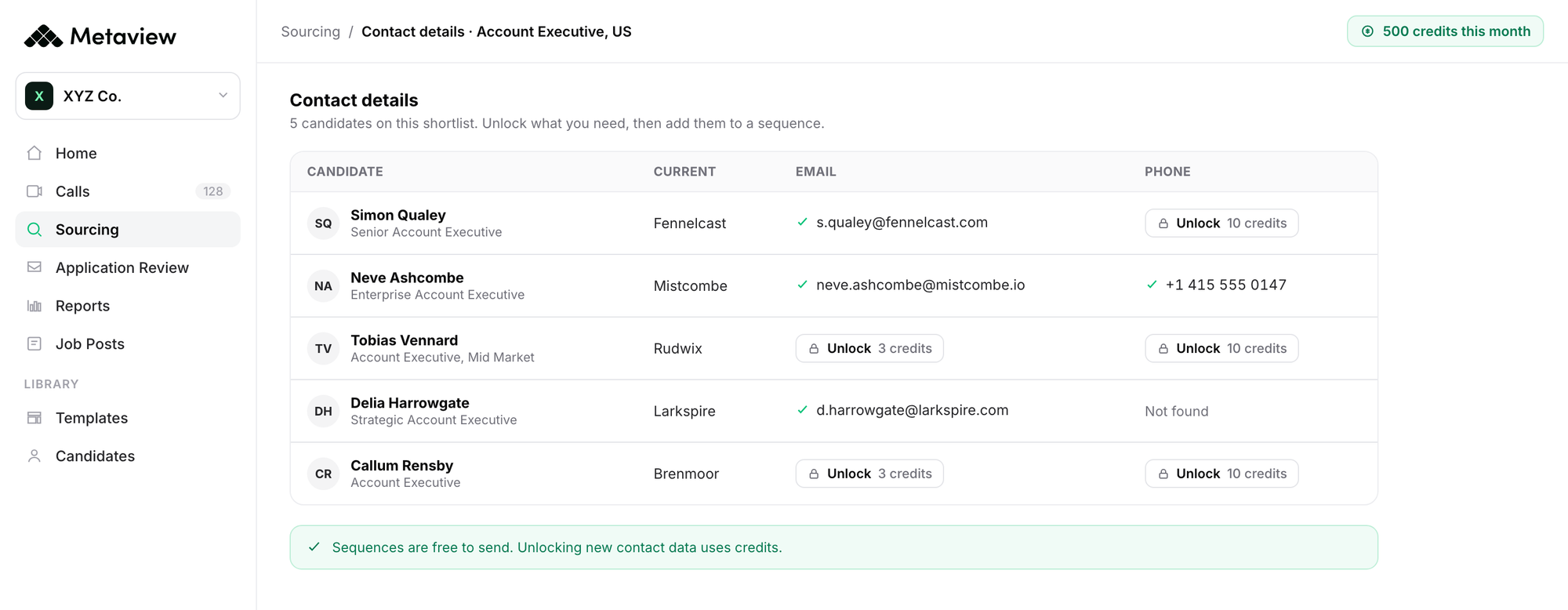
Outreach provides verified emails and phone numbers. If a candidate’s email or phone number is already in your ATS, Metaview fetches it from there. Sequences are free to send, and new contact data costs credits.
If you send a lot of outbound messages, watch episode 24 of Metaview’s 10x Recruiting podcast, “How to stop wasting your outbound at-bats, Recruiting is a Math problem”:
Start your outreach to passive candidates by email.
See how Metaview’s sourcing agent builds a shortlist and Outreach sends it an automated email sequence, with the recruiter deciding who gets one.
Frequently asked.
Is WhatsApp recruiting allowed?
Only with the candidate’s opt-in. WhatsApp’s business policy allows it when the candidate gave you their number and opted in to hearing from you, and local privacy and marketing laws still apply on top of that policy.
Can you text a candidate who hasn’t applied?
What counts is consent, whether or not they applied. FCC rules require consent before autodialed texts and written consent for commercial texts, and the FTC tells job seekers to ignore generic, unexpected job texts. So reach a candidate who hasn’t opted in by email or InMail, and ask in that message whether they’d like to move to text.
Do recruiting emails need an unsubscribe link?
If your recruiting emails count as commercial email under US law, each one needs a clear way to opt out, according to the FTC’s compliance guide. Your legal team can say whether yours count.
What do you need before turning on texting?
You need a number to send from, a way to record each candidate’s consent, and opt-out handling for replies such as STOP. Gem provisions a number once texting is enabled and registered with carriers, and on JobAdder’s Recruiter Lite and Recruiter Essential plans, you connect your own paid account with a partner such as Twilio. Some tools also charge extra for texting, so check that before you build a sequence around it.
