

Sourcing eats hours of recruiter time every week, much of it on the search rather than the candidates.
The scroll through LinkedIn, the Boolean string that misses half the qualified candidates, the spreadsheet of "maybes" that never gets revisited: each one is a tax on the time that should be going to candidate conversations.
A good tool takes the search off the recruiter's plate and hands back a shortlist to review. Which one fits depends on where the gap is: reach beyond LinkedIn, contact data for people you've already found, outreach and nurture over a long cycle, or applicant volume.
Here are the 15 best candidate sourcing tools for recruiters in 2026: what each one does well, what it costs, and which kind of team it fits.
All 15 tools at a glance.
| Tool | Best for | Pricing |
|---|---|---|
| Metaview | AI sourcing plus Notetaker interview capture in one platform | Free tier; paid plans per agent |
| LinkedIn Recruiter | The default starting point for professional sourcing | Lite from $1,600/yr; Corporate from $10,800/yr |
| HireEZ | Cross-platform AI sourcing across 45+ networks | Quote-based |
| Gem | Sourcing CRM for long nurture cycles | From $135/month |
| SeekOut | Diversity, technical, and security-cleared sourcing | Quote-based |
| AmazingHiring | Engineering and technical talent across 50+ sites | Around $4,800/user/yr |
| Collective | AI sourcing agent with multi-channel outreach | Free plan; Basic €119/seat/mo |
| Lusha | Contact enrichment for direct candidate outreach | Free tier; Pro from $22.45/mo |
| Entelo (now Rival) | Predictive sourcing for openness-to-move signals | On request |
| Fetcher | Done-for-you curated candidate lists | From $379/month |
| Findem | Attribute-based AI sourcing and talent intelligence | On request |
| Humanly | Chatbot screening for high-volume top-of-funnel | Quote-based |
| ContactOut | Chrome-extension email and phone finder | Free tier; Email from $25/mo |
| CandidateForce | Hiring skilled workers from the Western Balkans into European roles | Free, Professional, and Agency plans |
| Weekday | AI sourcing with done-for-you outreach by email, WhatsApp, and phone | 15% of salary (Contingency); Subscription custom |
1. Metaview.
Metaview connects sourcing to the interview itself.
Its AI Sourcing agent starts from a job description, an intake call, a lookalike candidate, or a natural-language command. It scours candidate databases, weights against your past successful hires, and returns a ranked shortlist with reasons attached.
The payoff comes later: when the sourced candidate reaches the interview, the Metaview Notetaker records the conversation and drafts a scorecard against your rubric for the interviewer to review and submit. Scorecard write-back to the ATS depends on the system.
Key features:
- Always-on sourcing agent that keeps finding candidates after the first search, starting from a JD, an intake call, sample resumes, or a plain-language description.
- Calibrates on what good looks like from your feedback and wider hiring context.
- Integrations with 114 ATSs including Greenhouse, Ashby, Lever, Workday, Gem, SmartRecruiters, and SAP SuccessFactors.
- Sourced candidates flow into interview capture and drafted scorecards, with direct scorecard submission into Ashby and Lever and browser-extension autofill for Ashby and Greenhouse.
- SOC 2 Type II and GDPR compliance.
Pricing: Free tier; paid plans priced per agent. Details on the Metaview pricing page.
It frees up time for us recruiters to focus on higher-value activities like sourcing and engaging with candidates. Rather than spending most of our time on manual screening.”

Where it falls short: ATS integration depth varies by system. Ashby, Greenhouse, Lever, Gem, and SmartRecruiters are first-class; some less common ATSs require workarounds.
Best for: Recruiting teams that want one platform handling sourcing and interview capture instead of two stacks that don't talk to each other.
2. LinkedIn Recruiter.
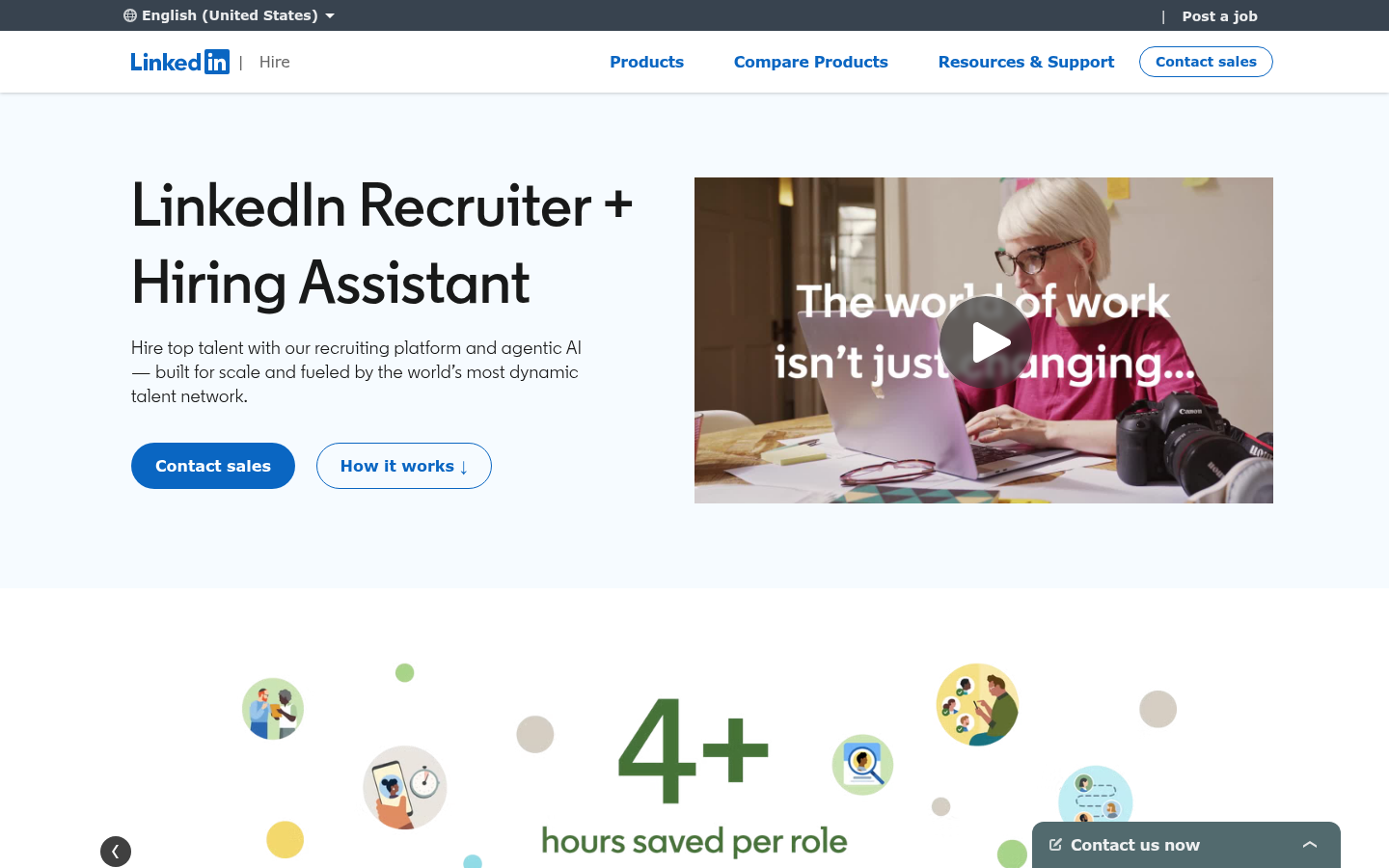
The default starting point for professional sourcing, and the one most teams have already paid for.
LinkedIn Recruiter gives access to 1 billion+ profiles, advanced filters, and InMail-based outreach inside the network candidates already trust. The 2025 AI search rollout improved relevance, though it still rewards Boolean precision over natural-language queries.
Key features:
- Largest verified professional profile pool.
- Advanced filters by skills, seniority, current employer, and open-to-work signal.
- InMail with response analytics.
- Integration with most major ATSs.
Pricing: LinkedIn Recruiter Lite from $1,600/user per year; Recruiter Corporate from $10,800/user per year.
Where it falls short: Reply rates have compressed as candidates get more InMail than they can read. Pure-LinkedIn sourcing is increasingly insufficient for senior or specialized roles where the candidate isn't active on the platform.
Best for: The baseline sourcing layer for almost every recruiting team. Pair with one specialist tool for non-LinkedIn pools.
3. HireEZ.
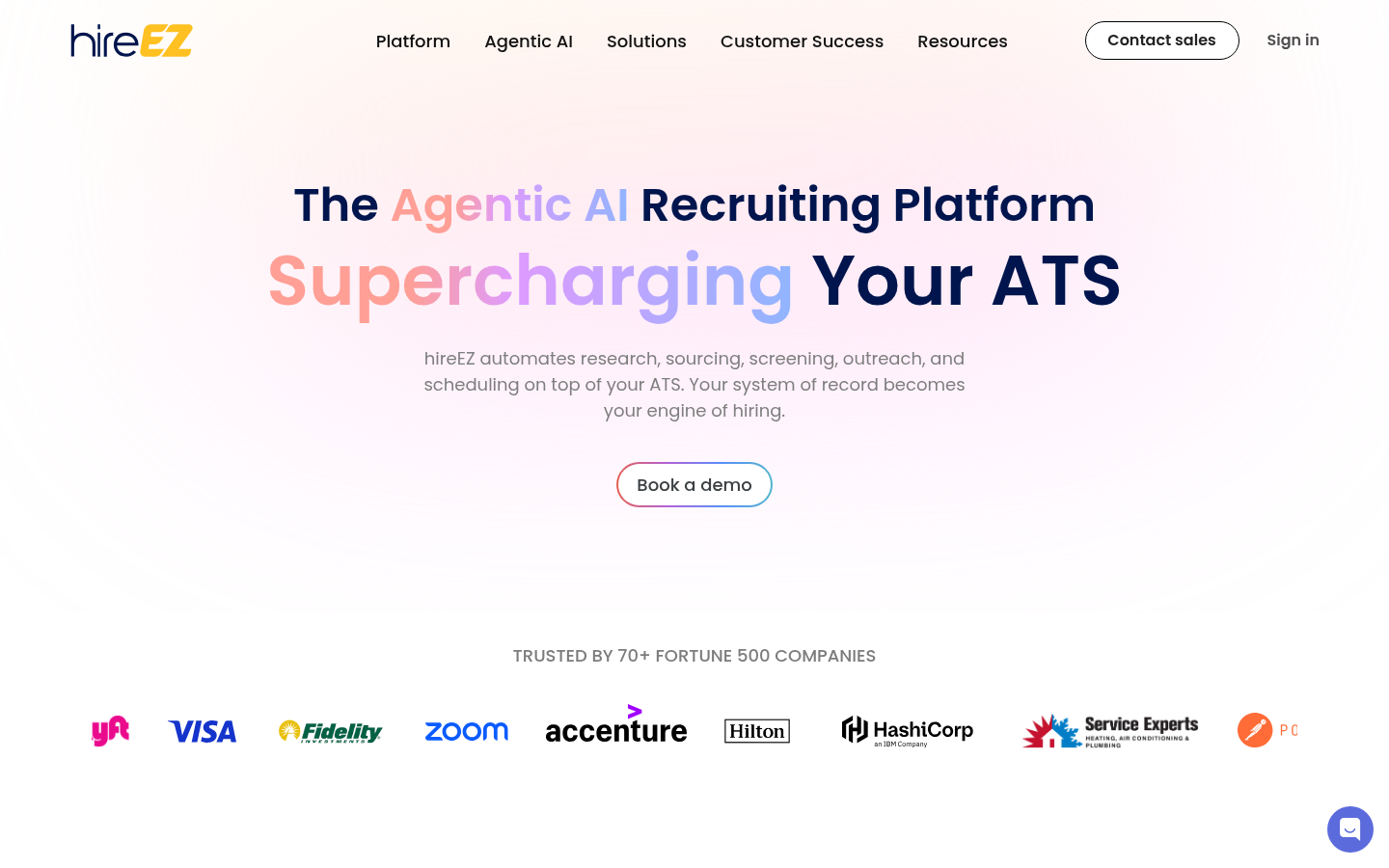
HireEZ aggregates candidate data from 45+ platforms, including LinkedIn, GitHub, and Google Scholar, into a single search.
The reason teams adopt it is reach: candidates who don't keep their LinkedIn current still leave footprints across the rest of the open web, and HireEZ pulls those into one ranked view.
Key features:
- AI search across 45+ public sources.
- Contact enrichment with verified email and phone.
- Built-in outreach sequencing.
- CRM and ATS sync.
- Diversity filters and pipeline analytics.
Pricing: Quote-based.
Where it falls short: Contact-data freshness varies, so verify addresses before the first touch and build sequences that expect some bounces.
Best for: Teams sourcing technical or specialized talent where LinkedIn alone leaves gaps.
4. Gem.
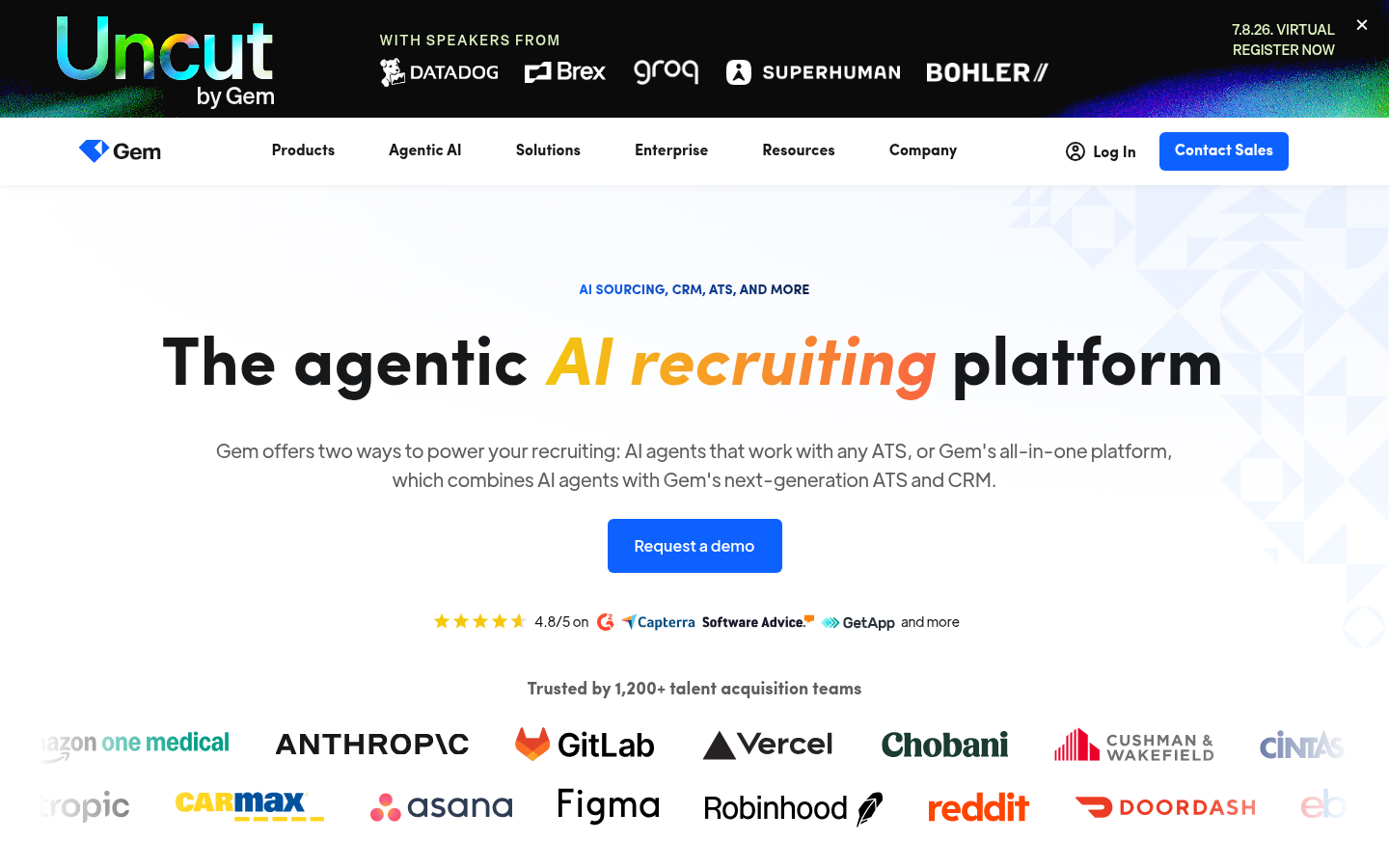
Gem is a sourcing CRM, not a recruiting database.
HireEZ helps you find candidates; Gem helps you nurture the ones you've already contacted. It's built for long-arc relationship recruiting, where the first contact and the eventual hire are months apart.
Key features:
- Centralized CRM for every candidate touchpoint.
- Email sequencing with reply tracking and A/B testing.
- Pipeline visualization across roles and team members.
- LinkedIn, Gmail, and major ATS integrations.
- Performance analytics on sequence-level reply rates.
Pricing: Startup plans from $135/month. Growth and Enterprise on request.
Where it falls short: Gem doesn't find new candidates. You still need a sourcing engine feeding the CRM. Without one, you're paying for an empty pipeline.
Best for: Teams that pair high-volume sourcing with multi-month nurture for senior or executive roles.
5. SeekOut.
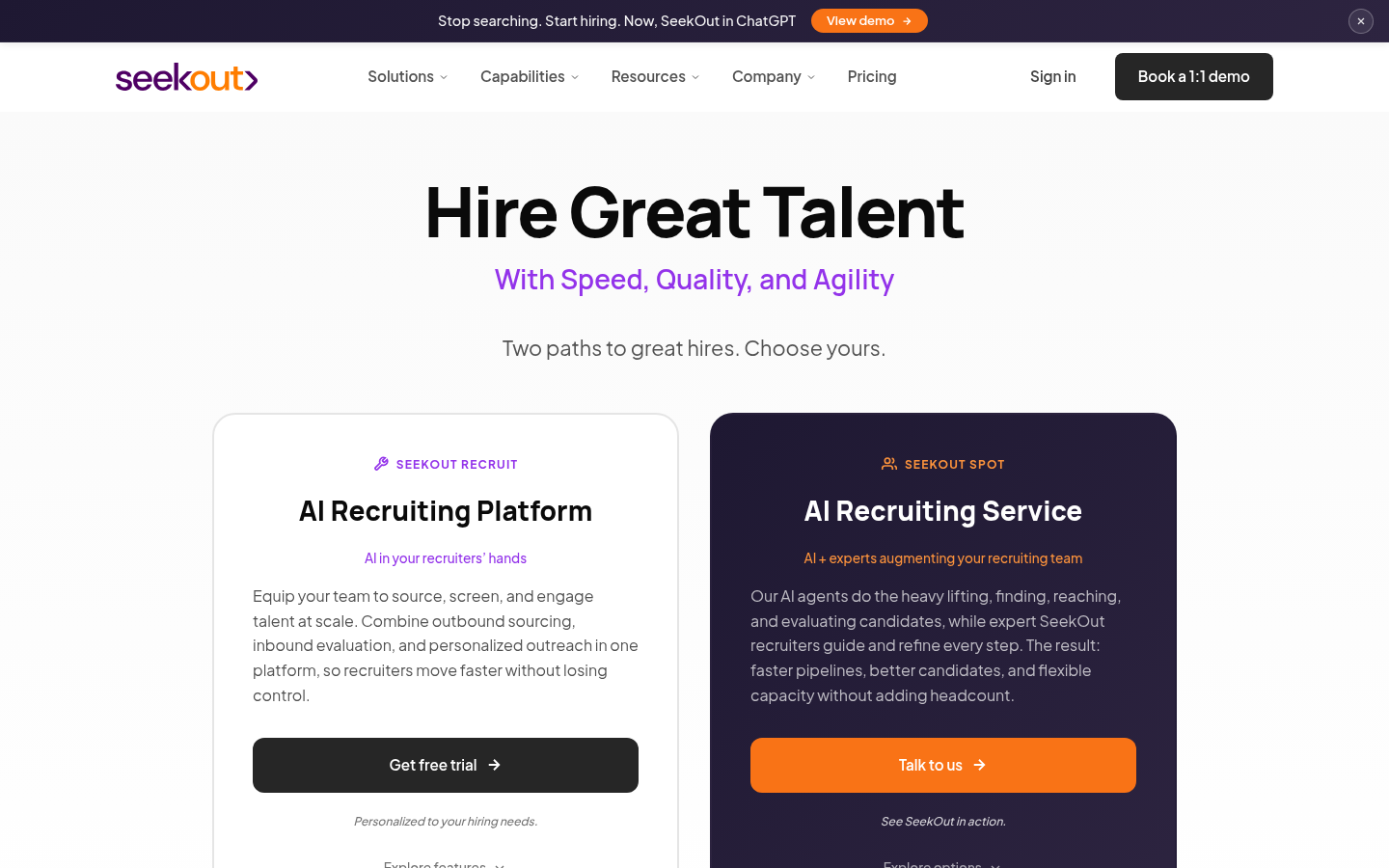
SeekOut is the sourcing tool with the deepest specialized-talent index on the market: 1B+ profiles, 3.7M+ security-cleared candidates, and unusually deep diversity, technical, and veteran filters.
For defense-adjacent, federal, or cleared-civilian hiring, it's the only viable option. For general roles, the price tag is hard to justify against tools with broader free tiers.
Key features:
- 1B+ profile database with cleared-talent filters.
- AI Scorecard and Intelligent Search.
- ATS rediscovery to surface past applicants matching new reqs.
- SeekOut Assist for one-click Boolean generation from a JD.
- Chrome extension for inline sourcing.
Pricing: Quote-based; per-seat pricing starts around $833/month after a 14-day trial.
Where it falls short: No perpetual free tier. Trial-only access means you can't pilot without commercial commitment.
Best for: Specialized technical, federal, or DEI-driven hiring at enterprise scale.
6. AmazingHiring.
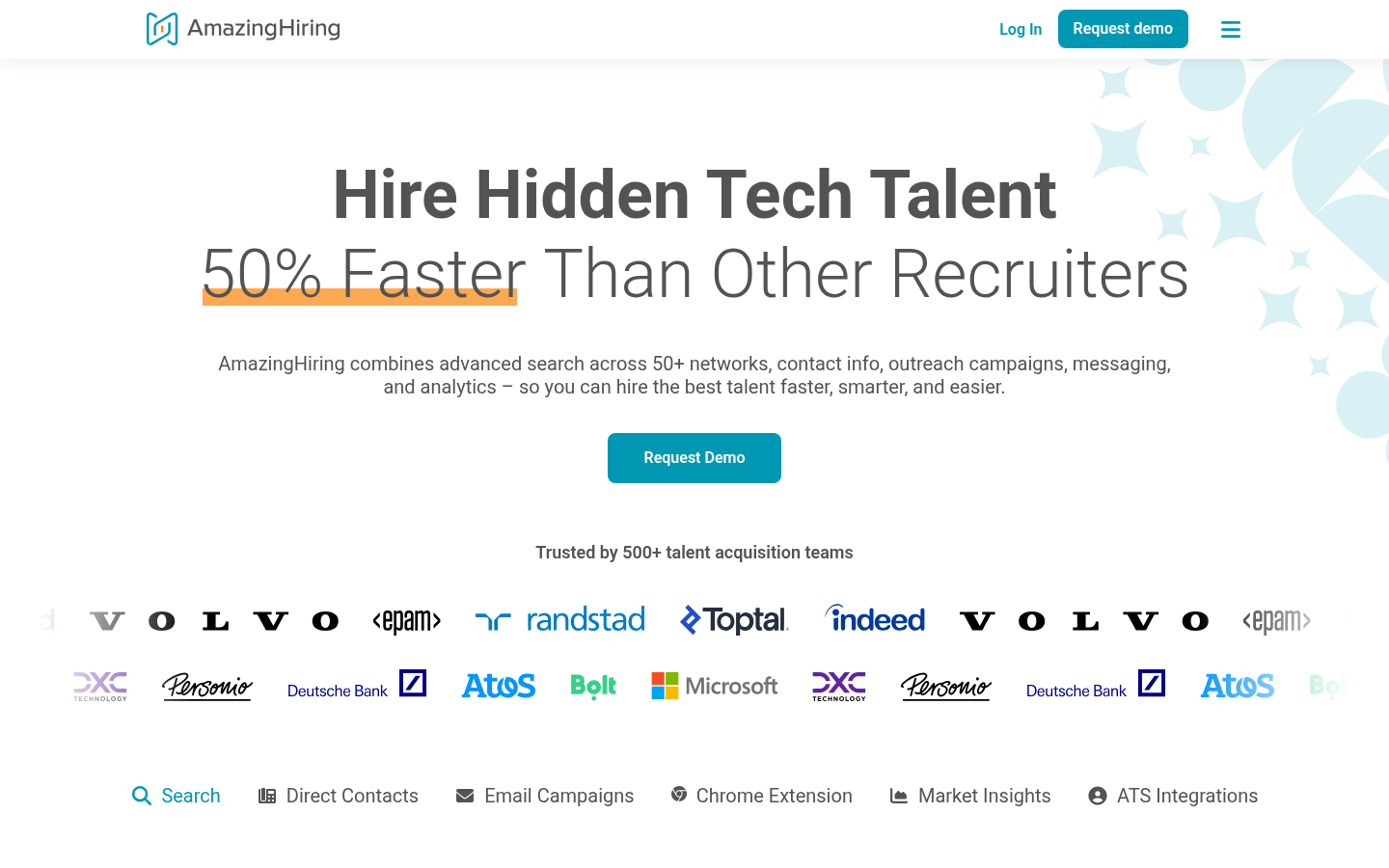
AmazingHiring is purpose-built for engineering and technical sourcing.
It pulls signal from GitHub, Stack Overflow, Kaggle, Dribbble, Behance, and 45+ other platforms most general sourcing tools ignore. The output is a candidate profile that's richer for technical roles than what LinkedIn alone exposes.
Key features:
- Aggregated profiles from 50+ technical and creative networks.
- AI skill analysis from public code, repos, and contributions.
- Chrome extension for inline sourcing.
- Verified contact details.
- Team collaboration on shortlists.
Pricing: Reportedly around $4,800/user per year; detailed pricing on request.
Where it falls short: Specialization is the trade-off. For non-technical roles the platform doesn't earn its seat price.
Best for: In-house tech recruiting teams and engineering-focused agencies.
7. Collective.
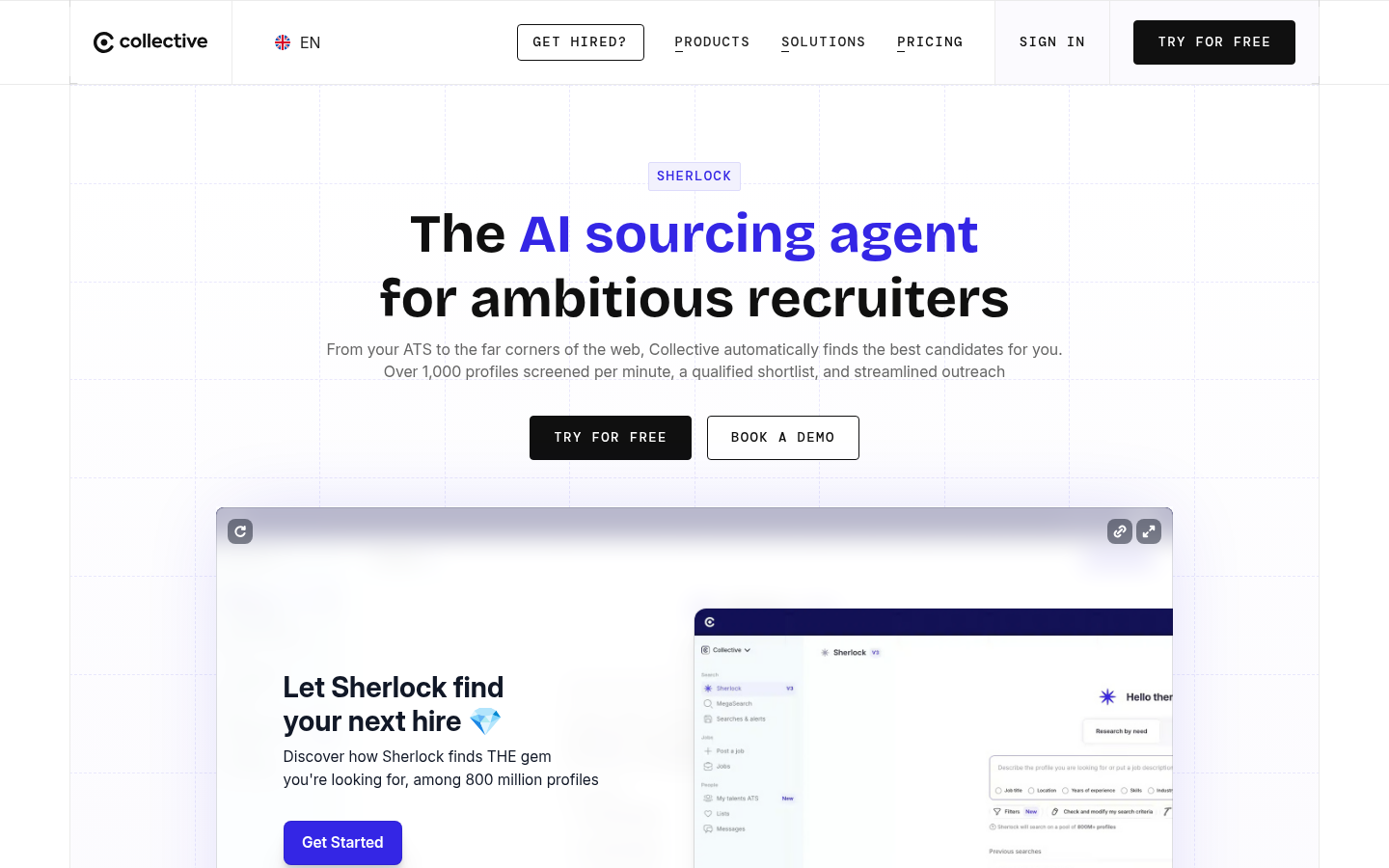
Collective is an AI sourcing agent for recruiters. Sherlock, its search agent, covers Collective's own profile database plus 30+ public sources such as GitHub and Crunchbase.
You can brief Sherlock with a job description or a rough brief, or give it an ideal candidate and let it find lookalikes. Outreach happens in the same tool, and replies from every channel land in one inbox.
Key features:
- AI search across what Collective says are 800M+ profiles from 30+ data sources.
- Lookalike search that finds people similar to an ideal candidate profile.
- Multi-channel sequences over email, SMS, WhatsApp, and chat, with automated follow-ups and verified contact details.
- ATS integration that lets Sherlock search your existing candidates and keep their profiles up to date.
Pricing: Free plan; Basic €119 and Start €169 per seat per month, with 20% off on yearly billing; Pro is custom.
Where it falls short: Basic includes 30 Sherlock AI searches and Start includes 100. ATS integration and AI search inside your ATS are add-on modules on the custom-priced Pro plan.
Best for: Recruitment agencies and in-house teams that want AI search and multi-channel outreach in one tool at a published per-seat price.
8. Lusha.
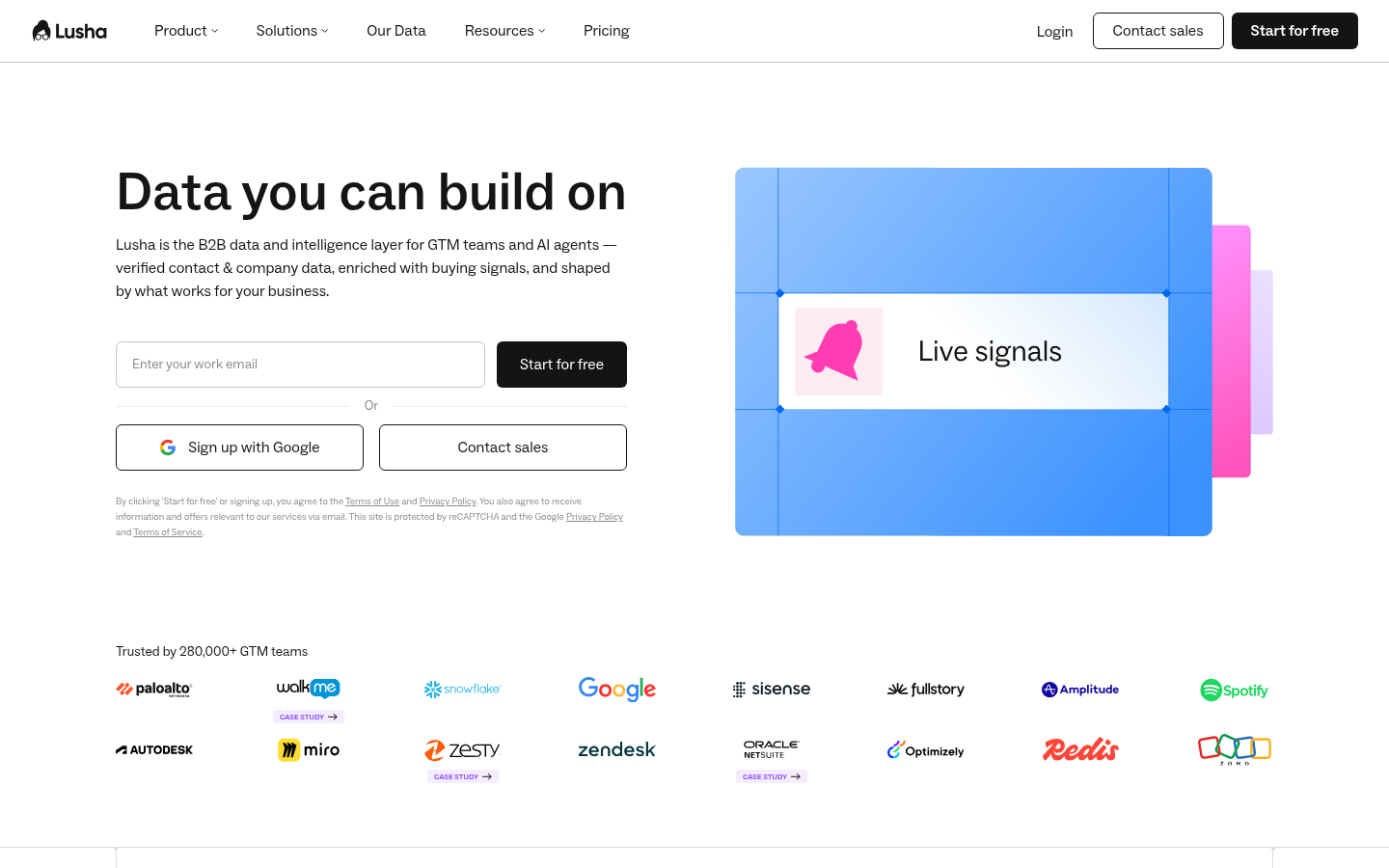
Lusha isn't a sourcing platform on its own; it's the layer that makes other sourcing tools work harder.
The job is contact enrichment: take a LinkedIn profile or a company page, return a verified email and phone number. The Chrome extension is the way most recruiters use it.
Key features:
- Real-time email and phone enrichment.
- Chrome extension for LinkedIn, company sites, and ATS pages.
- GDPR and CCPA-compliant data collection.
- Credit-based plans that scale across team members.
Pricing: Free tier; Pro from $22.45/month; Premium from $52.45/month.
Where it falls short: Without a sourcing engine upstream, Lusha is just a contact lookup. It doesn't find candidates, it makes the ones you already found reachable.
Best for: Recruiters running cold outreach who need verified contacts at low cost.
9. Entelo (now part of Rival).
Entelo's standout feature is predictive: it scores candidates by how likely they are to be open to a new role based on tenure patterns, recent activity, and engagement signals.
For sourcing teams that spend hours messaging passive candidates who aren't going anywhere, that signal is the point: fewer messages sent to people who were never going to reply.
Key features:
- Predictive Fit algorithm for openness-to-move scoring.
- AI search across multiple online sources.
- Diversity filters and compliance reporting.
- Automated email sequencing.
- Deep ATS integrations.
Pricing: available from Rival on request.
Where it falls short: The predictive signal is only as good as the underlying public data, so accuracy drops for candidates who keep a low profile. Entelo is now mid-transition into Rival, so expect Rival branding as you evaluate it.
Best for: Mid-size to enterprise teams targeting passive senior candidates.
10. Fetcher.
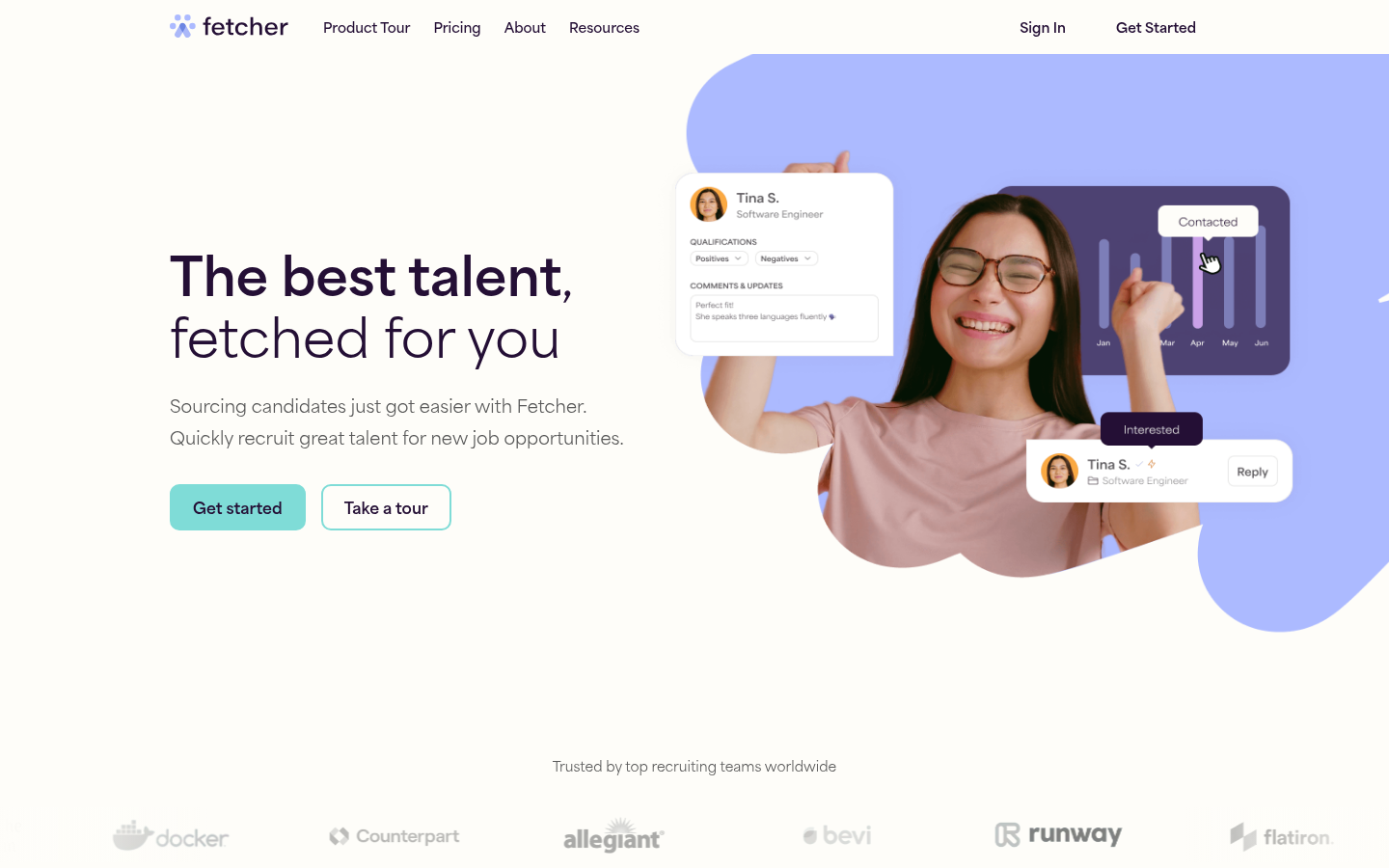
Fetcher delivers a curated list of pre-qualified candidates straight to your inbox.
It combines AI filtering with human review, so the trade-off versus pure-AI sourcing is speed against quality assurance. Recruiters who don't have time to build searches but want better than algorithmic-only output use it as their pipeline.
Key features:
- Curated candidate lists delivered in-app and via email.
- AI plus human-in-the-loop review.
- Built-in outreach sequencing.
- DEI analytics and reporting.
- ATS and CRM integration.
Pricing: Growth from $379/month; Amplify from $649/month.
Where it falls short: You're outsourcing the search to Fetcher's team. That cuts both ways: less recruiter time spent, less recruiter calibration over time.
Best for: Startups and lean teams that need the pipeline filled now without staffing a dedicated sourcer.
11. Findem.

Findem takes a different angle to sourcing. Instead of matching keywords on a resume, it builds enriched candidate profiles from what it calls 3D data: expert-labeled attributes pulled from a person's whole career history and professional network.
You describe the candidate in natural language and Findem returns a ranked slate, then its agents can run outreach, screening, and scheduling. It fits teams that want sourcing, talent marketing, and analytics in one AI platform.
Key features:
- Attribute-based search across enriched 3D candidate data.
- Natural-language criteria instead of Boolean strings.
- Relationship signals that surface warm paths to candidates.
- Agentic outreach, screening, and scheduling.
- Talent analytics and market intelligence.
Pricing: available on request.
Where it falls short: Findem is built for mid-market and enterprise teams. Smaller teams may find it more platform than they need, and pricing is quote-based rather than self-serve.
Mid-size to enterprise teams that want attribute-based sourcing and talent intelligence in one platform.
12. Humanly.
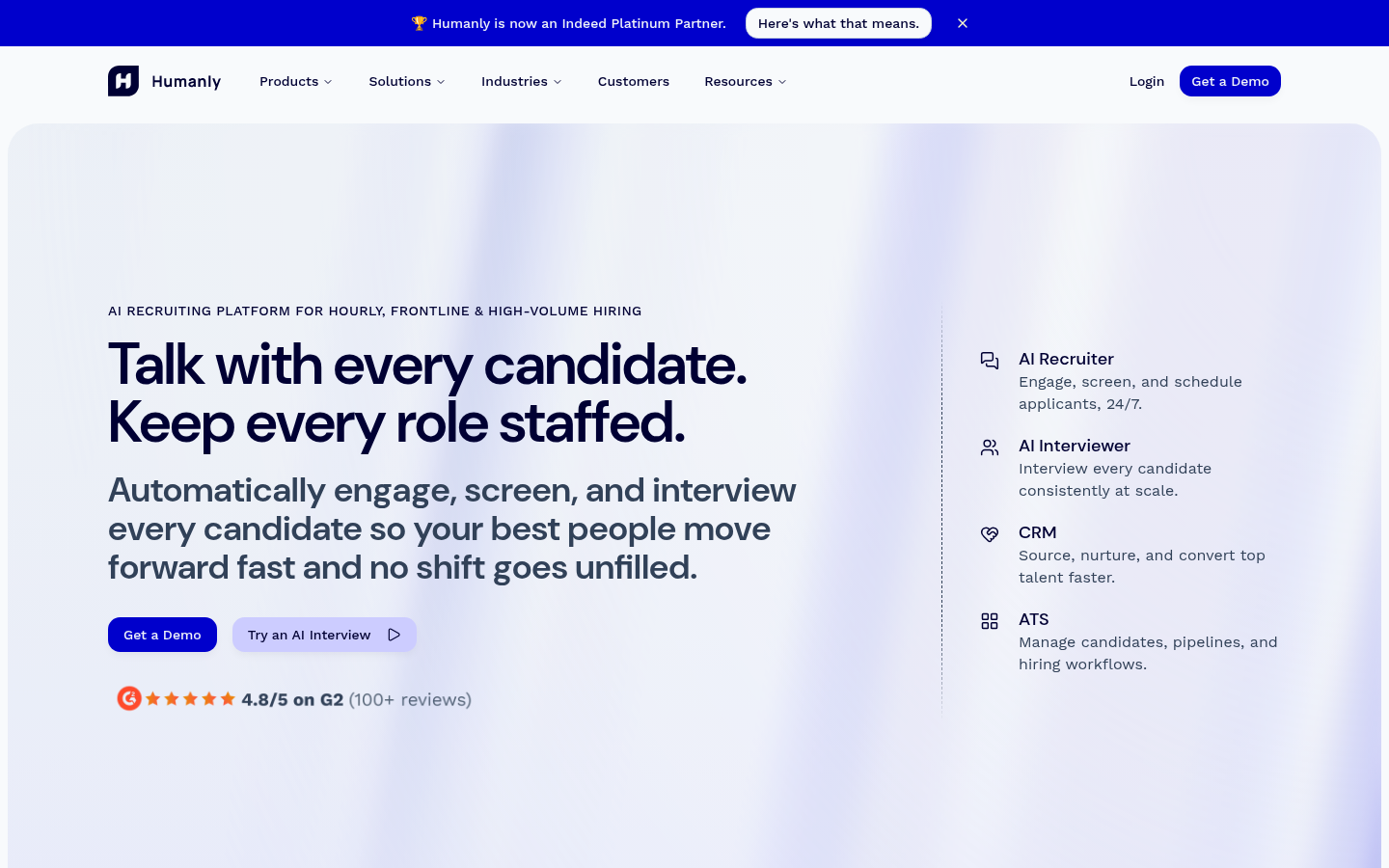
Humanly isn't a sourcing tool in the strict sense; it's a chatbot that handles top-of-funnel screening at high volume.
The use case is hospitality, retail, contact-center, or any role where applicant volume swamps the recruiter's ability to do a real first conversation. Humanly does the qualifying questions, scores responses, and routes only the strong matches forward.
Key features:
- Conversational chatbot screening across web, SMS, and email.
- Automated candidate ranking based on responses.
- 24/7 candidate engagement.
- Automated interview scheduling.
- ATS integration for record updates.
Pricing: Quote-based.
Where it falls short: For knowledge-worker roles under 200 hires per year, the chatbot front-end can cost candidate experience. Use it where volume actually justifies the trade-off.
Best for: Recruiting teams running 500+ entry-level or hourly hires per year.
13. ContactOut.
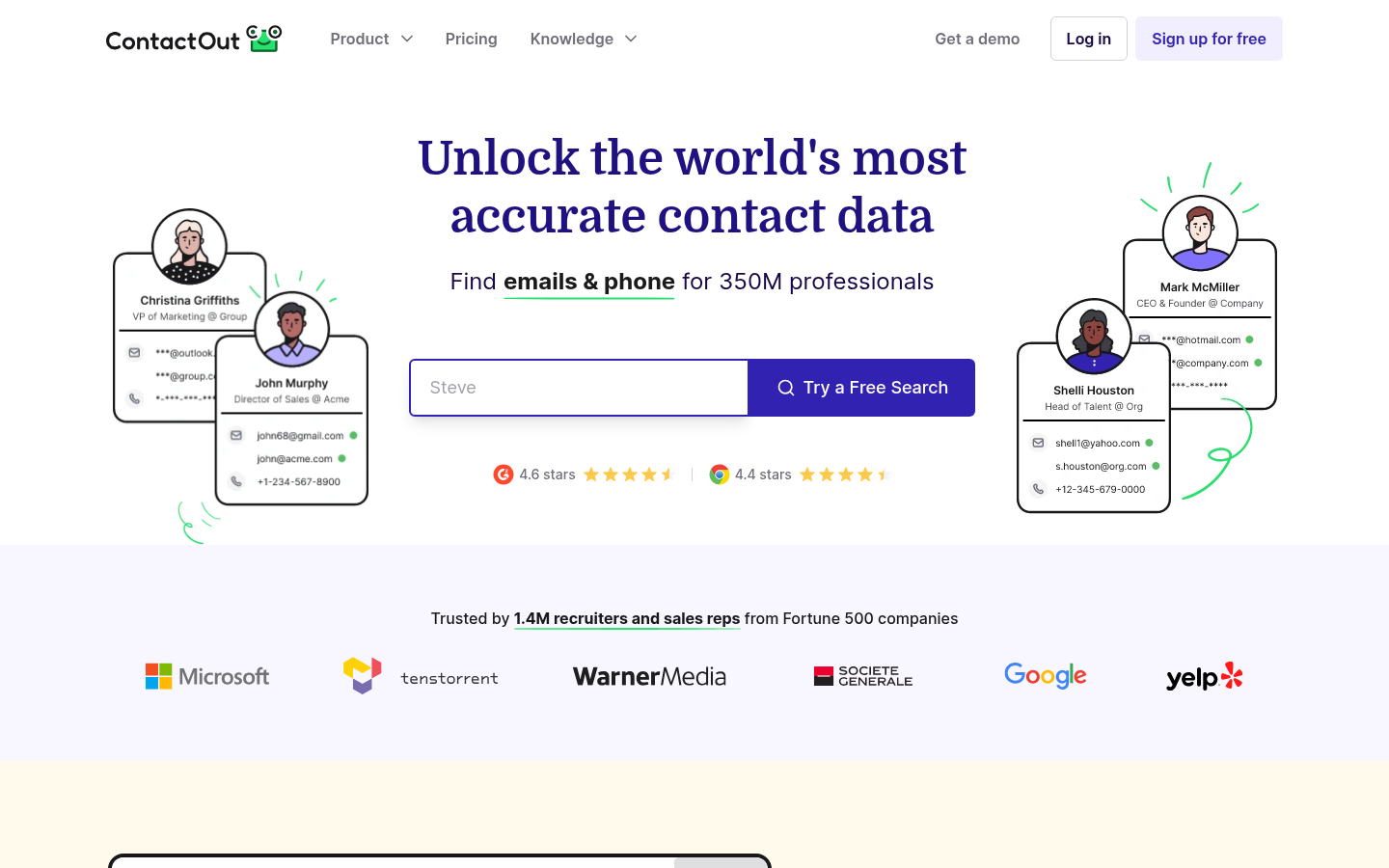
ContactOut is the Chrome-extension contact finder most recruiters end up using alongside whatever other sourcing tool they pay for.
It surfaces verified emails and phone numbers from LinkedIn and GitHub at the moment you're looking at the candidate. The free tier is enough for most individual sourcers.
Key features:
- Chrome extension for inline contact lookup.
- 300M+ profile database.
- Bulk export and contact management.
- LinkedIn, ATS, and email-tool integration.
- GDPR-compliant data handling.
Pricing: Free tier; Email-only from $25/month; Email + Phone from $49/month.
Where it falls short: ContactOut is a finder, not a sourcing engine. Pair it with an actual sourcing tool or you'll find verified contacts for the wrong candidates.
Best for: Individual sourcers and agency recruiters who need verified contacts at low cost.
14. CandidateForce.
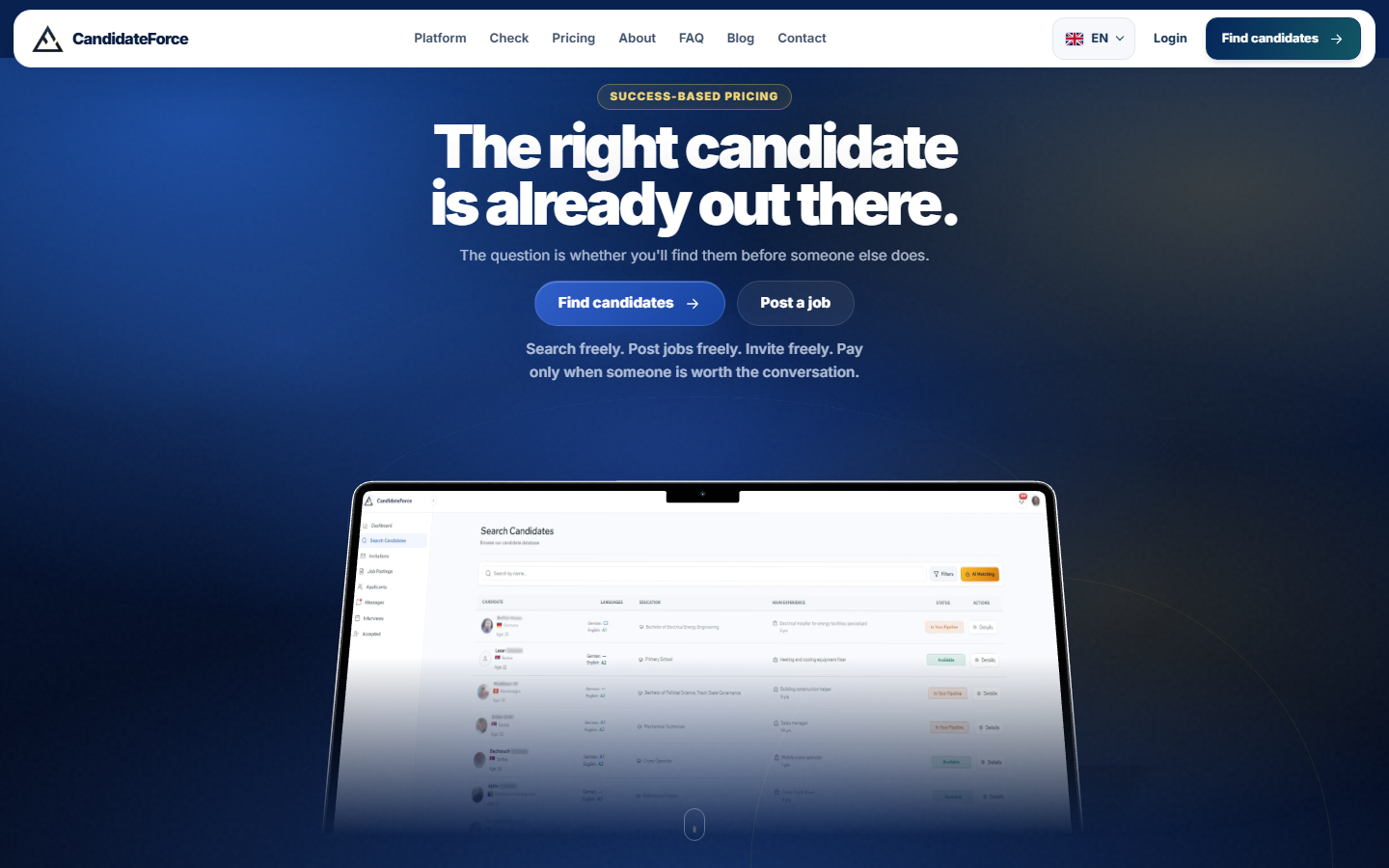
CandidateForce is a hiring platform built around one corridor: European employers recruiting skilled and semi-skilled workers from Bosnia and Herzegovina, Serbia, North Macedonia, Montenegro, Kosovo, and Albania.
Job posting, candidate search and messaging sit in one workspace, and the chat translates messages so employer and candidate can each write in their own language. Teams that want the search handled for them can use the managed option through partner Balkan Recruiters, which covers sourcing, pre-selection, and visa coordination.
Key features:
- Candidate search filtered by profession, country, experience, language level, and availability.
- Job ads in four languages, distributed to connected regional portals.
- Built-in chat translation between employer and candidate.
- Managed recruiting through Balkan Recruiters, including visa coordination.
Pricing: Free, Professional, and Agency plans.
Where it falls short: by its own description, its edge is relevance to one hiring corridor rather than the size of its database, so it suits teams hiring into that corridor more than teams sourcing globally.
Best for: European employers filling skilled trade and operational roles who want language and visa logistics handled alongside the search.
15. Weekday.
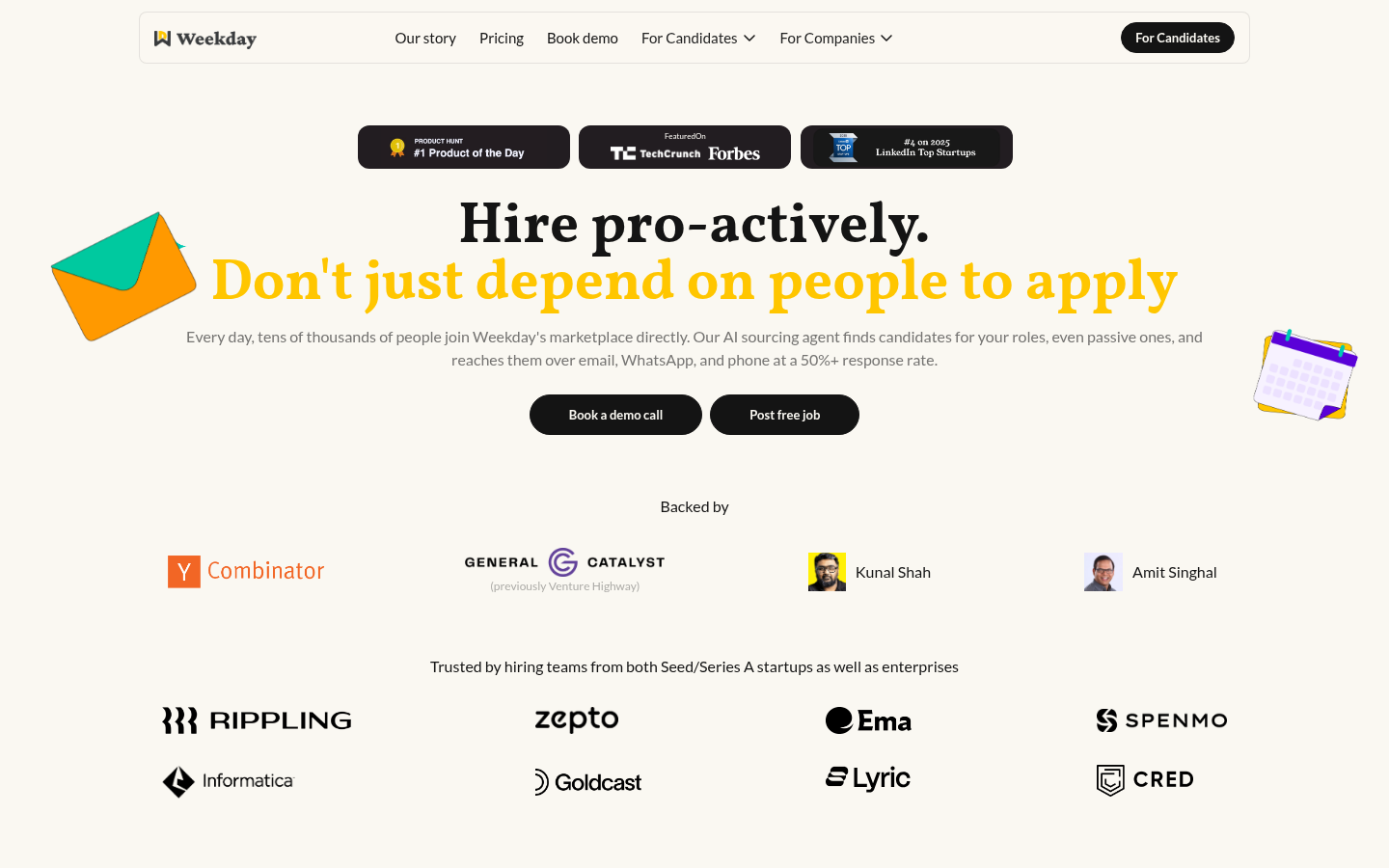
Weekday pairs its own candidate marketplace with an AI sourcing agent that finds candidates for a role, passive ones included, and contacts them on your behalf.
Weekday's AI drafts the emails and sends the follow-ups, with WhatsApp reminders for candidates who don't check email often. If a candidate still hasn't replied, Weekday's team phones them for a yes or a no.
Key features:
- AI filters built on deep tagging of companies and candidates in Weekday's marketplace.
- AI-generated Boolean queries and automatic ranking of the best-fit candidates.
- Outreach over email, WhatsApp, and phone, run by Weekday for the candidates you show interest in.
- A Contingency option that puts a dedicated Weekday recruiter on the role, including interview scheduling.
Pricing: Contingency is 15% of the hired candidate's annual salary and free if no hire comes through Weekday; the Marketplace Subscription is custom-priced.
Where it falls short: The Marketplace Subscription has no free trial and no published price. The Contingency service lists the US and India as its geographies and does not take junior roles.
Best for: Teams hiring engineering, product, and design talent that want Weekday to run candidate outreach for them.
How to choose the right tool.
Most teams overspend on sourcing because they buy by feature list instead of by workflow gap. For an outside view before you commit, SourcrLab compares AI sourcing tools for recruiters and says no vendor can pay for a place on its list.
If you have no sourcing engine at all, Metaview's the highest-impact starting point. The free tier covers the search, ranks the shortlist, and feeds the interview capture without a second purchase.
If you already have LinkedIn Recruiter and need more reach, add HireEZ or AmazingHiring for cross-network sourcing.
If your funnel's full but conversion is poor, the issue isn't sourcing; it's nurture or interview quality. Gem fixes nurture. Metaview fixes the interview.
If the problem is contact data on candidates you've already found, Lusha or ContactOut at low cost beats upgrading your sourcing platform.
If volume's the bottleneck and the roles are hourly or entry-level, Humanly's chatbot front-end fits the problem.
Most teams end up with two or three of these tools layered. The audit worth doing each quarter is "what's the marginal cost of the third tool, and is it really earning its seat?"
Bring Metaview into your hiring stack.
Live notes, structured scorecards, and ATS sync, set up in under 10 minutes.
Frequently asked.
What is candidate sourcing?
Candidate sourcing is the work of identifying, researching, and engaging potential hires before they apply. It's the proactive top of the recruiting funnel: the people you find here set the ceiling on who you can hire later.
What's the best free candidate sourcing tool in 2026?
Metaview is the pick on this list: the free tier covers AI Sourcing and Notetaker interview capture, and paid plans are priced per agent. Lusha and ContactOut also have free tiers, but for contact lookup rather than search, and SeekOut has a 14-day trial rather than a free plan.
How is AI sourcing different from traditional sourcing?
Traditional sourcing relies on Boolean strings against keyword-matched profiles. AI sourcing reads the job brief in plain language, searches across sources, and returns a ranked shortlist with reasons attached, so the recruiter reviews a short list instead of filtering a long one.
Do I need a sourcing CRM and a sourcing engine?
It depends on cycle length. If sourced candidates move through the process quickly, a sourcing engine alone is enough. If months pass between first contact and hire, add a CRM like Gem so nurture doesn't drop between touches.
Are contact-enrichment tools like Lusha and ContactOut GDPR-compliant?
Both vendors describe their data collection as GDPR-compliant, but that covers their side only. Your team is the data controller for the candidates you contact, so you still need a lawful basis for the outreach, a privacy notice, and a retention rule. Check the vendor's data processing agreement before rolling an extension out across a team.
What sourcing metric should I track?
Track three: reply rate to first touch (is the message working), time-to-shortlist (is the tool saving recruiter time), and the share of sourced candidates who reach offer (is the sourcing finding the right people).
