

Bullhorn sits at the center of many an impressive recruiting tech stack. But it doesn't need to do everything itself.
The best Bullhorn integrations add specialized capabilities where your team needs them most. They could use AI to source and screen candidates, automatically capture every recruiting conversation, enrich candidate data, run background checks, or take repetitive admin off recruiters' plates.
Your challenge lies in choosing integrations that genuinely extend Bullhorn, rather than just more tools to manage.
We've picked 12 Bullhorn partners that solve distinct recruiting challenges. They include complete AI recruiting platforms, by specialist tools for candidate data, communications, search, screening, onboarding, and workflow automation.
The 12 best Bullhorn integrations in brief.
| Bullhorn integration | Best for | What it adds to Bullhorn |
|---|---|---|
| 1. Metaview | Radical AI recruiting efficiency | AI agents for sourcing, application review and screening, plus interview intelligence and recruiting insights |
| 2. SourceWhale | Recruitment outreach | Multichannel candidate engagement and outreach sequences |
| 3. CloudCall | Recruiter calling | Calls, SMS, call recording, and communication logging |
| 4. Textkernel | Candidate search and matching | Resume parsing, semantic search, and candidate matching |
| 5. Checkr | Background checks | Integrated candidate background screening |
| 6. Cognism | Contact and company data | B2B data enrichment and prospecting |
| 7. Odro | Video interviewing | Video interviews, candidate introductions, and shortlisting |
| 8. Dropbox Sign | E-signatures | Digital contracts and document signing |
| 9. Click Boarding | Candidate onboarding | Post-placement onboarding workflows |
| 10. LinkedIn Recruiter | LinkedIn recruiting | LinkedIn candidate data and recruiting workflows connected to Bullhorn |
| 11. Microsoft Teams | Team collaboration | Communication and collaboration around recruiting workflows |
| 12. Zapier | Custom automation | Connections between Bullhorn and other business applications |
The right combination depends on where your current recruiting process slows down. A team spending hours on manual candidate work has very different priorities from one struggling with background checks, onboarding, or fragmented communication.
What is Bullhorn CRM?
Bullhorn is an applicant tracking system (ATS) and customer relationship management (CRM) platform primarily used by staffing and recruitment agencies.
It gives teams one place to manage candidates, jobs, clients, placements, and the relationships between them. Track candidates through the hiring process, manage client activity, automate routine workflows, and report on performance without stitching together separate ATS and CRM systems.
Bullhorn also offers a large partner ecosystem. Rather than expecting the core platform to handle every part of modern recruiting, connect specialist tools for areas such as AI recruiting, communications, candidate data, background screening, onboarding, and analytics.
That means Bullhorn can remain the central system of record, while other platforms add deeper capabilities around it.
Why recruiting teams choose Bullhorn.
- ATS and CRM in one: Manage candidates, vacancies, clients, contacts, and placements from the same platform.
- Built for staffing: Designed specifically around the workflows and relationships staffing and recruitment agencies manage every day.
- Recruiting automation: Automate repetitive tasks and processes to keep candidates and jobs moving.
- Reporting and analytics: Track recruiter activity, pipeline performance, placements, and other operational metrics.
- Large partner ecosystem: Connect specialist recruiting and business tools without abandoning Bullhorn as your core platform.
12 Bullhorn CRM integrations to build a better recruiting stack.
These 12 tools extend Bullhorn across AI recruiting, candidate data, communications, search, screening, onboarding, and automation.
1. Metaview: best Bullhorn integration for AI recruiting.
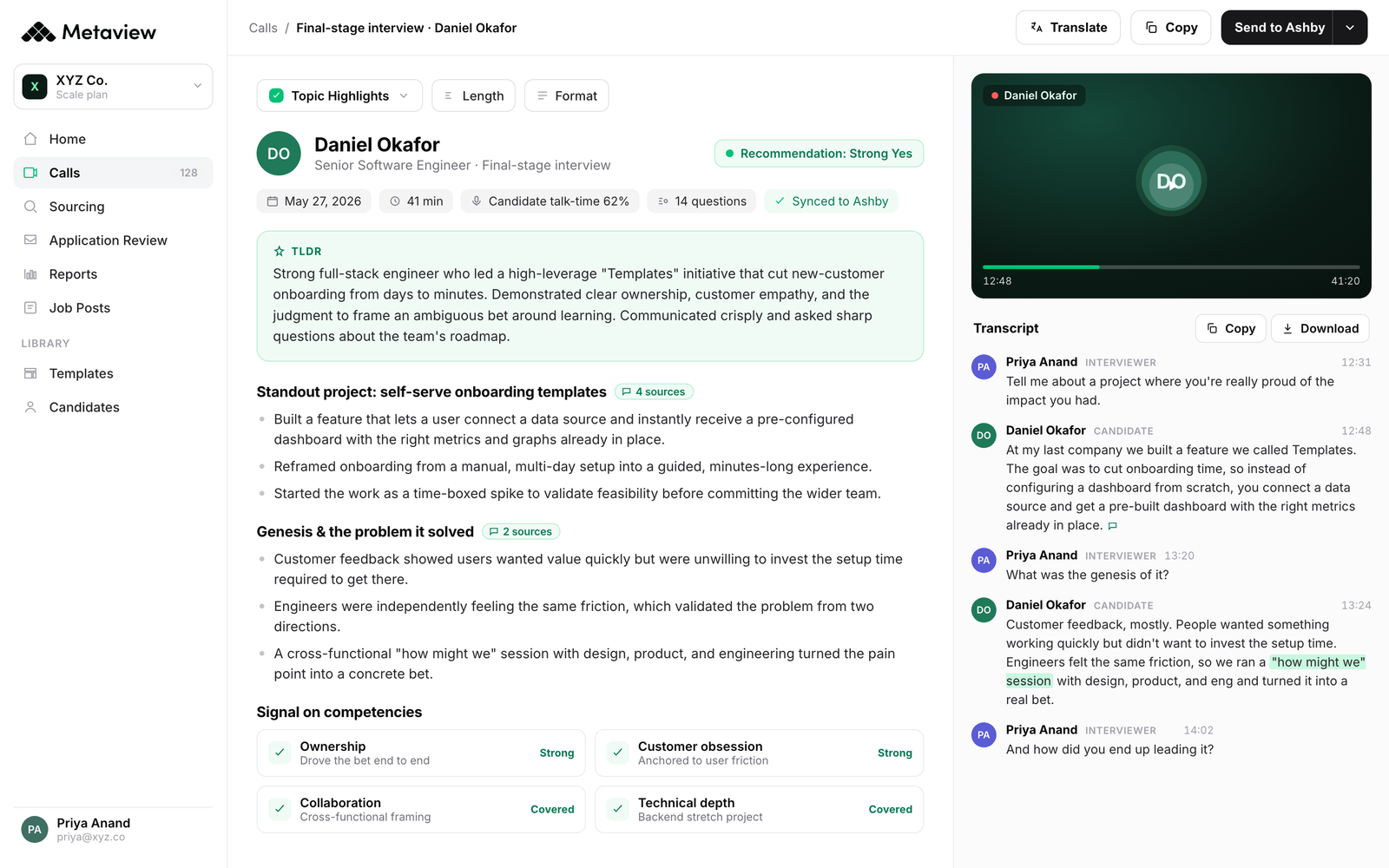
Metaview's AI agents support the recruiting process from the moment a role opens. Sourcing agents find and prioritize candidates based on your hiring criteria and feedback, while Application Review analyzes inbound applicants to surface strong fits.
Screening agents then have personalized, unscripted conversations with applicants. So you can learn more about candidates without filling recruiters' calendars with first-round calls.
Metaview also captures human interviews automatically, turning conversations into structured notes and scorecards. This gives recruiters and hiring managers consistent evidence to work from while reducing the administrative work surrounding every interview.
Together, these capabilities make Metaview more than another point solution plugged into Bullhorn. It gives recruiting teams connected AI agents that can work across the hiring process, while Bullhorn remains the system where core candidate and recruiting data lives.
Key capabilities
- AI Sourcing: Find high-fit candidates using agents that learn from your role requirements, company context, and feedback.
- Application Review: Review and prioritize inbound applicants against the criteria that actually matter for each role.
- Screening agents: Give every relevant applicant the opportunity to have a personalized screening conversation, without requiring another recruiter call.
- AI interview notes: Automatically capture recruiting conversations and turn them into structured, searchable notes.
- Automated scorecards: Generate evidence-backed scorecards without asking interviewers to spend extra time writing them up.
- Recruiting intelligence: Turn recruiting conversations and activity into insights teams can use to improve hiring decisions and processes.
Best for: Recruiting teams that want AI agents to help source, review, screen, and evaluate candidates while keeping Bullhorn as their core ATS and CRM.
2. SourceWhale: multichannel recruitment outreach.
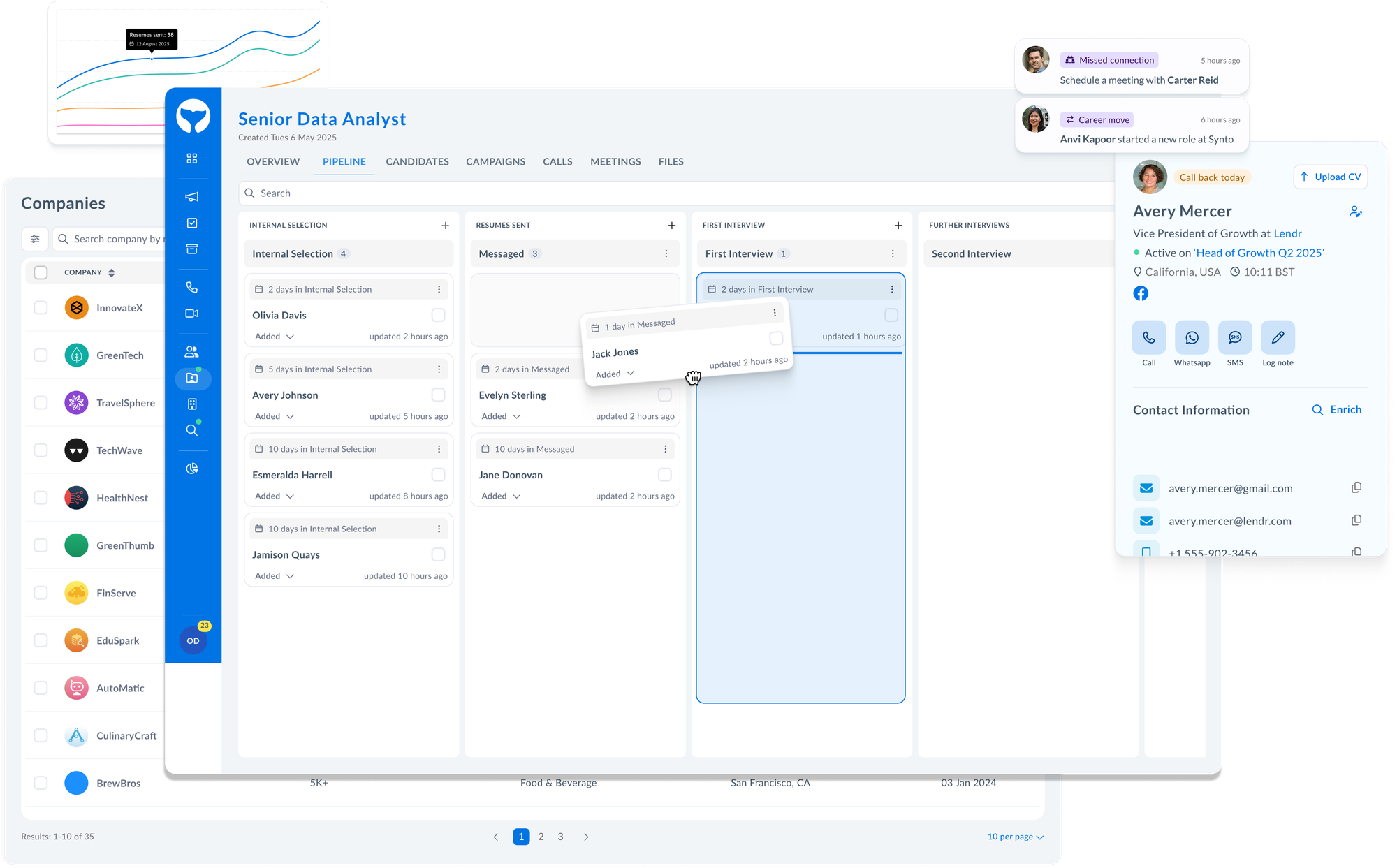
SourceWhale is a recruitment engagement platform designed to automate and organize those outbound workflows. Recruiters can build multichannel sequences combining email, calls, LinkedIn activity, and other touchpoints rather than manually managing every follow-up.
Its Bullhorn integration helps keep those engagement workflows connected to the records recruiters already use. Candidate and contact information can sync between the platforms, while outreach activity can be written back to Bullhorn to give teams a clearer picture of previous interactions.
SourceWhale is particularly suited to agencies that want a dedicated engagement layer around Bullhorn for both candidate outreach and business development.
Key capabilities
- Multichannel sequences: Combine email, calls, LinkedIn, and other outreach steps in coordinated campaigns.
- Automated follow-ups: Keep outreach moving without recruiters manually remembering every next step.
- Bullhorn synchronization: Keep relevant candidate, contact, and activity information connected across both platforms.
- Personalized outreach: Tailor messaging to individual candidates and prospects within larger sequences.
- Recruitment analytics: Track engagement and outreach performance to understand which approaches work.
- Candidate and client engagement: Use the same platform for talent outreach and recruitment business development.
Best for: Recruitment agencies that want structured outbound sequences across email, phone, LinkedIn, and other channels.
SourceWhale saves me at least ten hours a week by being a single repository for all my data, preventing the need to switch between different programs. ”
3. CloudCall: calling platform for recruiters.
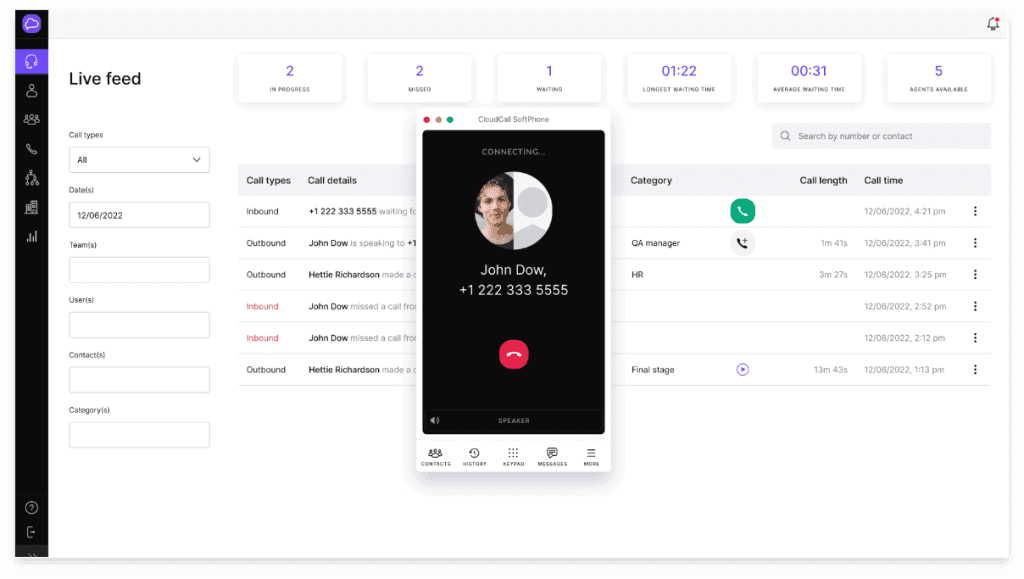
CloudCall is a communications platform built around CRM workflows. Its Bullhorn integration lets recruiters make and receive calls while keeping activity connected to the relevant records in Bullhorn.
Recruiters can use click-to-call rather than manually dialing numbers, automatically log calls, and save notes against Bullhorn records. CloudCall also supports SMS and higher-volume calling workflows.
The result is less administrative work after every call and a more complete record of recruiting activity inside Bullhorn. It’s particularly useful for staffing teams where recruiters spend a significant part of the day speaking with candidates and clients.
Key capabilities
- Click-to-call: Start calls directly from Bullhorn records rather than manually dialing numbers.
- Automatic call logging: Keep a record of recruiter communications without relying on manual updates.
- Call notes: Save notes and context from conversations back into Bullhorn.
- SMS: Communicate with candidates and contacts through text messaging.
- Call recording: Capture conversations where appropriate for review and record keeping.
- Power dialing: Work through calling lists more efficiently for high-volume recruiting and business development.
Best for: Recruiting teams that make large volumes of candidate and client calls and want that activity captured in Bullhorn automatically.
The integration with Bullhorn CRM is fantastic because it automatically leaves notes in the CRM for my colleagues to access, which significantly enhances our team’s collaboration and streamlines our workflow.”
4. Textkernel: candidate search and matching.
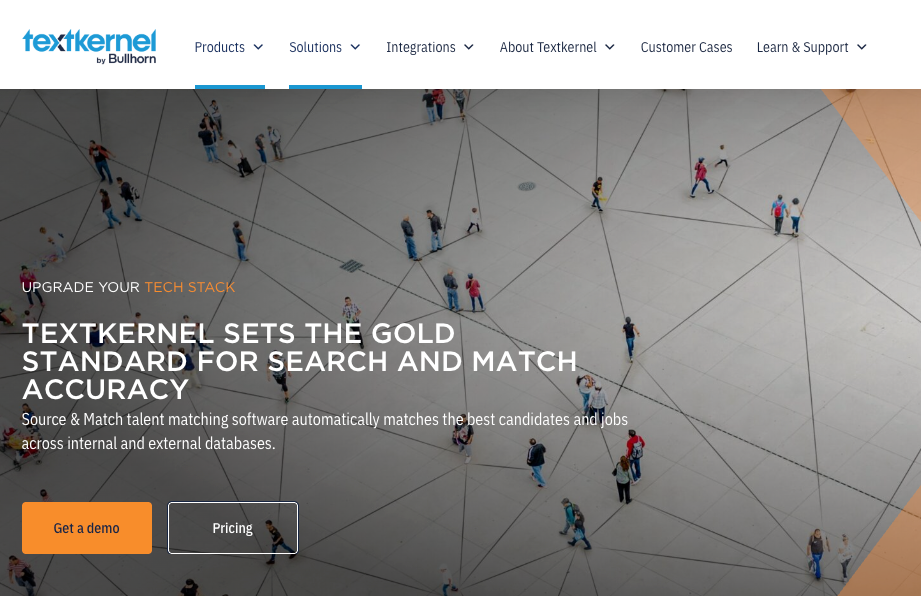
Textkernel adds AI-powered search, matching, and resume parsing capabilities to Bullhorn. It analyzes candidate profiles and job requirements semantically, rather than relying entirely on precise Boolean searches or exact keywords.
Most established recruiting firms already have a huge potential talent pool sitting inside their CRM. For Bullhorn users with large candidate databases, it's a useful way to make existing records more searchable and actionable.
Recruiters uncover candidates already sitting in Bullhorn who may otherwise be overlooked. Textkernel can also automatically suggest matches between candidates and open jobs, helping teams get more value from the data they've already accumulated.
Key capabilities
- Semantic search: Find relevant candidates based on meaning and context rather than exact keyword matches.
- Candidate matching: Identify potential matches between candidates and open vacancies.
- Resume parsing: Turn resumes and CVs into structured candidate information.
- Automated matching: Surface relevant candidates when new opportunities enter Bullhorn.
- Multilingual search: Search and match candidate information across multiple languages.
- Labor market intelligence: Use external talent-market data to inform recruiting decisions.
Best for: Recruiting teams that want to search their existing candidate database more effectively and match people to relevant jobs.
The ability to upload a candidates CV and generate a search of job leads based against their experience is a game changer. Being able to search for candidates and job leads in one spot is really handy.”
5. Checkr: detailed background checks.
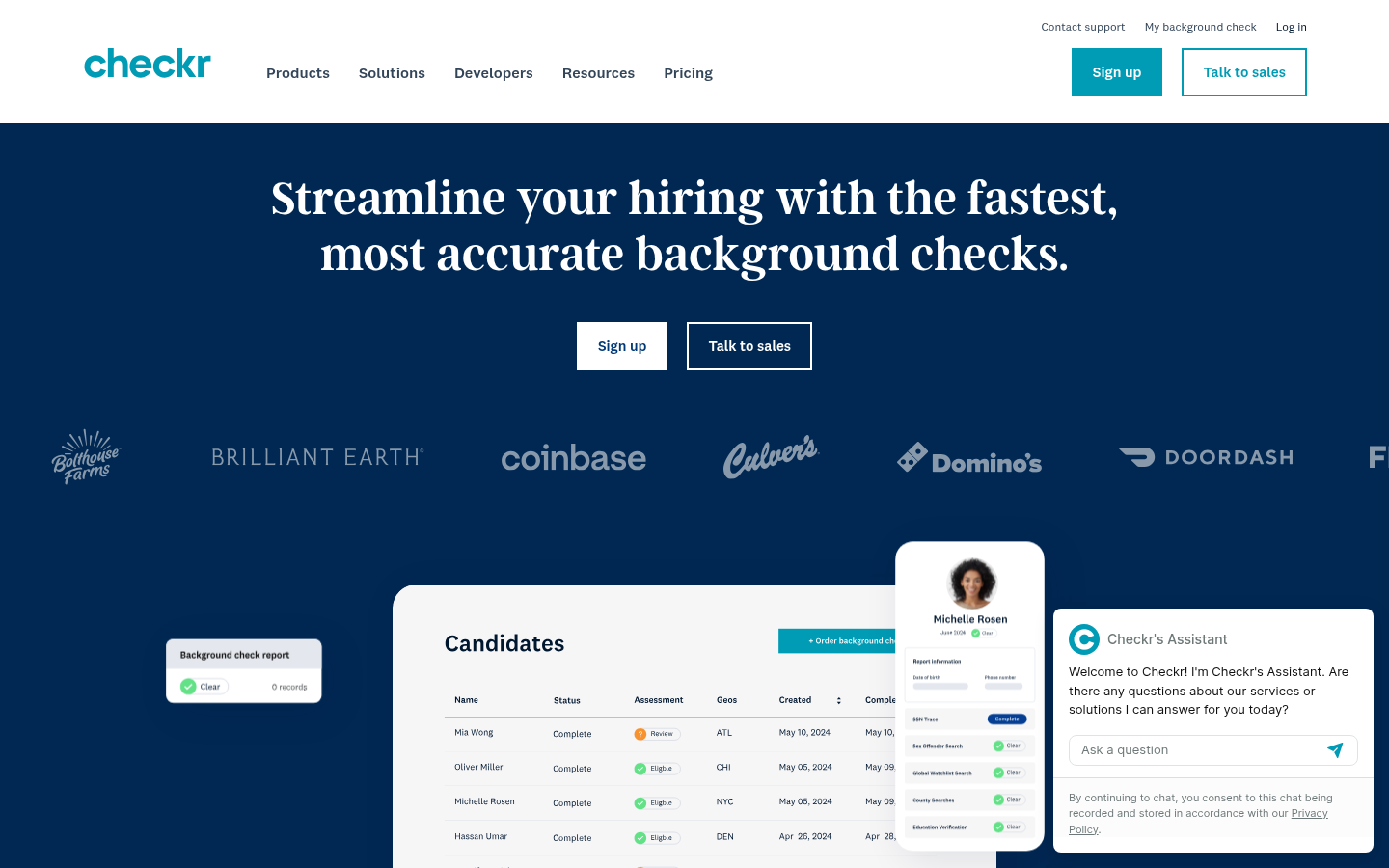
Checkr is a background screening platform that integrates well with Bullhorn. Recruiters can initiate background checks using candidate information already stored in the CRM, rather than reentering the same details in another system.
From there, you can track screening progress and keep relevant information connected to the candidate's existing record. This is particularly useful for staffing firms handling large numbers of placements or recruiting into roles where background checks are routinely required.
Instead of turning screening into a separate administrative process at the end of recruiting, Checkr helps make it another connected step in the Bullhorn workflow.
Key capabilities
- Background checks: Run candidate screening for relevant roles and placements.
- Bullhorn-based workflows: Initiate checks using information already held in your ATS and CRM.
- Automated data transfer: Reduce duplicate data entry between Bullhorn and Checkr.
- Screening status tracking: Keep track of candidate background checks as they progress.
- Configurable screening packages: Apply different checks based on role or hiring requirements.
- High-volume screening: Support recruiting teams managing background checks across large candidate volumes.
Best for: Recruiting teams that want to initiate and track candidate background checks without creating a disconnected compliance workflow.
The integration makes the process more efficient for our team and creates a smoother experience. Checkr’s ability to connect with ATS, HRIS, and other platforms also means we aren’t having to manage multiple disconnected systems or spend additional time tracking screening statuses manually.”
6. Cognism: contact and company data.
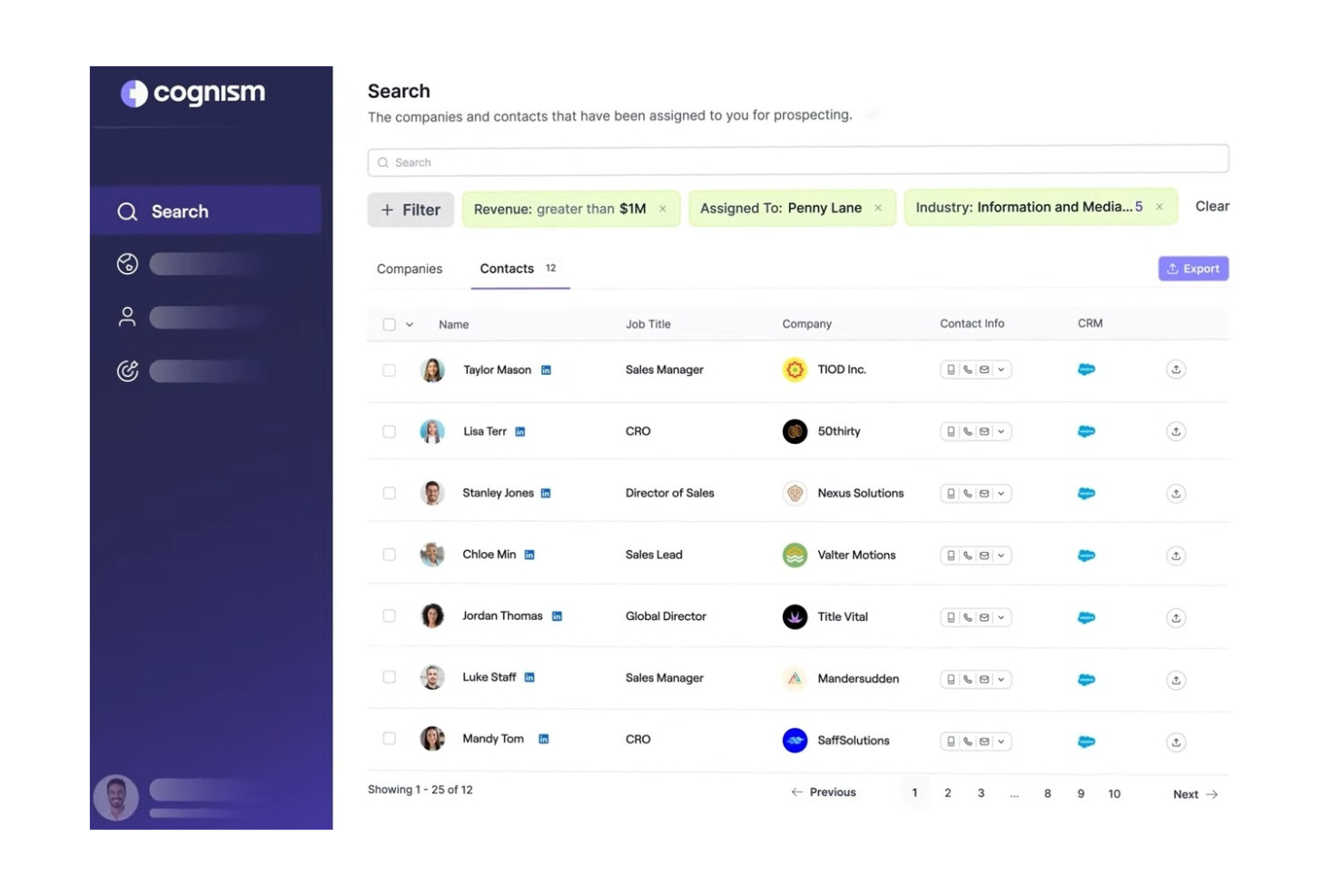
Cognism is a sales intelligence platform that provides B2B contact and company information. For recruitment agencies using Bullhorn, its biggest value is on the business development side: helping recruiters and sales teams find decision-makers, enrich existing records, and build prospect lists.
Users can prospect and push relevant records into Bullhorn, rather than manually transferring information between platforms. Cognism creates and updates leads, contacts, candidates, and companies in Bullhorn, with configurable field mappings.
It's therefore a useful tool for agencies that rely heavily on outbound client acquisition alongside candidate recruitment. Bullhorn manages the ongoing relationships and workflows, while Cognism provides additional data to help teams identify and reach potential clients.
Key capabilities
- B2B contact data: Find professional contact information for potential clients and prospects.
- Company intelligence: Research target organizations and identify relevant decision-makers.
- Data enrichment: Add or update information on existing Bullhorn records.
- Bullhorn record creation: Push leads, contacts, candidates, and companies into Bullhorn.
- Configurable field mapping: Control how Cognism data maps to fields in your Bullhorn setup.
- Prospecting workflows: Move useful prospect data into your CRM without relying on manual data entry.
Best for: Staffing and recruiting teams that want additional contact and company data for business development and prospecting.
The integration capabilities (specifically being able to enrich our CRM and tradeshow lists directly) are seamless and save our team multiple hours of manual research and verification.”
7. Odro: video interviewing and candidate introductions.
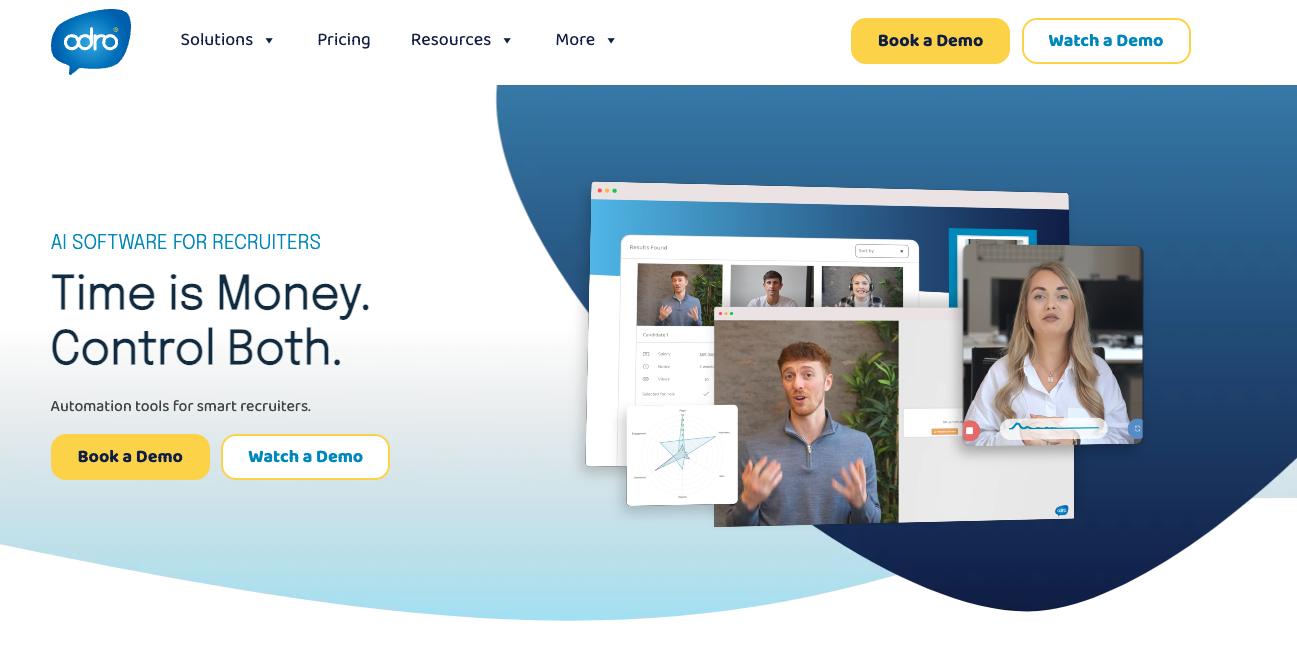
Odro is a video recruitment platform built specifically for staffing agencies. Recruiters use it for live video interviews, record candidate introductions, and create shortlists that give clients more context than a traditional resume submission.
Its Bullhorn integration keeps those workflows connected to existing candidate and vacancy records. Recruiters can access relevant Bullhorn data when setting up interviews and update candidate activity as the process progresses.
For agencies that regularly present candidates to clients, Odro adds a more visual and personal layer to the traditional Bullhorn submission workflow.
Key capabilities
- Video interviewing: Run live candidate interviews without relying on a separate general-purpose video platform.
- Recorded candidate introductions: Let candidates introduce themselves and provide additional context beyond their resume.
- Video shortlists: Present clients with richer candidate profiles when submitting people for roles.
- Bullhorn connectivity: Keep video recruiting activity linked to existing candidates and vacancies.
- Candidate status updates: Keep Bullhorn records aligned as candidates progress through the process.
- Recruitment-specific workflows: Use video tools designed specifically around agency recruitment rather than general meetings.
Best for: Staffing and recruiting teams that want to use video to interview candidates and present them more effectively to clients.
With it being embedded into Bullhorn is makes life much more easier, it parses CV's correctly without any errors and the software makes it easy to update and change information if needed.”
8. Dropbox Sign: e-signatures and recruiting documents.
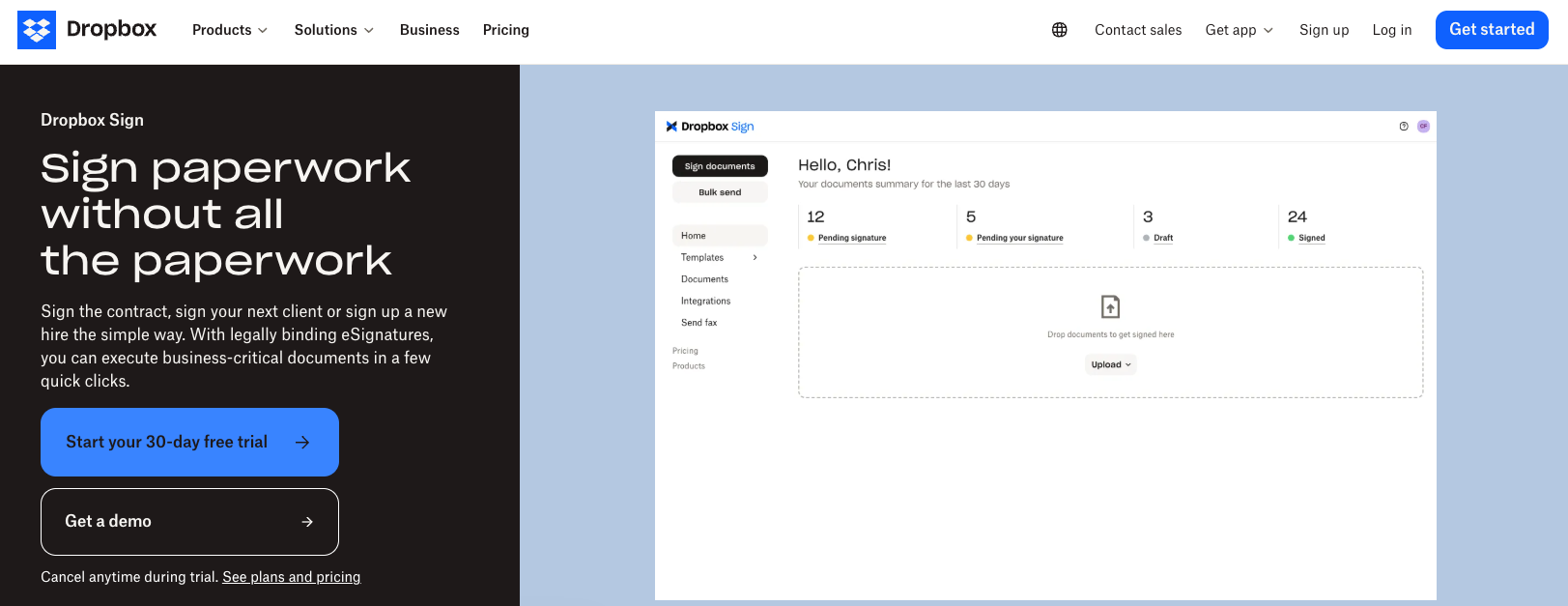
Dropbox Sign (formerly HelloSign) is an electronic signature platform that helps teams digitize that process. For Bullhorn users, it reduces the manual steps involved in preparing documents, sending them for signature, and keeping completed paperwork connected to the appropriate recruiting records.
That’s particularly valuable for staffing firms handling a high volume of placements. Repeatedly downloading documents, emailing attachments, chasing signatures, and uploading completed versions can add significant administrative work.
Dropbox Sign doesn't change how you recruit. It simply makes one of the most repetitive parts of completing a placement easier to manage.
Key capabilities
- Electronic signatures: Send documents for legally binding digital signatures.
- Reusable templates: Standardize frequently used contracts, agreements, and recruiting documents.
- Automated document workflows: Reduce manual steps around preparing and sending paperwork.
- Status tracking: See whether documents have been viewed, completed, or are still awaiting action.
- Multiple signers: Route documents to several people when agreements require multiple approvals.
- Digital records: Keep completed documents organized and easier to retrieve.
Best for: Recruiting teams that want to get contracts, agreements, and other documents signed without relying on manual paperwork.
It really helped streamline our workflow, and was very simple for even "less savvy" clients. Rather than waiting days or even weeks to received signed documents, most were completed within hours.”
9. Click Boarding: easy candidate onboarding
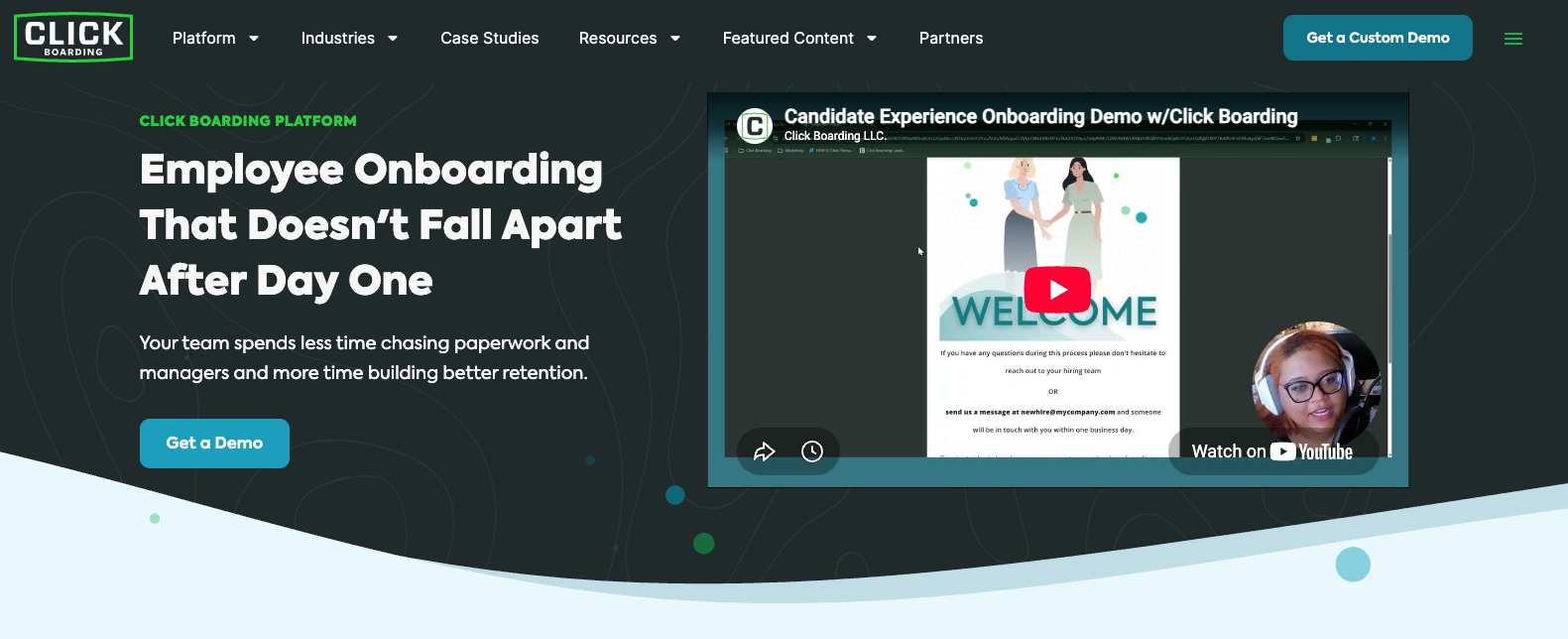
Click Boarding is an employee onboarding platform designed to organize and automate these workflows. Its Bullhorn integration lets staffing teams extend the recruiting process into onboarding without rebuilding candidate information and workflows from scratch.
Teams can create repeatable onboarding journeys, automate tasks and reminders, and give new hires a clearer picture of what they need to complete before their start date.
For Bullhorn users, that makes Click Boarding most useful as a post-placement extension: Bullhorn helps manage the recruitment and placement, while Click Boarding takes over the structured onboarding experience that follows.
Key capabilities
- Digital onboarding: Move new hires through structured pre-start and onboarding workflows.
- Automated tasks: Trigger required steps without recruiters manually coordinating each one.
- Forms and documents: Collect information and paperwork needed before a candidate starts.
- Automated reminders: Prompt new hires to complete outstanding onboarding requirements.
- Configurable workflows: Create different onboarding experiences for different roles, clients, or worker types.
- Candidate experience: Give placed candidates a clearer, more consistent transition from offer to first day.
Best for: Staffing teams that want a more structured experience between accepting a placement and a candidate actually starting work.
I was able to fully configure it, including third-party integrations, in under a week. That kind of speed-to-value is rare.”
10. LinkedIn Recruiter: connecting LinkedIn recruiting with Bullhorn
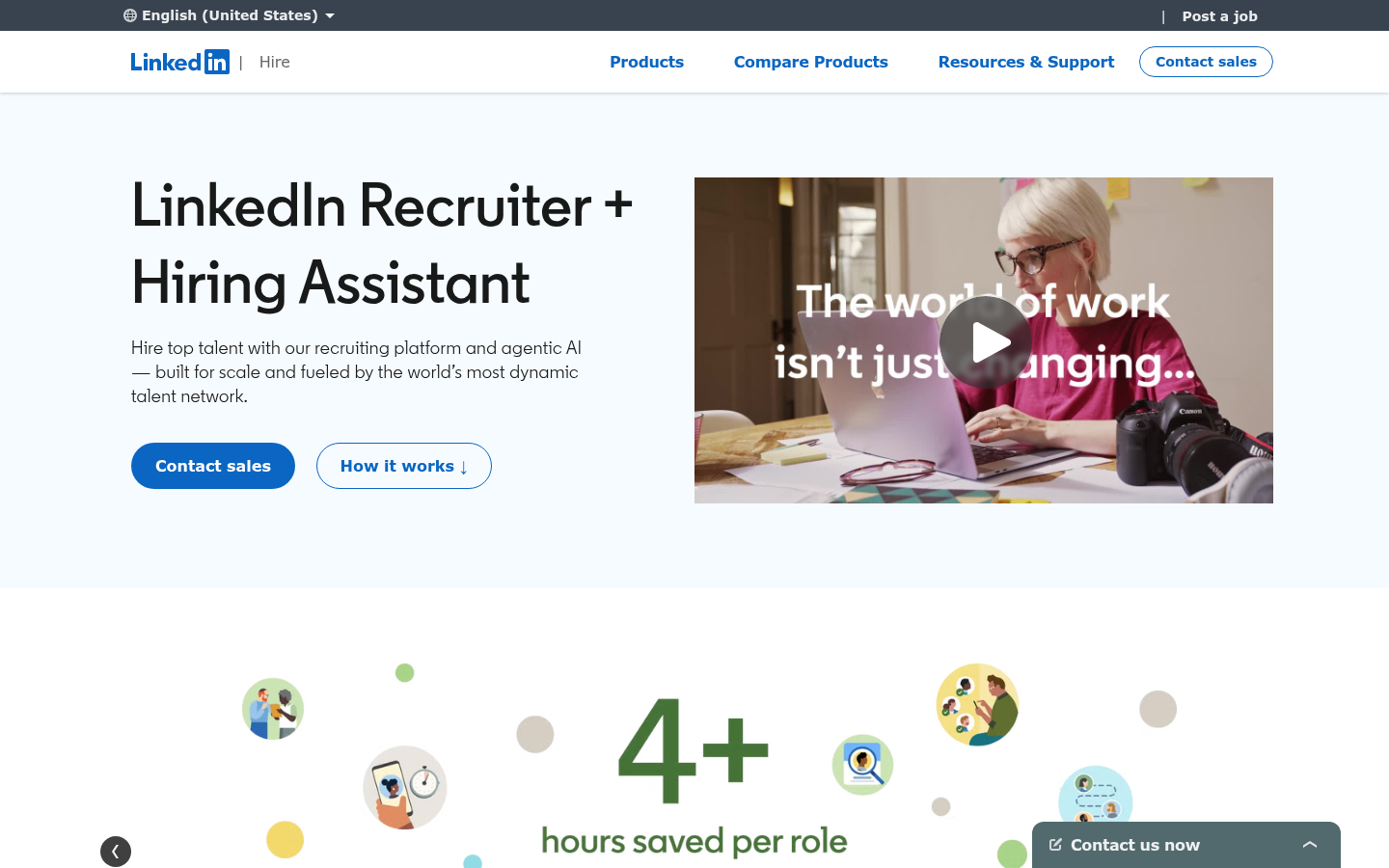
LinkedIn Recruiter remains a go-to option for recruiters to find and research candidates. The problem comes when recruiters have to constantly switch between LinkedIn Recruiter and Bullhorn.
Bullhorn uses LinkedIn Recruiter System Connect (RSC) to bring ATS data into LinkedIn Recruiter, making it easier to connect LinkedIn activity with existing candidate records.
Recruiters can see relevant Bullhorn information while working in LinkedIn Recruiter, identify candidates who already exist in their database, and reduce duplicate work across the two platforms.
For teams already investing heavily in LinkedIn Recruiter, the integration helps turn two essential but separate recruiting tools into a more connected workflow.
Key capabilities
- Recruiter System Connect: Connect LinkedIn Recruiter with candidate information held in Bullhorn.
- ATS visibility: See relevant Bullhorn information while researching candidates on LinkedIn.
- Existing-candidate identification: Recognize when a LinkedIn profile already has a record in your database.
- Recruiting history: Get more context on previous interactions before approaching a candidate.
- Reduced duplicate work: Spend less time manually checking and updating information across both systems.
- Connected sourcing workflows: Move more smoothly between LinkedIn candidate discovery and your core Bullhorn process.
Best for: Recruiting teams that rely heavily on LinkedIn Recruiter and want candidate activity connected to their Bullhorn records.
The platform provides access to a large talent pool and helps streamline sourcing through saved searches, project organization, and candidate tracking. Features like InMail and talent recommendations also improve outreach and make the recruitment process more efficient.”
11. Microsoft Teams: smooth recruiter collaboration
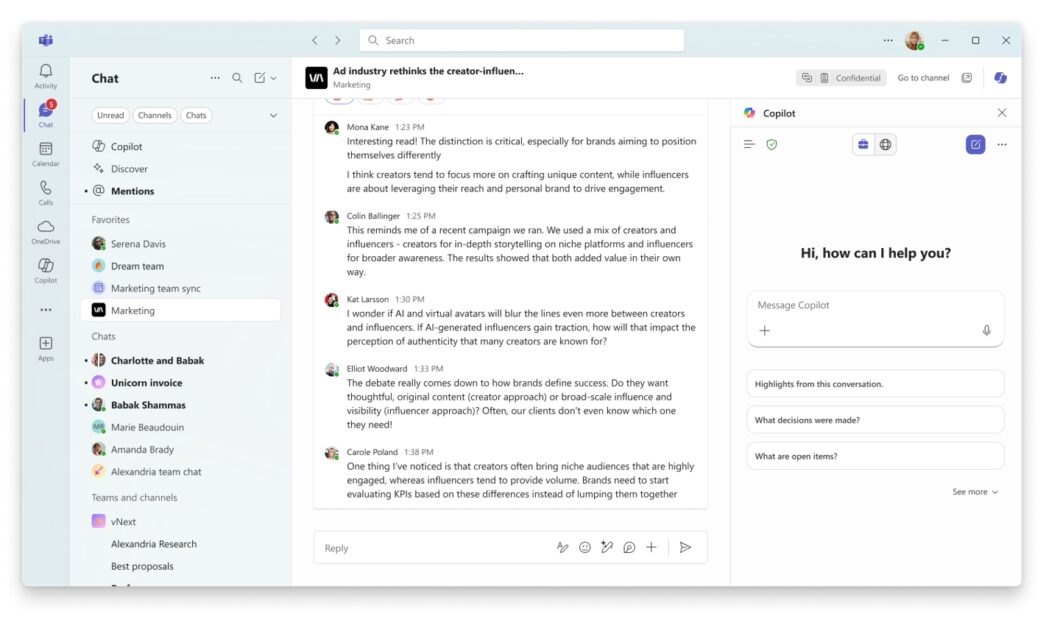
Recruiters spend significant time inside their ATS, but that's rarely where all internal collaboration happens. Connecting Teams with Bullhorn helps bring those two parts of the recruiter's day closer together.
Teams can share and discuss relevant recruiting information without every conversation becoming another reason to jump between applications. This is particularly useful for larger or distributed recruiting teams, where recruiters, account managers, and other colleagues need to coordinate quickly around active roles and candidates.
Microsoft Teams doesn't add a new recruiting capability in the way that an AI, screening, or sourcing platform does. Its value is simpler: making collaboration around the recruiting process easier for teams that already spend much of their day there.
Key capabilities
- Team messaging: Discuss candidates, clients, jobs, and placements in shared or private conversations.
- Recruiting collaboration: Keep recruiters and other stakeholders aligned around active workflows.
- Notifications: Surface relevant updates where teams already communicate.
- File sharing: Collaborate on documents and other recruiting materials.
- Meetings and calls: Move quickly from asynchronous discussion to live conversations.
- Microsoft ecosystem: Fit Bullhorn-related collaboration into an existing Microsoft 365 workflow.
Best for: Recruiting teams that already use Microsoft Teams extensively and want Bullhorn information closer to everyday conversations.
It keeps the day-to-day communication and collaboration in one place. The integration with Outlook and other Microsoft 365 apps is very convenient, especially for scheduling meetings.”
12. Zapier: custom Bullhorn automations
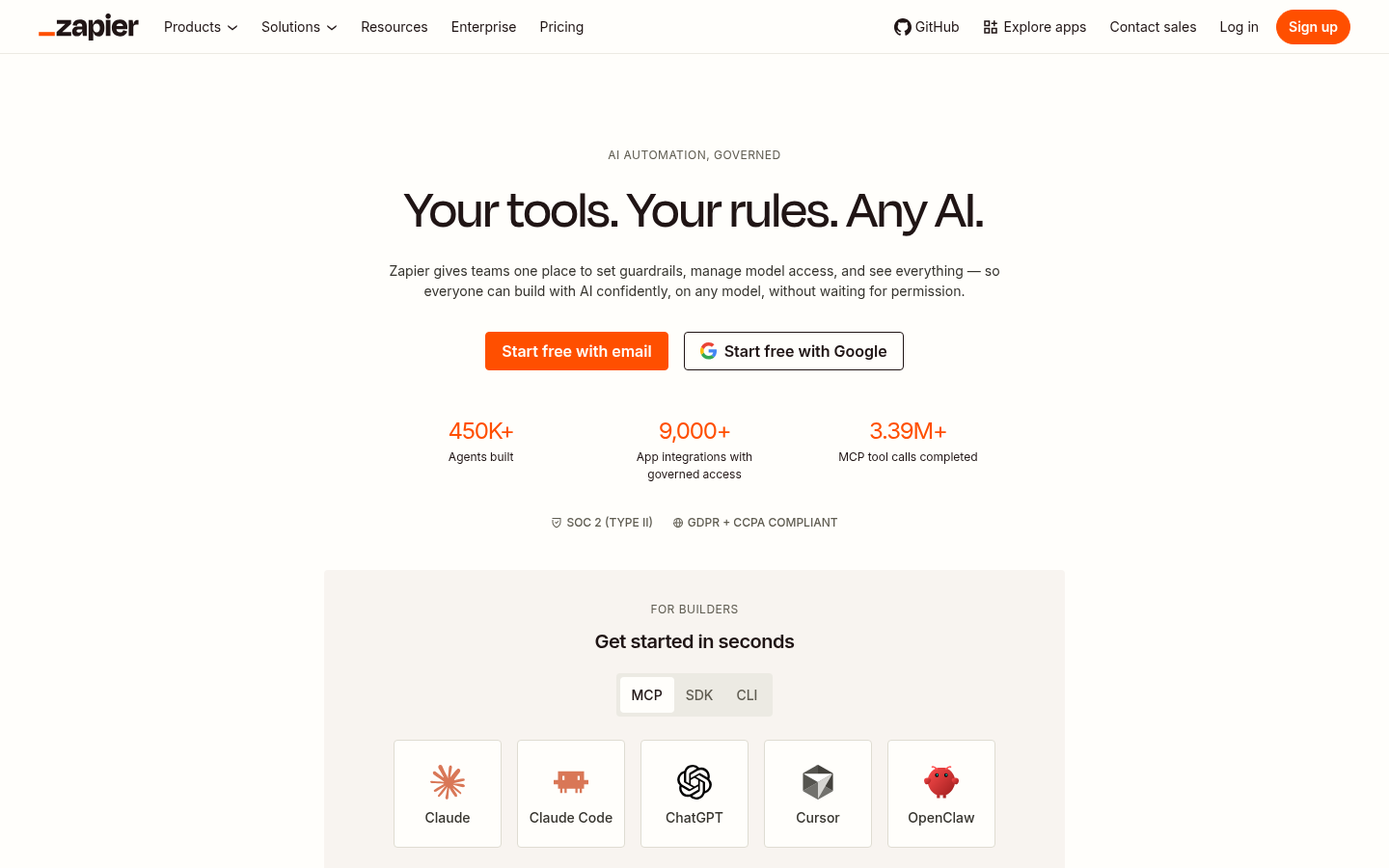
Not every useful tool in your recruiting stack will have a deep native Bullhorn integration. Zapier lets teams create workflows that pass information between Bullhorn and other supported applications based on specific triggers and actions.
For example, you might trigger a downstream workflow when a Bullhorn record changes. Or run a daily data match to ensure all systems are up to date.
Zapier isn't a replacement for a purpose-built Bullhorn integration. Native integrations often provide deeper data synchronization and recruiting-specific functionality. But for relatively simple connections and bespoke workflows, it gives you a flexible way to fill gaps between Bullhorn and the rest of their tech stack.
Key capabilities
- No-code automation: Build cross-platform workflows without developing a custom integration.
- Triggers and actions: Start automated processes when specified events occur.
- App connectivity: Connect Bullhorn workflows with other supported business applications.
- Custom workflows: Automate processes specific to your team's existing tech stack.
- Repetitive task automation: Reduce manual copying, updating, and administrative steps.
- Workflow flexibility: Fill gaps where a deeper native integration isn't available or necessary.
Best for: Teams that want to connect Bullhorn with other business applications without building every workflow from scratch.
You just set the rules, the do's and don'ts. It connects seamlessly to all the apps our team uses: Gmail, Drive, Google Calendar, Sheets, Forms, Docs, and Stripe, and best of all, Zapier connects to ChatGPT and thousands of more apps.”
What to look for in Bullhorn integrations.
Having more integrations doesn't automatically give you a better recruiting stack. Each additional platform should solve a clear problem, fit naturally into how recruiters already work, and reduce rather than increase manual admin.
Here are six things worth looking for.
1. Meaningful data flow.
A Bullhorn integration should give you more than another place to view the same information. Look closely at what actually moves between the two platforms.
Can candidate information, activities, notes, statuses, and other important data automatically flow back into Bullhorn? Does the integration support two-way synchronization?
The less recruiters have to manually copy information between systems, the more valuable the integration becomes.
2. Less recruiter admin.
Every new recruiting tool is another potential tab, login, and set of tasks. The best Bullhorn CRM integrations are the opposite.
They automate work recruiters previously did manually, capture information without extra data entry, or complete entire parts of a workflow in the background.
A new tool should give recruiters time back, not another system to maintain.
3. Capabilities Bullhorn doesn't already give you.
There's little value in paying for another platform that mostly duplicates what you already have. Instead, look for specialist products that extend what your recruiting team can do.
AI sourcing and screening, interview intelligence, advanced candidate matching, background checks, calling, and onboarding are all examples of capabilities that can sit around Bullhorn without replacing its core role.
4. Bullhorn stays your system of record.
Adding specialist tools shouldn't leave recruiters wondering where the latest candidate information lives.
Where possible, important activity and insights should flow back into Bullhorn. So your team doesn't have to search across several platforms to reconstruct what happened.
5. Easy recruiter adoption.
Look for tools that fit naturally into existing workflows, require minimal switching between systems, and don't demand hours of training before your team gets value.
The best integrations should make the existing Bullhorn experience feel more capable, not more complicated.
6. Strong security and data controls.
Recruiting teams handle large amounts of personal and potentially sensitive information. Before adding a new Bullhorn partner, understand what candidate and client data the platform accesses, where that data goes, and what security and privacy controls are in place.
This becomes particularly important for integrations handling resumes, interview conversations, contact information, background checks, or onboarding documents.
Build a smarter recruiting stack around Bullhorn
Bullhorn can remain the backbone of your recruiting operations without being expected to handle every part of modern recruiting itself. With the right integrations, you add specialist capabilities exactly where you need them.
That might mean better candidate data, easier calling, faster background checks, smoother onboarding, or custom automations connecting Bullhorn with the rest of your tech stack.
And increasingly, AI can take on meaningful parts of the recruiting process.
Metaview gives Bullhorn teams AI agents that can help source candidates, review applications, conduct initial screens, capture interviews, and turn recruiting conversations into useful intelligence. Recruiters get more leverage throughout the hiring process while Bullhorn remains at the center of their recruiting operations.
Ready to put AI to work alongside Bullhorn? Try Metaview for free.
Bring Metaview into your hiring stack.
Live notes, structured scorecards, and ATS sync - set up in under 10 minutes.
Bullhorn integrations FAQs
What integrations does Bullhorn have?
Bullhorn has a large partner ecosystem spanning sourcing, candidate data, communications, background screening, onboarding, analytics, productivity, and other recruiting functions.
That includes specialized recruiting platforms as well as widely used business tools. The right combination depends on which capabilities you need to add around your existing Bullhorn setup.
Does Bullhorn integrate with AI recruiting tools?
Yes. AI recruiting platforms can integrate with Bullhorn to add capabilities beyond traditional ATS and CRM functionality.
Metaview, for example, adds AI agents across sourcing, application review, screening, and interviewing. This lets teams use AI to complete more recruiting work while keeping their existing Bullhorn workflows connected.
Does Metaview integrate with Bullhorn?
Yes. Metaview integrates with Bullhorn so recruiting teams can use Metaview's AI capabilities alongside their existing ATS and CRM workflows.
Metaview helps recruiters source candidates, review applications, run initial screens, capture interview notes, create scorecards, and generate recruiting insights without requiring teams to replace Bullhorn as their core recruiting platform.
Does Bullhorn integrate with LinkedIn Recruiter?
Yes. Bullhorn supports LinkedIn Recruiter System Connect (RSC), which connects information from Bullhorn with LinkedIn Recruiter.
This can give recruiters more context while sourcing on LinkedIn, including visibility into existing ATS records and previous recruiting activity. It's particularly useful for teams that spend significant time sourcing through LinkedIn Recruiter but manage their wider candidate pipeline in Bullhorn.
Can Bullhorn integrate with Microsoft Teams?
Yes. Bullhorn and Microsoft Teams can be connected to bring recruiting workflows and team collaboration closer together.
For teams already working heavily in Teams, this can reduce unnecessary switching between communication and recruiting platforms and make it easier to keep colleagues aligned around candidates, jobs, and clients.
Can you automate Bullhorn with other apps?
Yes. Some platforms offer purpose-built Bullhorn integrations, while automation tools such as Zapier can connect Bullhorn with other supported applications.
Native integrations are generally preferable when you need deep synchronization or recruiting-specific functionality. Automation platforms can be useful for simpler workflows or connecting tools that don't offer the exact native integration you need.
How do I choose the right Bullhorn partners?
Start with the biggest friction points in your current recruiting process rather than choosing tools based on the number of features they offer.
Look for partners that add capabilities you don't already have, eliminate meaningful manual work, fit easily into recruiter workflows, and keep important data connected to Bullhorn. Security, implementation requirements, and recruiter adoption should also factor into your decision.
Do Bullhorn integrations sync data automatically?
It depends on the integration. Some Bullhorn partners provide deep synchronization between platforms, while others only support particular records, actions, or workflows.
Before choosing an integration, check exactly what information moves between the two systems, which direction it travels, how frequently it updates, and whether recruiters still need to transfer any important information manually.
Are Bullhorn integrations included with Bullhorn?
Not necessarily. Many Bullhorn integrations connect third-party products that have their own subscriptions and pricing.
Access can also depend on the particular Bullhorn product, integration, and configuration you're using. Check the requirements and costs for both Bullhorn and the integration provider before adding a new platform to your stack.
